


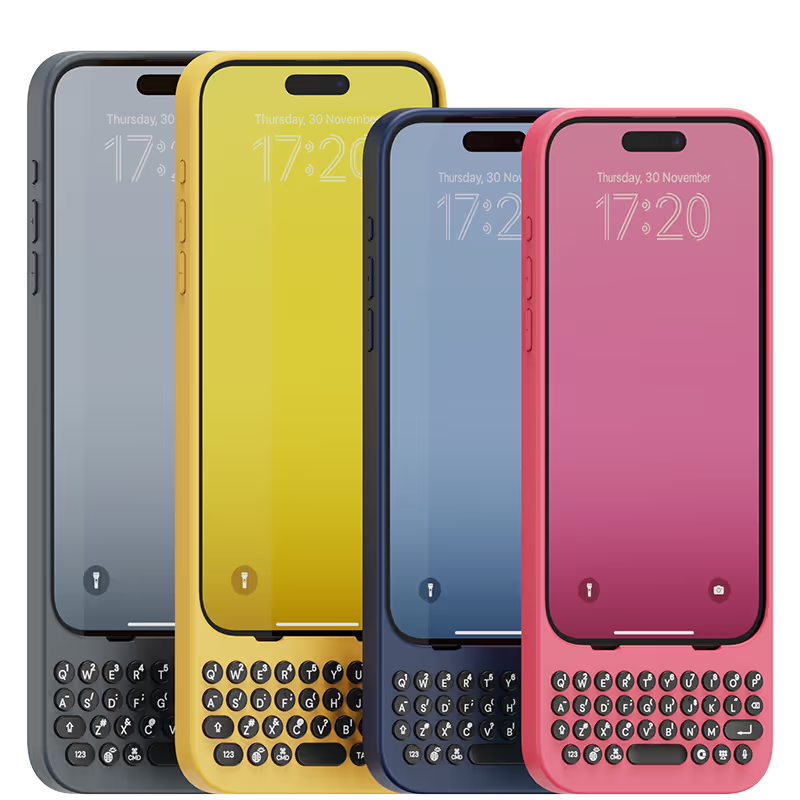
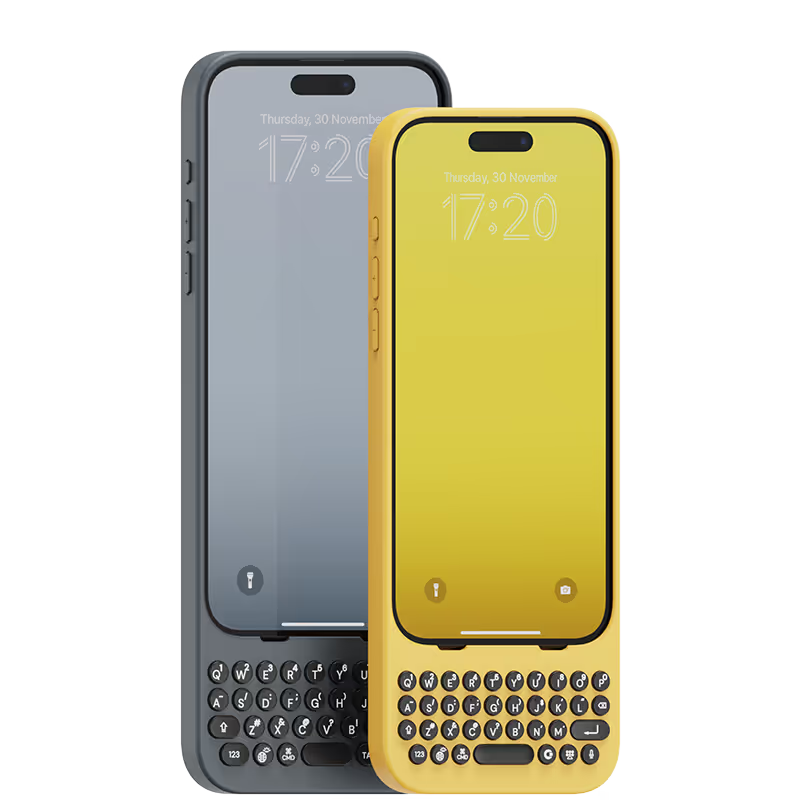


It feels like I can do office work anywhere with clicks keyboard

i have been using clicks for over a week now and I love it, best choose I made. As soon as I saw the case out the box I was wowed by it and knew instantly I would love it. I’m getting used to using the physical keyboard now, I love the shortcuts you can make as well. I can’t see going back to using one of my other cases I love using clicks that much, defiantly recommend.
Absolutely loving my clicks case, I have used one before 16pro and loved it straight away so much better typing on proper keys and love that I have a lot more screen space. I can’t see me using my phone without this case. I also like the new design and that I can have a strap now 🙂 I would definitely recommend this case and have been doing with the amount of people asking where I got it from.
Glad I purchased it as I don't like using virtual keyboards.
物理キーの快感が素晴らしい。 毎日触るたびにワクワクする。 悪いところは重量が少し増えることだけど逆にこの重量感が嬉しい。
It feels like the good ole days, using physical keys, and hearing that rhythmic click as I type. Tons of fun and much more comfortable to send long messages or emails!
I am writing this review with my clicks keyboard on my iPhone 14 Pro. This keyboard has changed everything, love that it gives me more screen with the clicks keyboard. I added a MagSafe adapter to make this phone fully MagSafe compatible with all my accessories. The keyboard has a great tactile feeling when typing and its not about wanting to go back to the old days, its about realising how much a physical keyboard makes your everyday smartphone more useful and productive that only a physical keyboard can offer. I have large hands and I’ve learned to type with my clicks no issues I love the the backlighted keyboard which makes life so much easier! I can not wait for clicks team to build the clicks brand into something even bigger and offer more click products like a case that slides or flips open as I felt the sidekick phone keyboard the most productive of all, being able to flip it out and also having more room to add more buttons for mobile gaming and more productivity and flip it back in to have the phone screen and the keyboard have that extra protection. Clicks has a endless future with there brand name and I hope they have copyrighted the phrase “it just clicks” as all the awesome magnetic accessories from docks to battery banks to mounts, clicks has a bright future. The clicks keyboard gets the attention of someone everywhere I go and it something everyone should have and also start to what more from clicks like myself I think its a sturdy keyboard and should last a long time but the option for extended warranty so never need to worry you’ll be without you clicks keyboard if something happens weather its accidental or its after the 1 year warranty. Clicks please don’t forget the possibility’s of your brand and all the products you can make clicks a household tech brand name its about the future and the versatility of clicks products that just click! Lets get a keyboard that flips,clicks that also can use all the magnetic accessories our phones use already and things you all create that are only something clicks has created to make our phones even more productive and versatile!
My thumbs were constantly cramping from on-screen typing. Emails were a nightmare, and forget about editing documents! The Clicks Keyboard has been a lifesaver. The keys are perfectly sized for comfortable typing, and the layout is intuitive. My productivity has skyrocketed, and I can finally enjoy using my iPhone for more than just social media.
The phone case is great especially with the keyboard. I did have a problem where mine stopped working I contacted them and it was under warranty for at least a year and it was under a year old and they were great. They were very responsive their small company so you have to be patient but they will get back with you via email but it’s a great little keyboard case it’s a little big obviously but it’s nice cause you get your whole screen and the ability to use a regular keyboard instead of a virtual very pleased with this company and I would recommend this product to anybody that wants a standard keyboard
As a freelance content creator who spends a lot of time on my iPhone, I was skeptical that a mobile keyboard could improve my workflow. But the Clicks Keyboard blew me away. It's like having a mini laptop in my pocket. Typing is fast and accurate, the customizable shortcuts are a game-changer (goodbye, repetitive tasks!), and the battery life is impressive. Plus, the build quality is ultra-premium.


.avif)
.webp)


