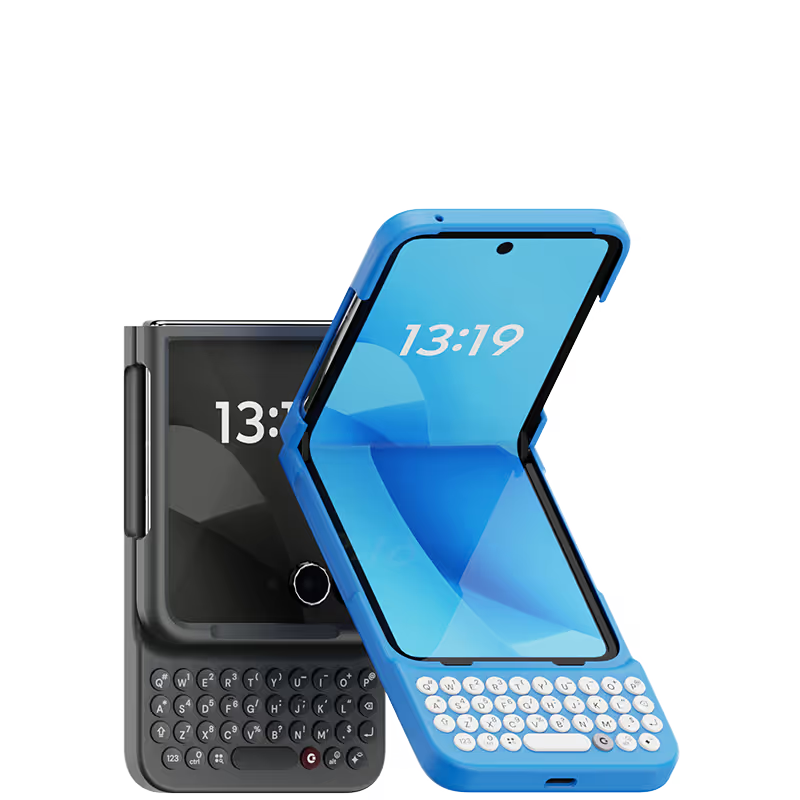
Clicks Keyboard
Clicks Keyboard


.svg)









This Clicks keyboard is like a dream come true for anyone who hates the on-screen keyboard. The keys are so satisfying to type on, and the layout is intuitive. Plus, the backlight is a lifesaver for late-night typing sessions. I can finally get work done efficiently on my iPhone!

I have used Clicks for iPhone 15 Pro Max and it was good, but the 16 Pro Max, is the best thing ever! Just cannot do without it!
It is fantastic. There is a learning curve, but the daily emails with tips and tricks for the first week were super helpful. At least three people I know have ordered after seeing mine. If you abhor typing on a screen and miss the days you could fly on your ‘Berry, this is for you. Thank you, Clicks!
Such a nostalgic piece of equipment! I am in Love with this product! Everyone asks about, turns heads and is an ice breaker. My friends liked it so much they purchased their own for their Razor phones as well! Fantastic job guys y'all nailed it!
Attention, tech enthusiasts and keyboard warriors! Remember the nostalgic days of tactile typing on your mobile phones? The satisfying clickety-clack that accompanied every text message, email, and hastily written note? Relive those moments with Clicks for iPhone, a resurrection of the lost art of physical keyboarding. As a seasoned veteran of the mobile phone scene, I've witnessed the rise and fall of countless trends, but few have intrigued me like Clicks. This ingenious little add-on empowers you to transform your sleek touchscreen iPhone into a pocket-sized productivity powerhouse, enhancing your efficiency on the go. The Clicks keyboard is a marvel of engineering, with well-spaced keys that provide just the right amount of tactile feedback. Typing on it is like typing on a miniature laptop, but without the bulk or the awkward stares from fellow commuters. Sure, it takes a bit of getting used to. My thumbs initially felt like a fish out of water, flopping around in search of their digital home. But after a few days of practice, I was zipping through emails and social media posts with newfound speed and accuracy. And let's remember the sheer joy of hearing that satisfying click with every keystroke. It's a symphony of productivity, a rhythmic reminder that you're getting things done. Of course, there are a few minor quibbles. The Clicks keyboard adds a bit of bulk to your iPhone and makes it longer. But for those of us who prioritize function over fashion, these are minor sacrifices. So, if you're tired of hunting and pecking on your touchscreen keyboard or simply yearning for the tactile typing experience of yesteryear, give Clicks for iPhone a try. Your thumbs will thank you.
Not gonna lie, I was a little slow on Clicks the first few days and almost was going to return it. It's nice that you can still use the touchscreen if you want though so you don't actually have to type on the buttons all the time. I gave it a chance though and now I'm typing fast without even looking at the keyboard. Just took me a bit to get used to it.
Actually, these are hard to put ion your pocket, and the app is now deleted, as it caused issues. But I am thinking this is awesome for anyone who had a black berry Before
Great design, easy to install and user friendly. Have no regrets 🥳


.webp)


.avif)
.avif)
.avif)
.avif)