


As featured in:








Hear from the experts

Michael Fisher, MrMobile
Clicks takes the things you love most about the iPhone and makes them even better: more screen, new ways to create, and shortcuts that make you feel like you have superpowers.

CrackBerry Kevin, World’s #1 Mobile Keyboard Authority
Clicks is the product so many iPhone users have been waiting for. A way to combine a keyboard with all the things they love about iPhone. After a couple of weeks that muscle memory kicks in and you’ll never want to take Clicks off your iPhone.

Joseph Hofer, Former BlackBerry Designer
To click or not to click. Clicks gives you the freedom to choose. If you love visceral, analog interactions, enjoy seeing the whole picture by enlarging fullscreen, and appreciate saving time with action-packed shortcuts, then Clicks is for you.
Slides on easy. Ready. Set. Type.
Slide your iPhone into Clicks to unlock the benefits of buttons for creating on-the-move.



Free your screen
Clicks opens up screen space for apps and content like chats, browsing the web, engaging on social and creating on the go.
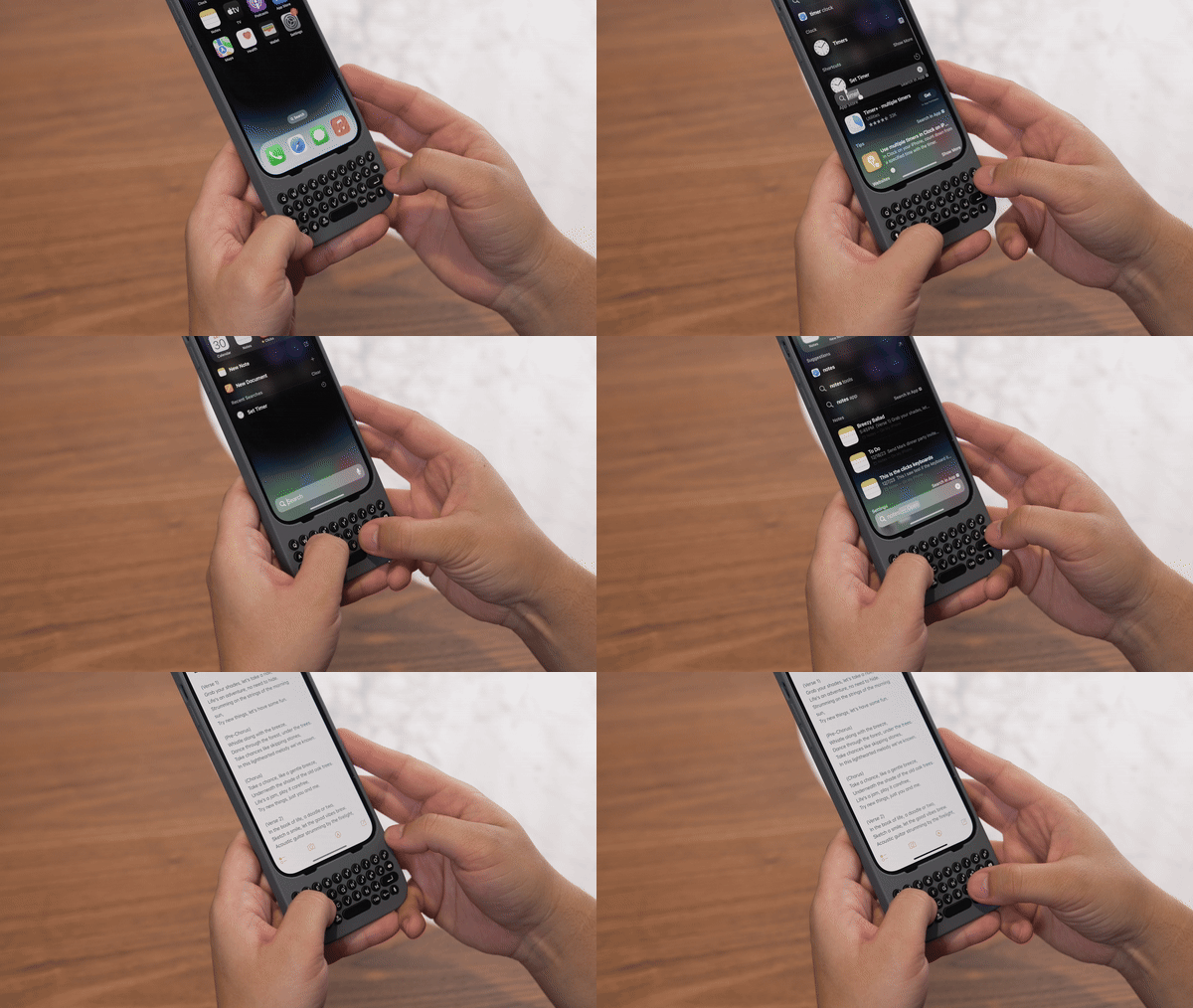

Breeze through tasks
Keyboard shortcuts and dedicated keys cut down on swipes and steps, giving you ultimate control of your phone.


Create anytime, anywhere
Real buttons make typing so natural you don’t need to wait to get back to your computer to write that long note, edit the document or get your ideas out.


Pass through power
Connect to iPhone with Lightning or USB-C for normal wired charging.
One-piece design
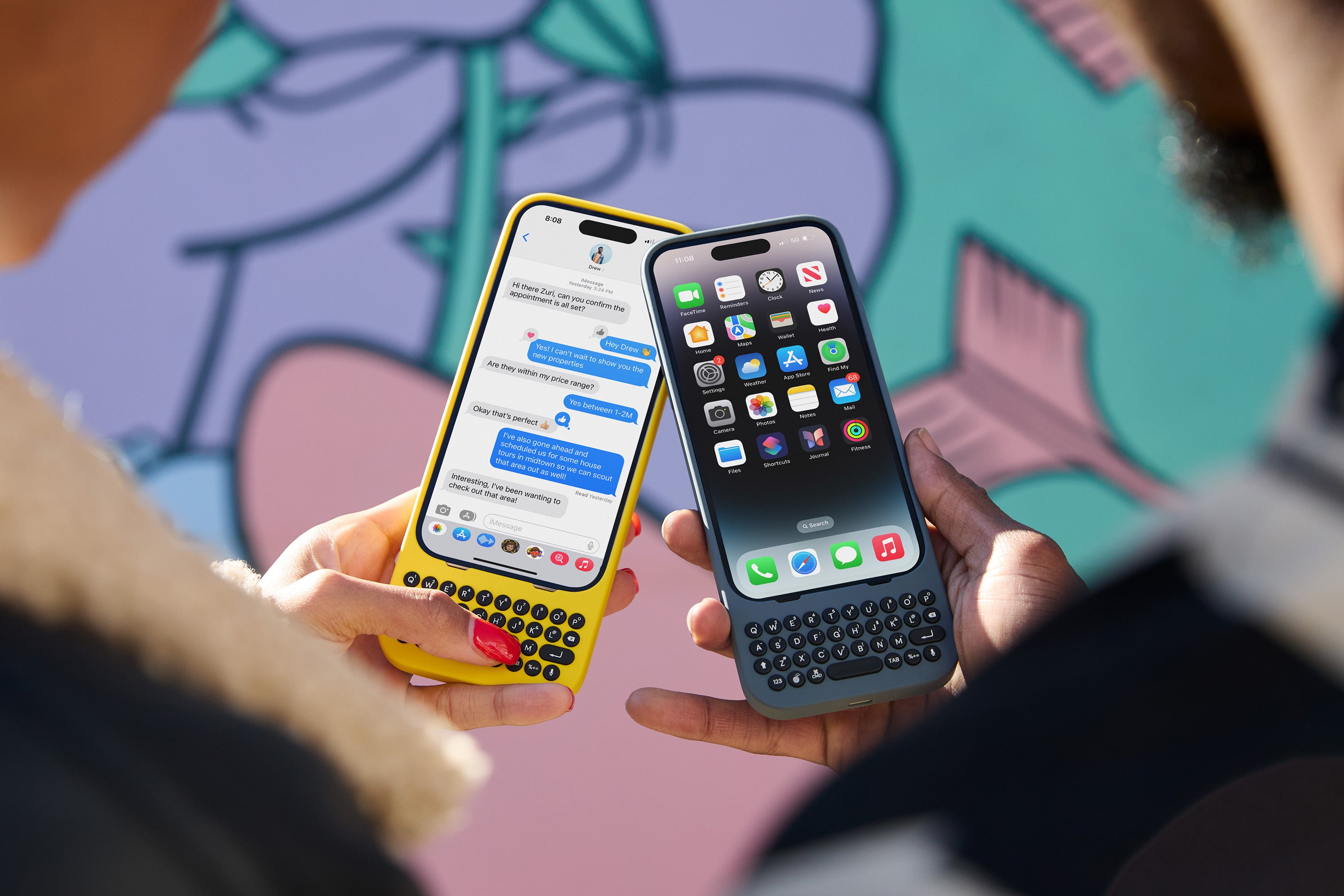
Clicks fits snugly to feel like a natural extension of iPhone.
Precision tuned buttons
Real buttons with the optimal balance of click, resistance and feedback for fast, accurate typing.
Precision Typing Instrument
We obsessed over every detail to create the best keyboard for iPhone.

Familiar keyboard layout
Designed for iPhone users, everything works just as you’d expect from uppercase letters to numbers and more...
Unlock keyboard shortcuts
Use CMD to unleash powerful shortcuts just like on your Mac or iPad.
Pass through power
Charge your phone by connecting your Lightning or USB-C charger
Dedicated voice key
Tap to enable speech to text or push to activate Siri
Single piece design
Clicks connects directly through Lightning or USB-C and feels like a natural extension of your iPhone.
Have a question? We’ve got you covered.
Here are the answers to some of the most common questions. Still have questions? Our team is here to help.
What iPhone models are supported?
Clicks is currently available for:
- iPhone 15 Pro
- iPhone 15 Pro Max
- iPhone 14 Pro
Fill out the registration form to get updates on more iPhone models coming soon.
Do you ship internationally?
Yes! We ship worldwide.
What is the return policy?
You have up to 44 days to return Clicks for a full refund.
Why 44 days? Like many new tech products it can take a couple of weeks to feel like a pro. So we've extended the typical 30 day return window to give you a chance to fall in love.
To initiate a return, click here: Clicks Returns Portal
Is Clicks coming to Android smartphones?
Maybe! Visit our Clicks Reservation page and let us know which Android phone you're on. Select the “I don’t use an iPhone” on the first question.
Why would I want buttons on my iPhone?
It's about more than typing! Clicks unlocks a ton of new value from your iPhone like screen real-estate and shortcuts.
I've got more questions...
Happy to help. Visit https://www.clicks.tech/support for more FAQs

Download the Clicks app.
Customize your Clicks keyboard for the ultimate typing experience with the Clicks app. The app simplifies managing your keyboard settings, ensuring your Clicks keyboard is always up to date.