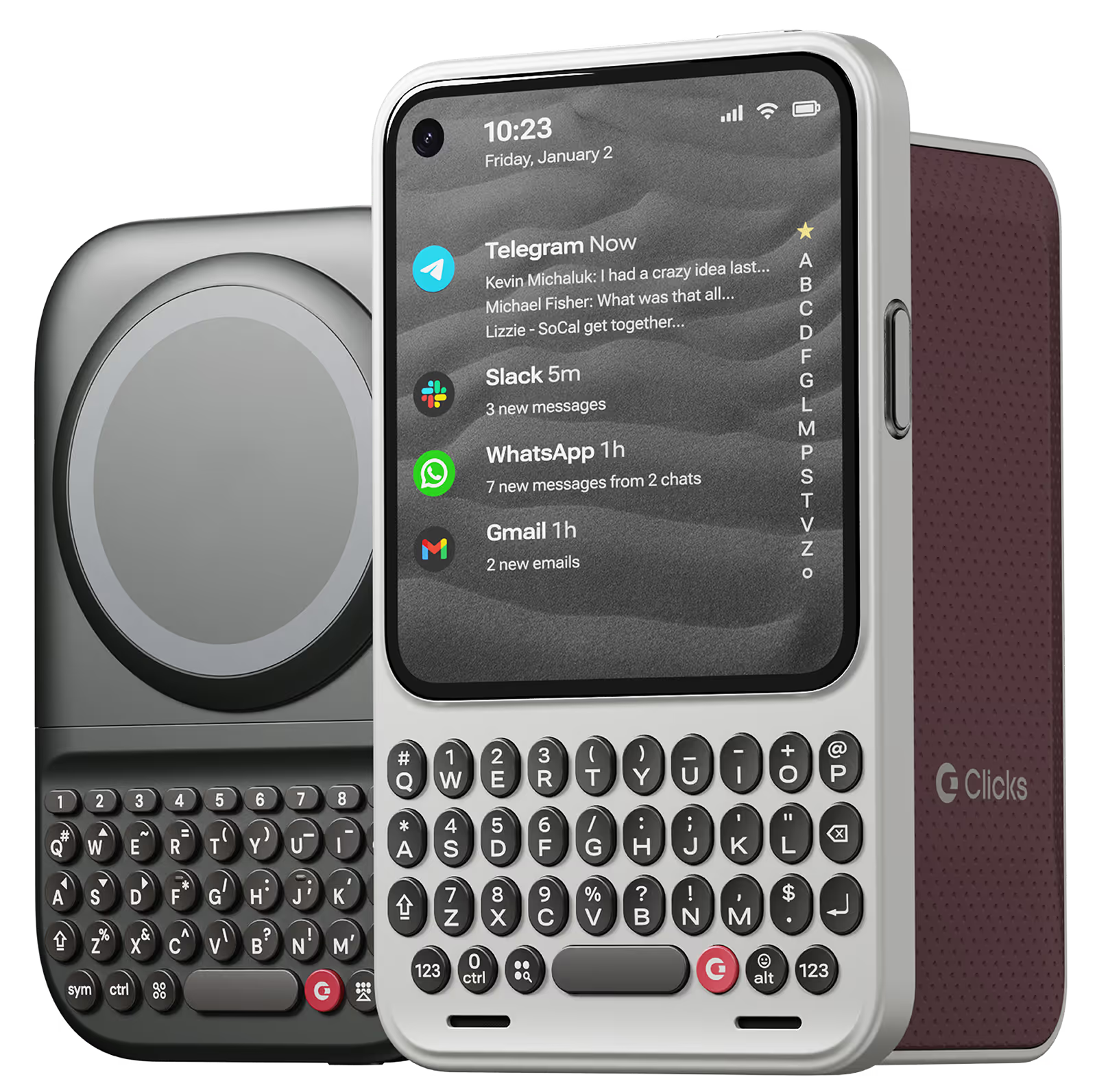
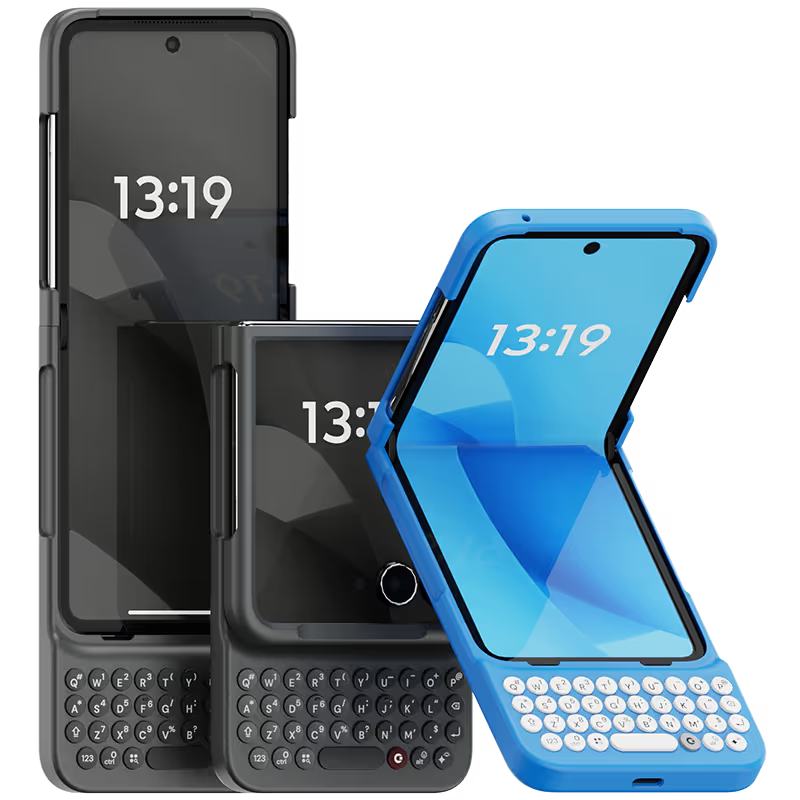
Why you'll love Clicks.

1
Feel satisfying real buttons
Pressing real buttons and hearing that little clicking sound feels more natural and rewarding.
Replay
2
Elevated premium protection
Brushed metal side keys, a microfibre lining, and a new enclosure that feels great while adding protection inside and out.
Replay
3
See more screen
Free your screen, with 50% more usable display to work, play, surf, chat and engage with your content.
Replay
4
Take action, faster
Launch customized shortcuts at the push of a button. Personalize your keyboard to control your home, launch apps, text or call contacts.
Replay
5
Keep your laptop at home
Make more happen right from your phone without needing to crack open your laptop.
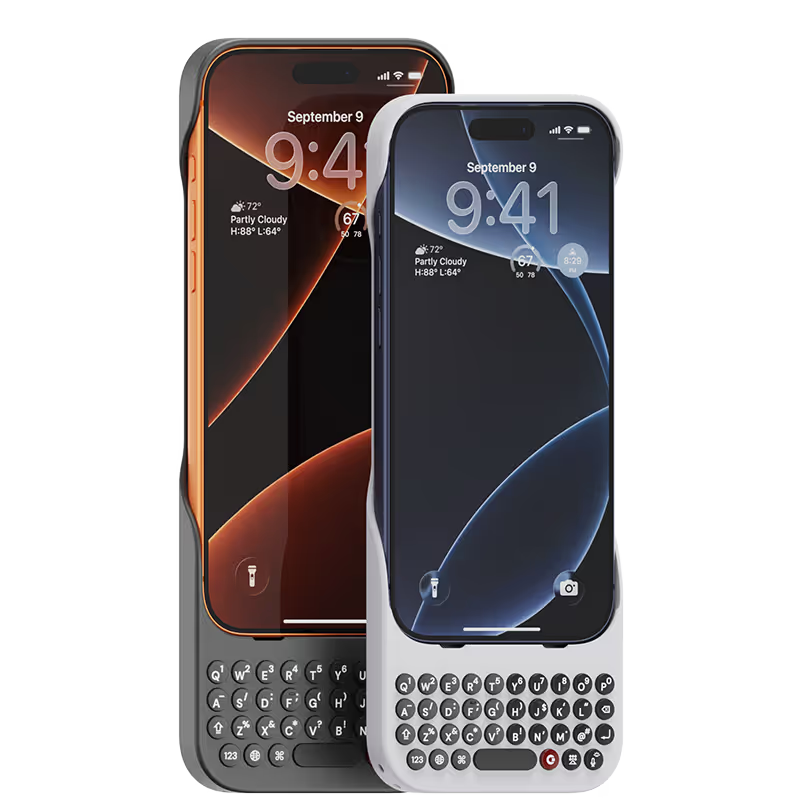
Clicks for iPhone
Available for iPhone 17, 16, 15 and 14.
In stock & shipping now.
Buy Now
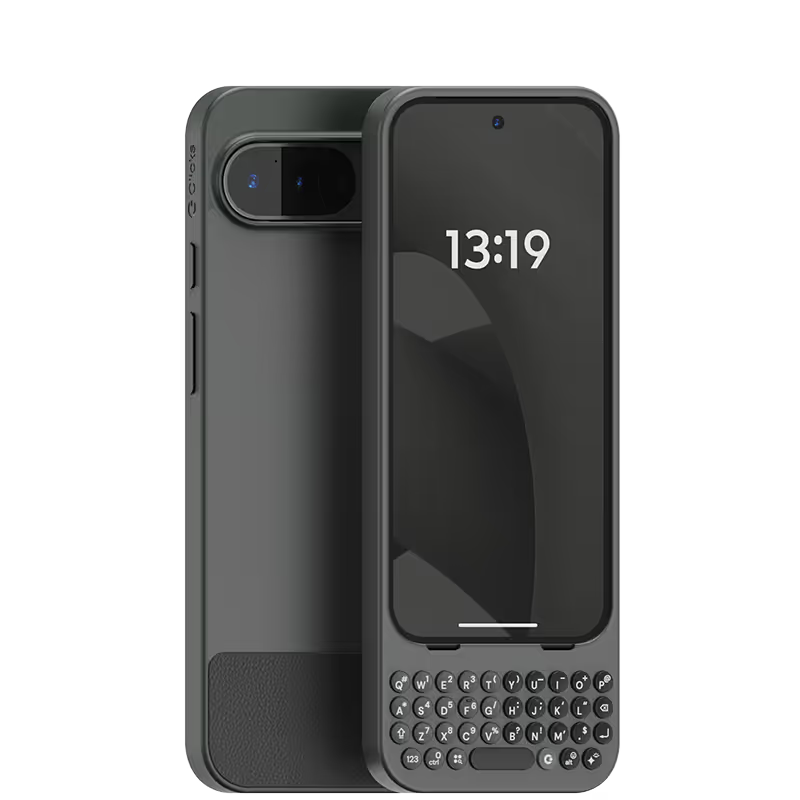
Clicks for Pixel
Pixel-perfect productivity.
Available now.
Buy Now
Clicks for Razr
Pocket-sized. Power-packed.
Available now.
Buy Now

Buttons with benefits.

More Screen

Get 50% more usable display to work, play, surf, chat and engage with your content.

Customizable Shortcuts

Launch custom actions at the push of a button.

Powerful Productivity

Real buttons that help you work smarter while away from your desk.

What Clicks users are saying.

Based on 5,328 user reviews.
Chris B.
Clicks for iPhone 14 Pro

Writing this review on my Clicks right now. As someone who grew up with a BlackBerry and missed the feeling of physical keys, Clicks has been amazing! I don’t want to use my phone without it now.

Visit source
Keiji Hotani
Clicks Keyboard for iPhone 16 Pro

The operation and design are all top notch. The backlight on the dial is bright enough to use when typing in the dark without any problems. The best part is that I already enjoy typing, it's a great experience. I will always be concerned if this keyboard is compatible as a requirement when updating my smartphone.

Visit source
Bilal Faour
Clicks Keyboard for iPhone 16

If you type a lot of email back and forth especially for work, it would be a nice to feel the email you are typing and this does exactly that.

Visit source
良太 篠原
Clicks Keyboard for iPhone 16

もともとBB KEY2を使っていたのですが、さすがにもう厳しくなってきたので、Clicksに乗り換えました。使用感の違いが気になるかなと思っていましたが、もうすっかり慣れてしまいました。 サイズも最初からこういうアイテムだ…と思えば気になりません。

Visit source
Dan C.
Clicks for iPhone 15

The Clicks case is fantastic! I absolutely love using it to send emails, take notes, and send texts. I"ve only been called a boomer six times since I put it on!

Visit source
Justin Low
Clicks Keyboard for iPhone 14

How was your overall experience using the item? I really missed having a physical keyboard after switching to an iPhone in 2022. Now with Clicks I am reliving the glory days with a modern device. I love it!

Visit source
pepito duran
Clicks Keyboard for Razr (2024)

I cannot recommend Clicks enough. Having my screen freed up as well as a tactile keyboard is great. The support team are also very helpful and polite, should you need help or advice.

Visit source
Jennifer D
Clicks for iPhone 16

I love having physical buttons. I am a very tactile person. There is a learning curve, because the balance point is different. I have suggestions, but I am really enjoying using it.

Visit source
Ammar B
Clicks Keyboard for iPhone 15

Typing on my phone is very enjoyable now and Clicks made me more productive on my iPhone 15 overall. My only concern is now I feel l can’t live without it, so hopefully I can get Clicks on future phones as well!

Visit source
Stefano Z.
Clicks for iPhone 15

The right accessory for the Thinking Human Being

Visit source

Clicks has you covered.
Try for 30 days.

It takes a week or two to get used to typing on real buttons –  you’ll need a little bit of patience and perseverance. Trust our tens of thousands of customers, it’s so worth it!

If it’s just not for you, we’ll give you your money back, no questions asked.