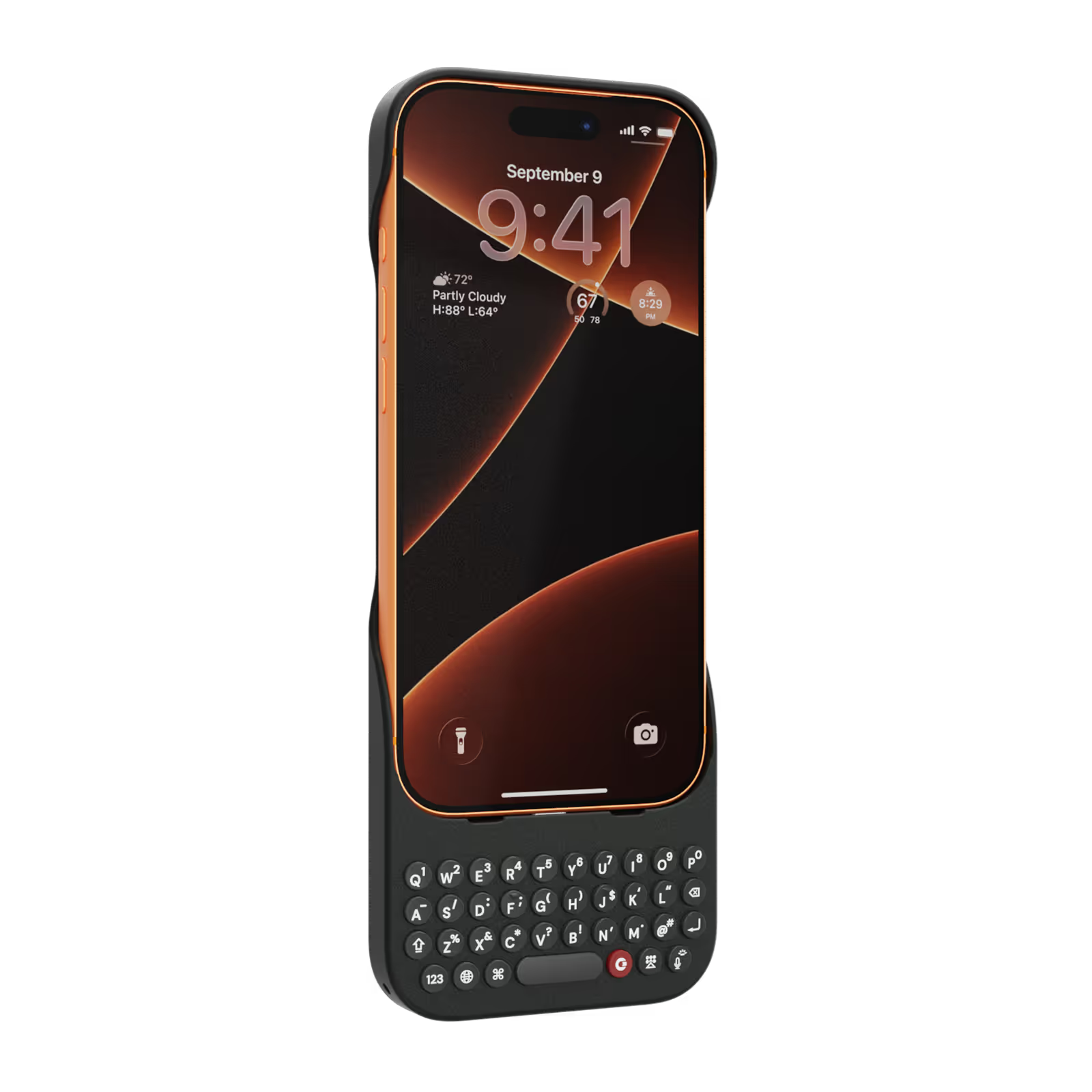
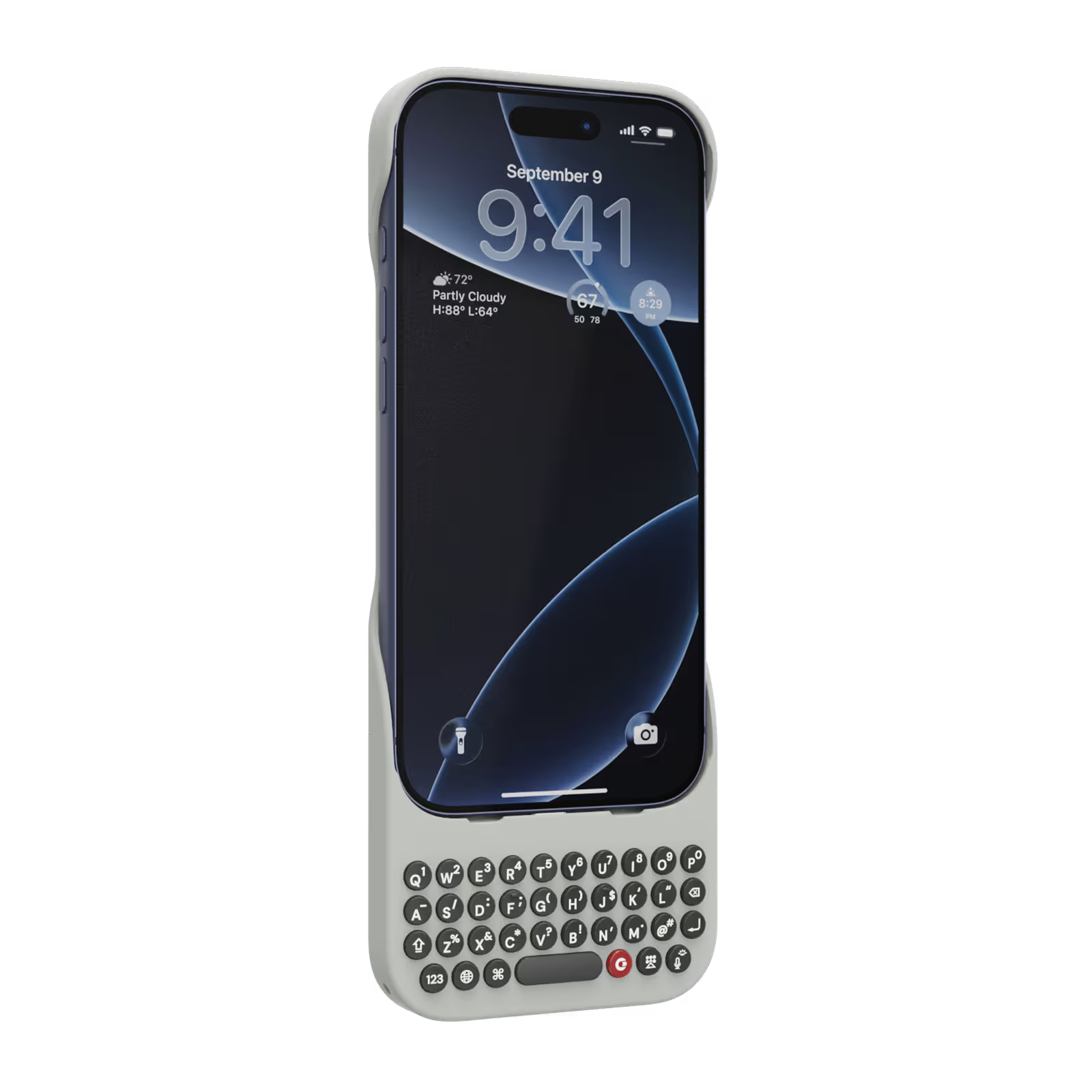
Select your iPhone 17 model.
Select iPhone model & color.
iPhone 17 Pro
$139
Price
iPhone 17 Pro Max
$139
Price
iPhone 17
$139
Price
Select your color.
Onyx
Smoke
$139
US$159
Shipping date metafield text.
Add to cart
Out of stock
Leave your email to be notified when it's back in stock.
We’ll email you when your selected model is back in stock.
Oops, something went wrong. Try again.
Fast & Free Shipping on orders $99+
No Extra Costs
30-Day Return Policy
Try Clicks Risk-Free
Over 100,000 Clicks Sold
In 100+ Countries

Highlights

40% thinner.
11% lighter.
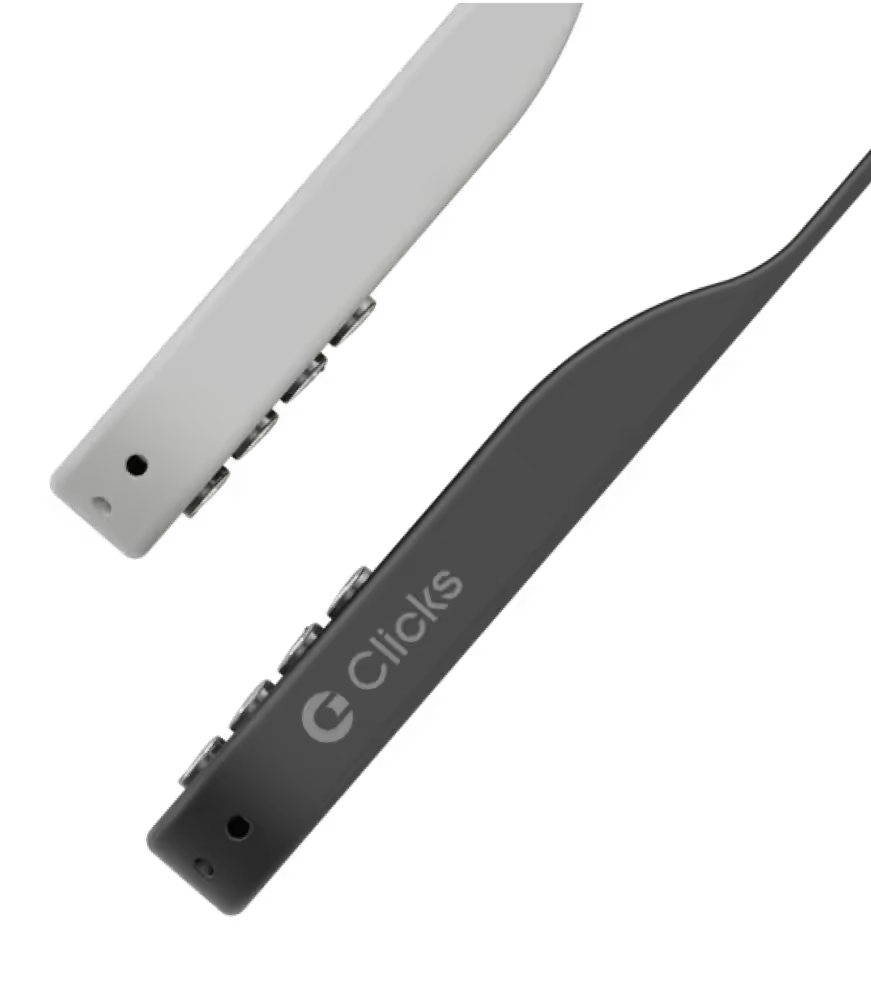
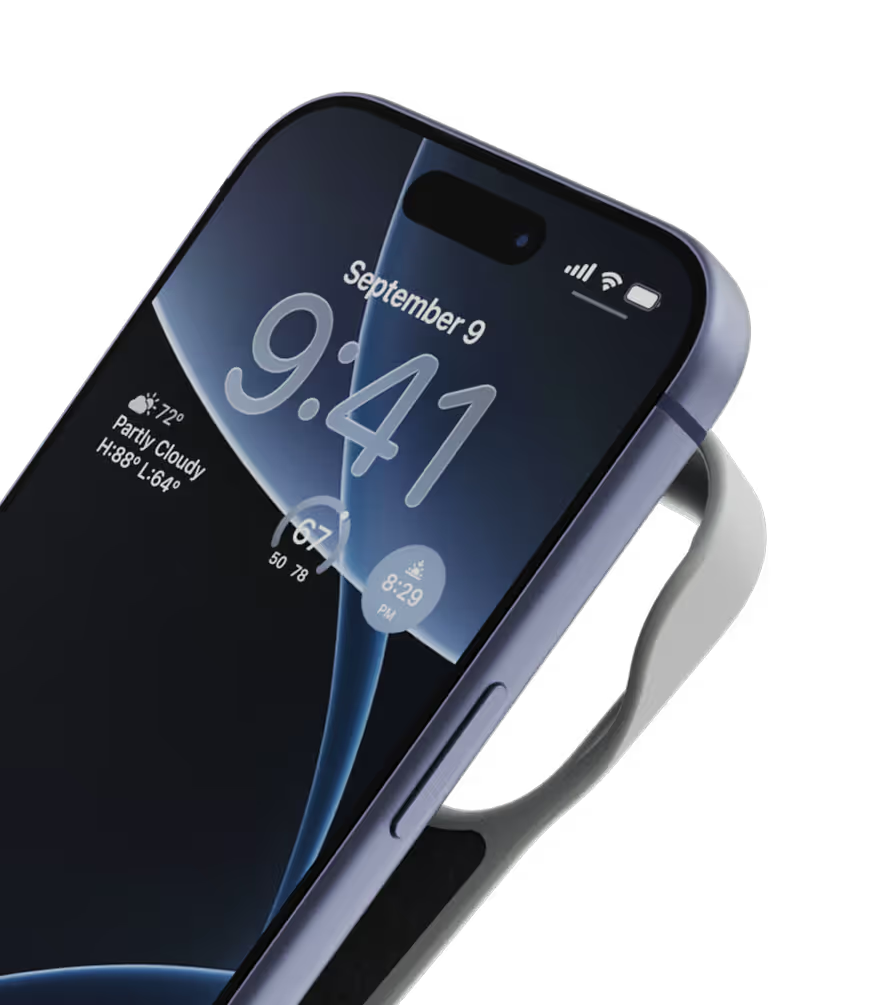
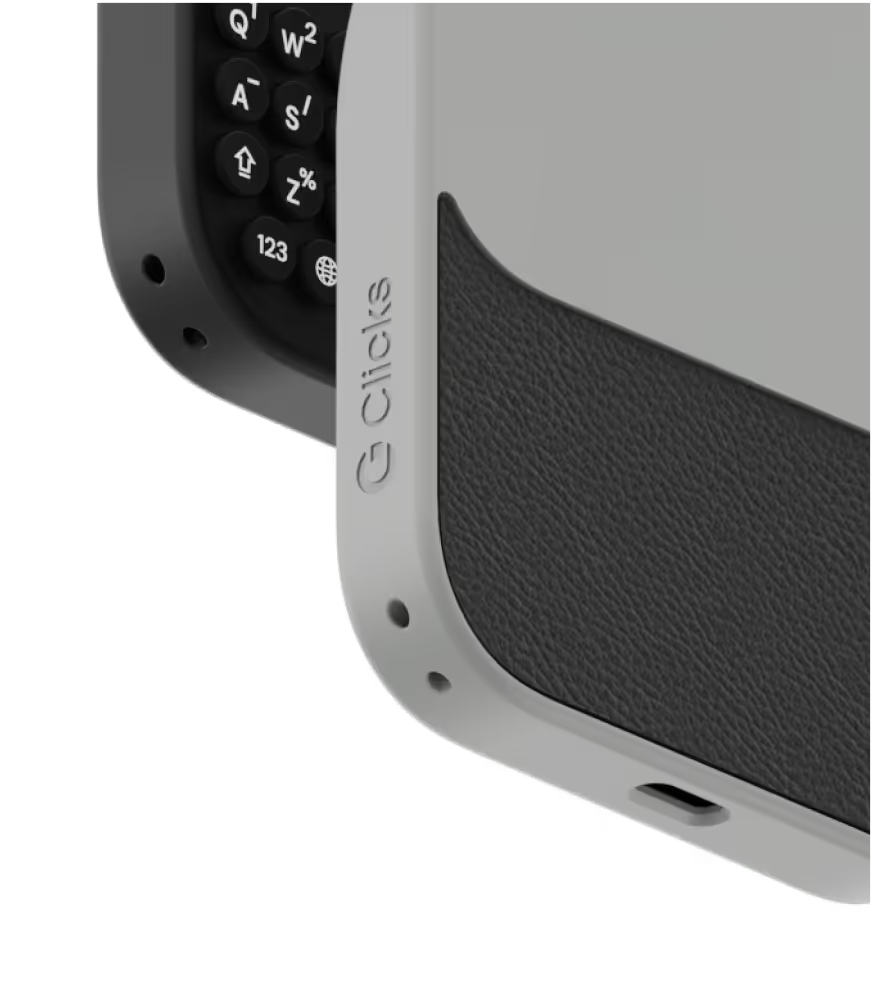
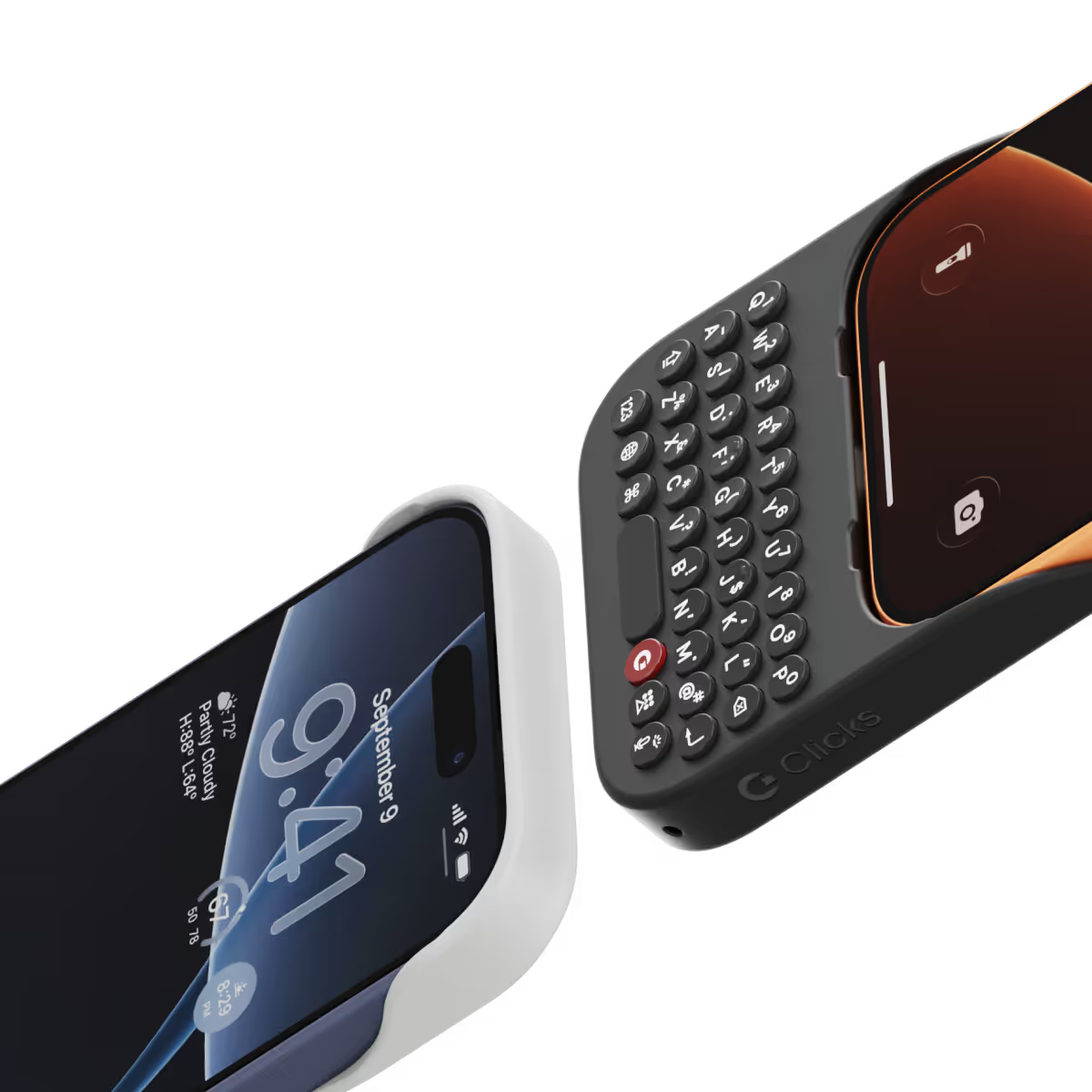
A refined design feels great in your hands and lets your iPhone’s personality shine.
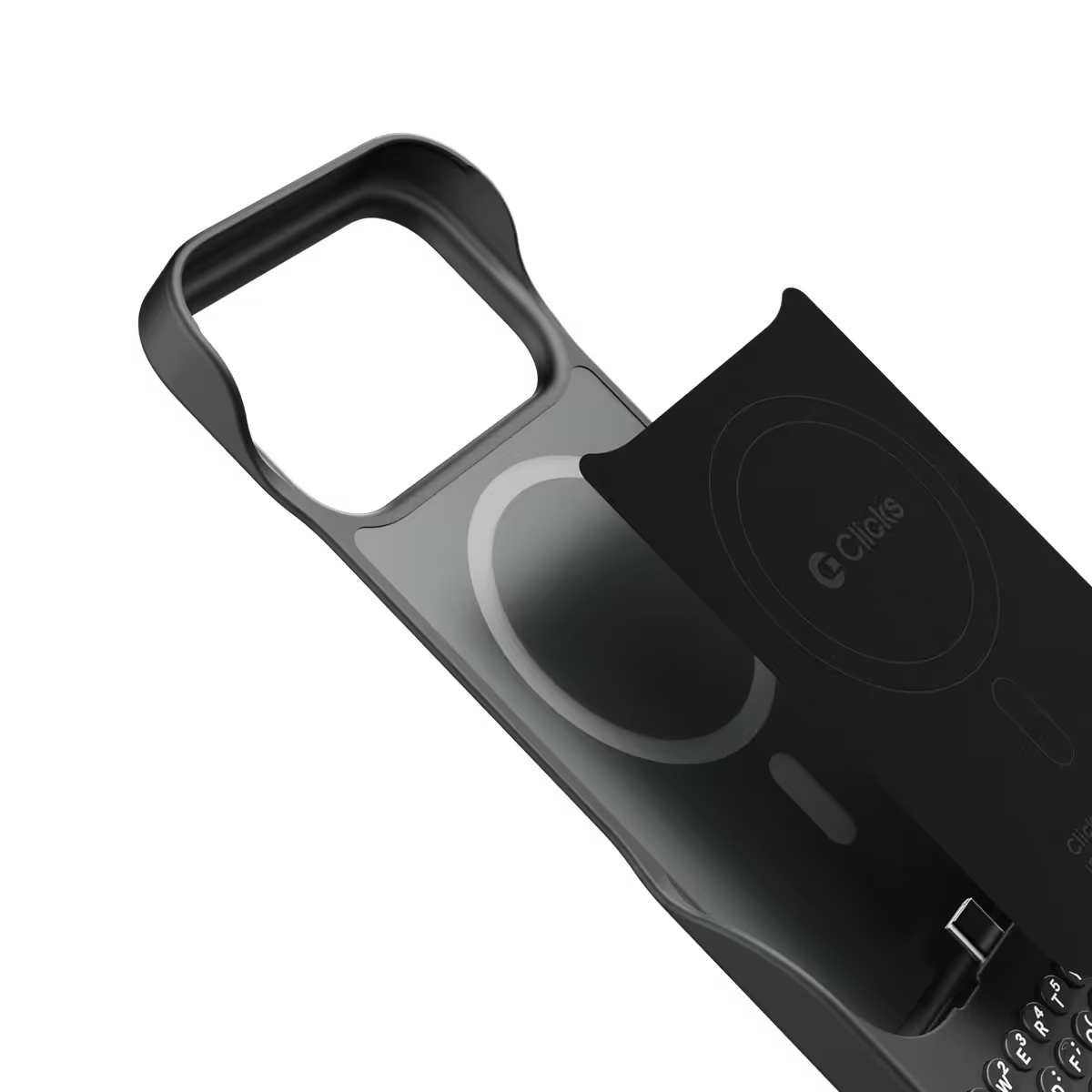
Snap-in
design.
Adding and removing Clicks to your iPhone just got faster and easier.
Lanyard-ready.
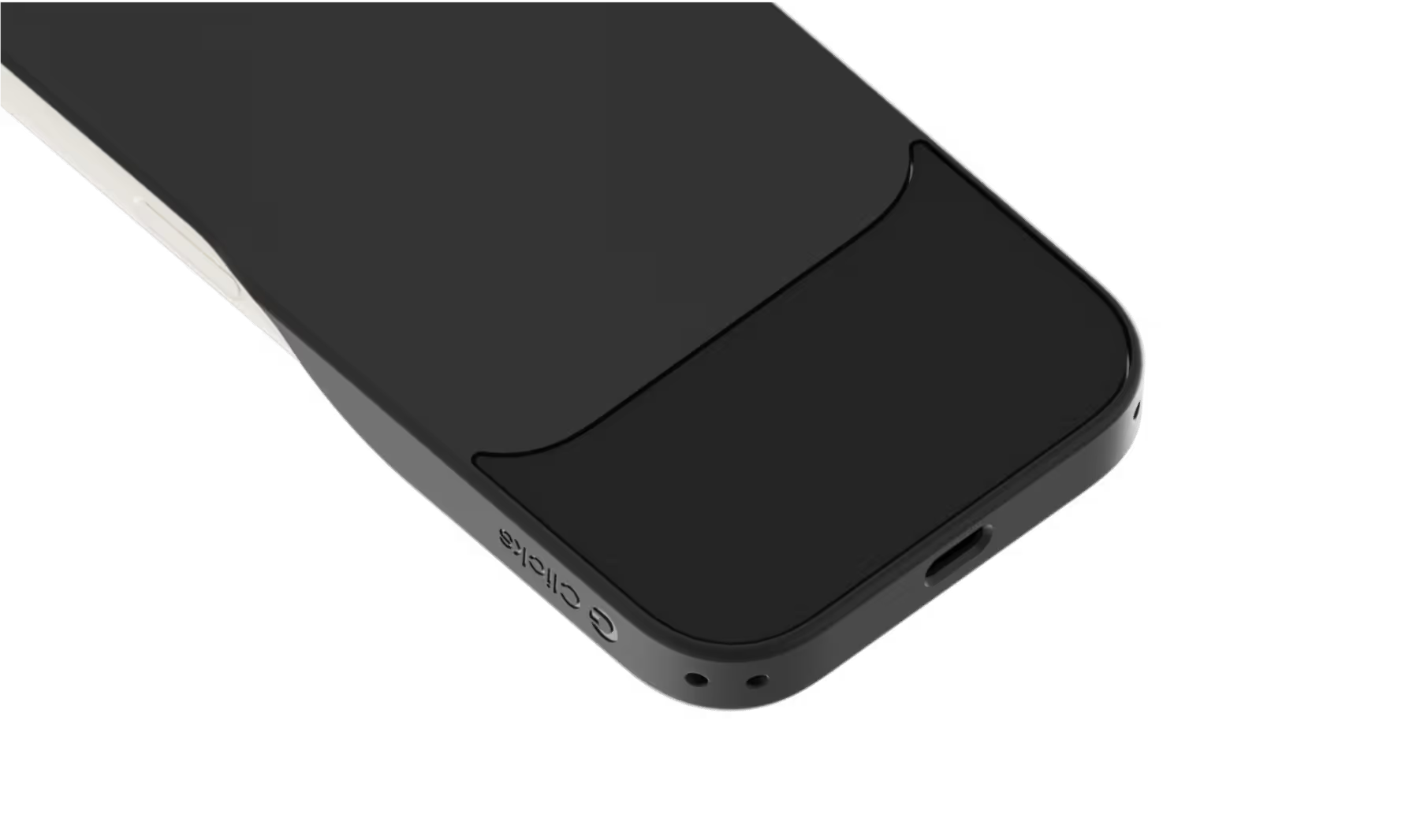
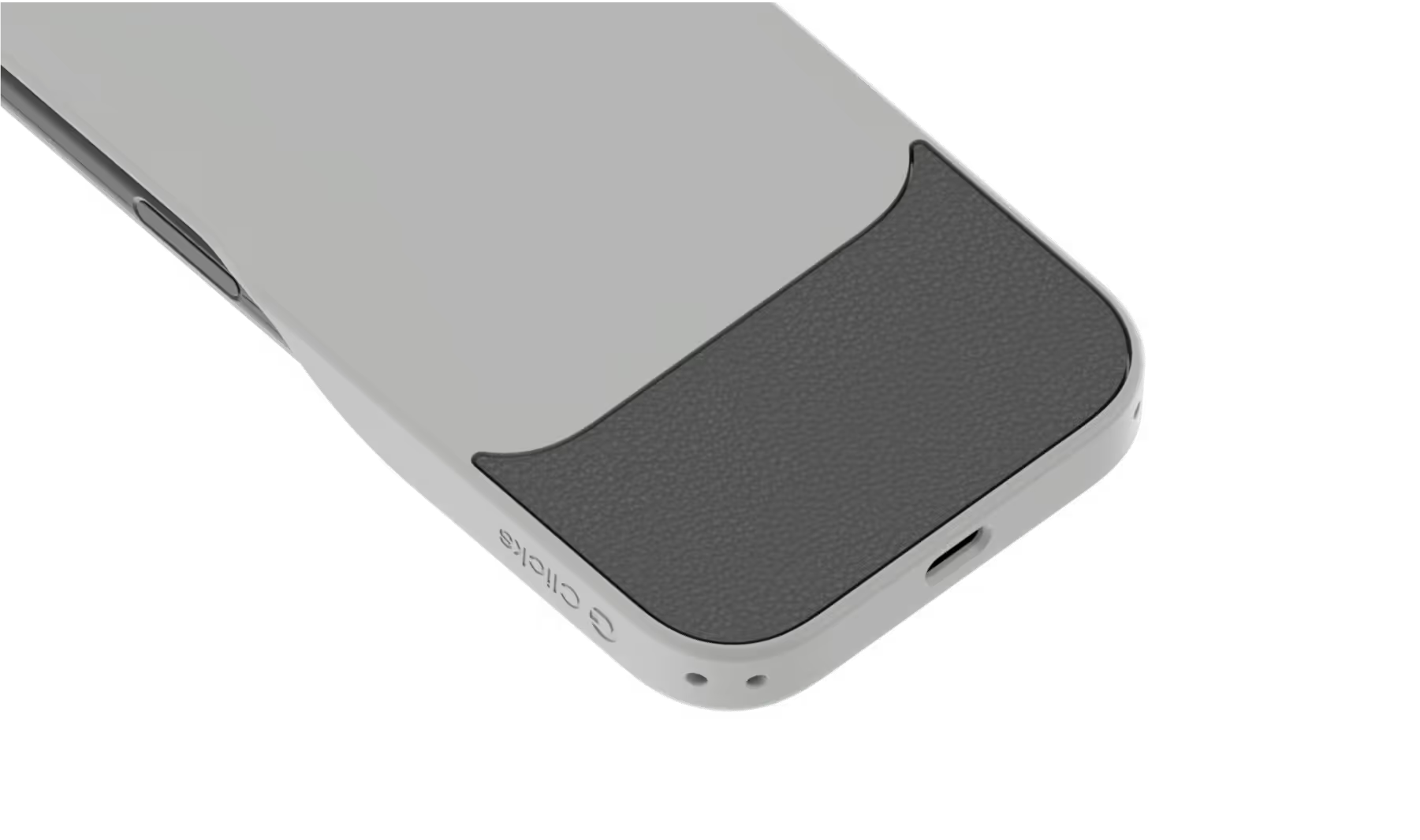
Dual lanyard attachment points make Clicks ready for a wrist strap or cross body.
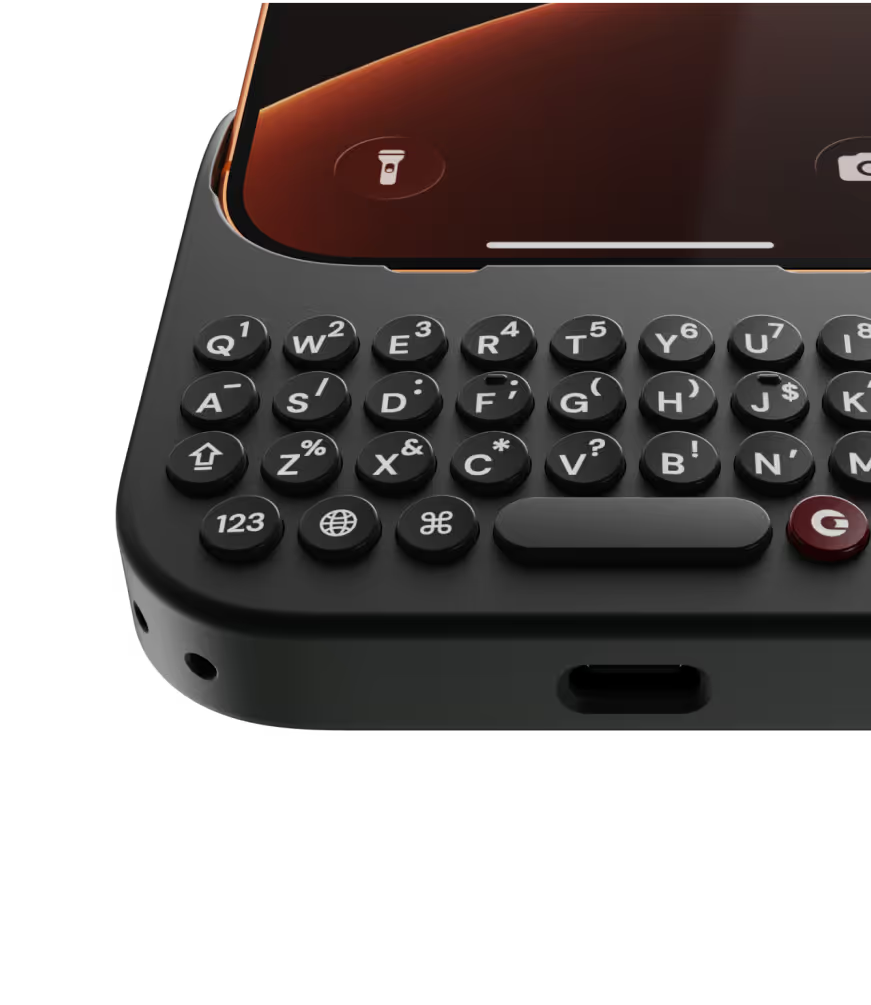
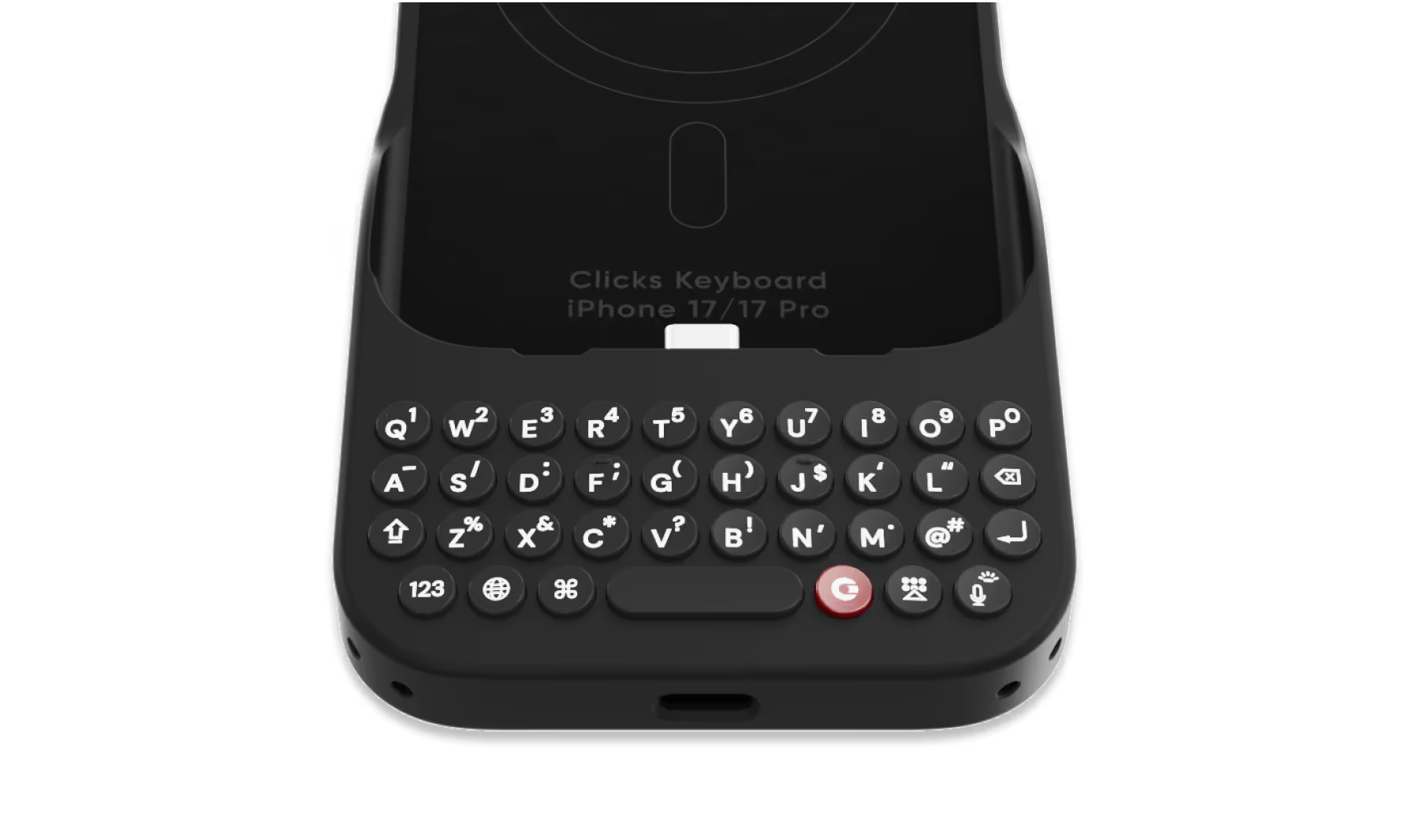
Premium typing
experience.
Type fast and accurately with ergonomic keys designed for comfort and confidence.
Patent-pending design

Take a closer look.

Why Clicks

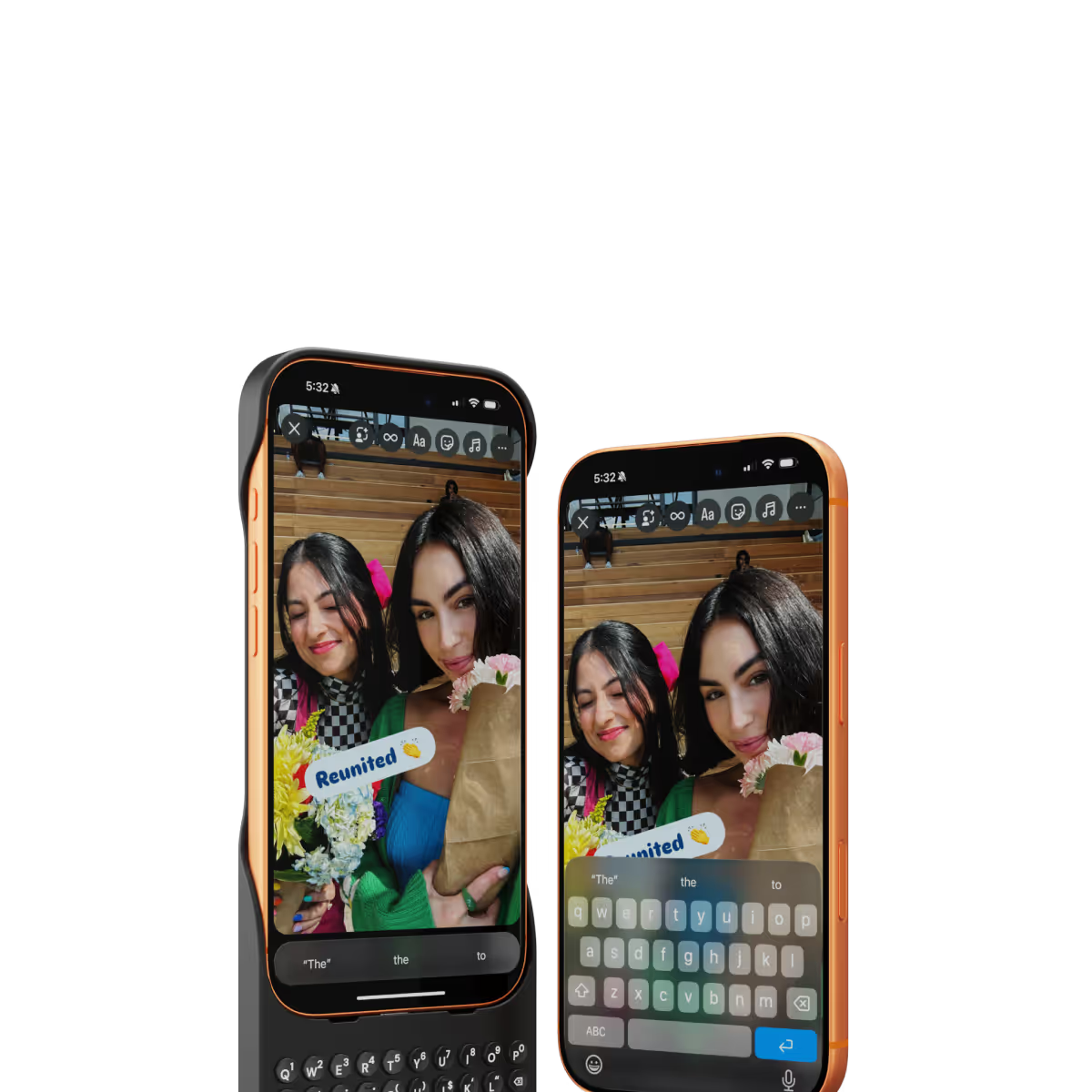
More screen.
By moving the on-screen keyboard off your display you reclaim 50% more usable space.
MagSafe built-in.
Use wireless chargers, car mounts or magnetic accessories without removing your case.
Case meets keyboard.
Protect your phone from drops while powering up your productivity with the benefits of buttons.
Clicks app.
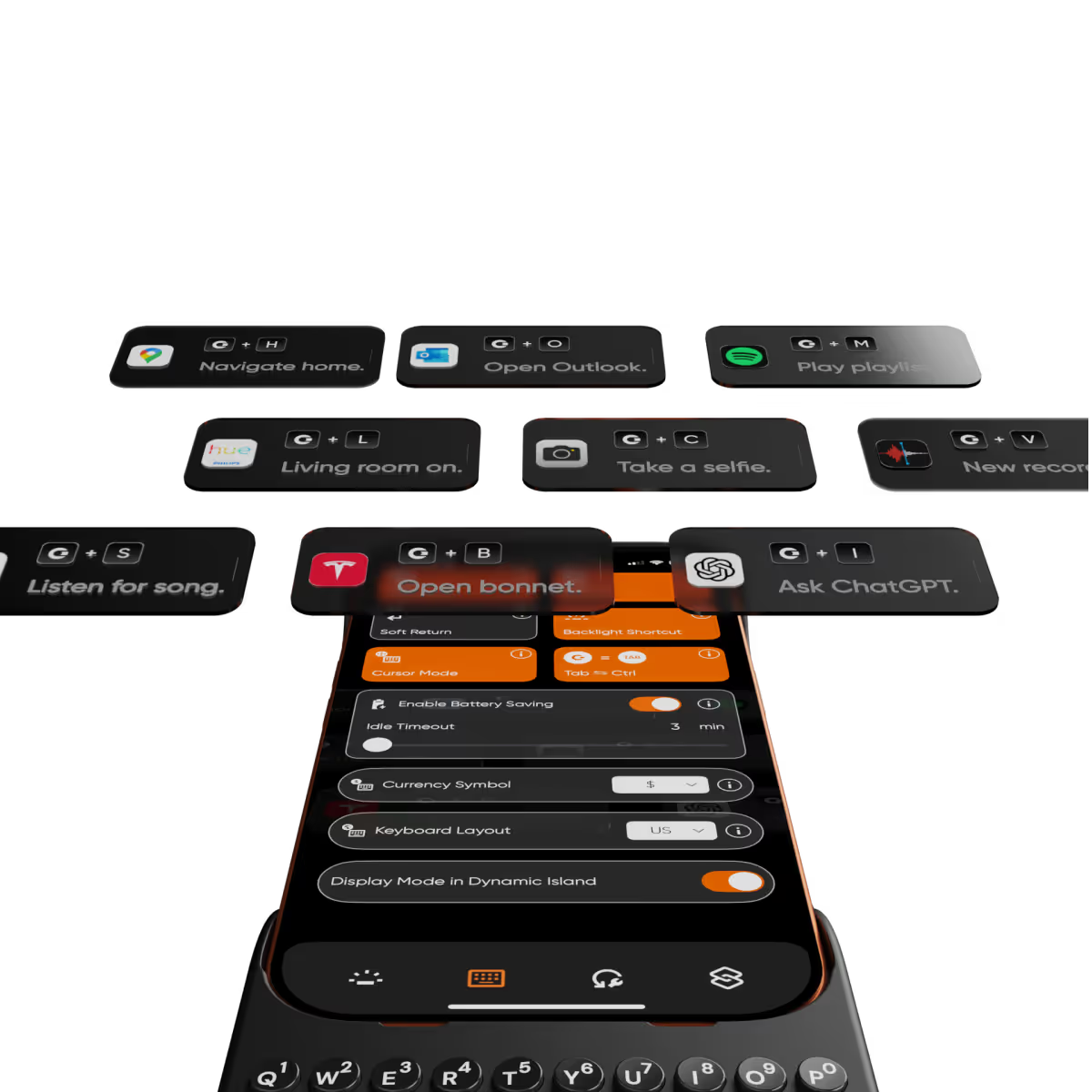
Customize typing preferences and install keyboard shortcuts to quickly launch apps.

Compare Clicks Keyboards

Thinner, lighter design
Snap-in design
Lanyard support
Premium Keyboard Experience
Backlit Keyboard
Clicks Mode
MagSafe Compatible
New Ergonomic Sculpted Keys
USB-C Data Mode
Models Supported
17 Pro Max
17 Pro
17
16 Pro Max
16 Pro
16 Plus
16
15 Pro Max
15 Pro
15 Plus
15
14 Pro Max
14 Pro
Connectivity
USB-C (Charging + Data)
USB-C (Charging)
Lightning (Charging + Data)
Colors

FAQs

Will Clicks be coming to iPhone Air?

As iPhone air is a brand new platform, we want to get it in our hands and test it before deciding whether it’s suited to Clicks. If you’re interested in Clicks for iPhone Air, please complete this survey to let us know. We’ll contact you as updates become available.

Does Clicks for iPhone 17 fit older iPhone models?

No, Clicks for the iPhone 17 series is not compatible with previous generation iPhones. Clicks for the iPhone 17 Pro and iPhone 17 are interchangeable, but Clicks for the iPhone 17 Pro Max will only fit that model.

Will Clicks for iPhone 17 features become available for other iPhone models?

The thinner, lighter enclosure, snap-in design and lanyard support will be exclusive to Clicks for iPhone 17 models.

What are the main differences between Clicks for iPhone 17 and past Clicks keyboard models?

Clicks for iPhone 17 introduces a new enclosure design that's 40% thinner and 11% lighter than Clicks for iPhone 16. The new contoured shape makes Clicks easy to hold and allows your iPhone’s natural colour to shine through while the new enclosure makes it easy to add and remove your iPhone. Plus, a dual attachment point lanyard system allows you to use Clicks with wrist loops and cross-body straps.

Can I update the model, colour or shipping address for my Clicks for 17 pre-order?

Yes, absolutely! Reach out to support@clicks.tech with your order number and required changes. A team member will help make the necessary updates.

Where can I buy Clicks for iPhone 17

Batch 1 orders will be exclusive to Clicks.tech in 2025. Clicks for iPhone 17 may come to other channels like Amazon and Best Buy in 2026.

What Clicks users are saying.

Based on 5,328 user reviews.
Jeff M.
Clicks for iPhone 15

I can't type on a screen based keyboard. It is just too frustrating so I held on to my Blackberry way past its expiration date. With Clicks I was able to upgrade to the latest model Apple phone and still use a keyboard for texts, emails, web browsing and apps input. It is a terrific innovation!

Visit source
Lakesha T.
Clicks for iPhone 15

I think clocks is a great idea. However the keyboard was difficult to use since I wear acrylic nails. The buttons were to hard to push. If I do not have nails I think I would have really enjoyed using the keyboard.

Visit source
Lancashire Office
Clicks Keyboard for iPhone 16

Love the case, old school blackberry vibes

Visit source
F S.
Clicks for iPhone 14 Pro

Much much much fewer typos and misspellings. Also less cursing due to the need to edit. The only problem is finding an 8 inch belt pouch, i found one finally but it is zippered instead of magnetic flaps. Only one week using the Clicks. When I whipped it out at an Apple store the customer service technician had never seen a Clicks and reacted with amazement. I asked him they don’t’ sell Clicks among all their other accessories. He couldn’t answer.

Visit source
Adam Jones
Clicks Keyboard for iPhone 16

I’ve gone to a new phone and been eying up one of these keyboards for a while, absolute game changer….live the blackberry ease on modern day phones, Well built 5/5

Visit source
Debbie Salamanca
Clicks Keyboard for iPhone 16

LOVED IT. Easy to use it.

Visit source
Guillermo P
Clicks for iPhone

It brings me back to the blackberry days. I love it.

Visit source
Luis I.
Clicks for iPhone 15

I tend to watch much reviews and focus on negative reviews prior to buying any products. For the Clicks keyboard, some of the major concerns people have was that the product is gimmicky (not too much value), the weight distribution is an issue and the lack of MagSafe support. As an avid Blackberry user - even going back to the days of Sidekick and the Voicestream 3way V100 device (yikes! that old)...I have enjoyed using tactile buttons on a smart device. The Blackberry I used was the Blackberry Key2...which I enjoyed but am biased to my Apple ecosystem, so the Key2 had limited used except for business use. I was skeptical about the Clicks keyboard considering its founders were heavily invested in the Blackberry seen; thus meaning there was an emotional, nostalgic investment towards the products (not solely because it addressed an issue in the smart phone world). Anyways, after fighting resistance and opting to buy, I am more than satisfied with my purchase. The learning curve was more of a trip down memory lane as missteps (or missed taps keys) experienced during the first two weeks are not noticeable after a month of use. I can even type while not looking down and concentrating on my sports on the big screen. An act I was not able to fulfill since my days of using the Blackberry Bold and Sidekick. Even as much as I enjoyed my Blackberry Passport, I did find the keys too far apart while the Blackberry Key2 keys were too thin. While these keys tend to be smaller than I preferred, it is a conceded tradeoff that we must accept nowadays considering the smaller widths of phones. Noticeable benefits: I rarely take it out of the case. I was going to assume because of its size and lack of MagSafe, I was only going to use it during work hours to power through on emails. I find myself rarely taking it off and writing more social media posts on it. The top-heavy concern is not that much of an issue as I am already used to hold my phone is such a manner when typing on a virtual keyboard anyway. Now, typing on a tactile keyboard, it seems much more satisfying feeling my tips press on buttons knowing I am actually hitting a key - much like a keyboard. That sensation "tricks" my brain into knowing that I did not miss a key and I can concentrate much quicker on the next key or word, rather than continuously glancing on what I wrote to see if there are any errors on my sentence. The only draw back is the lack of MagSafe. For charging, it is not much of an issue as I can easily plug a USB-C wire or even lay it on top of a Qi Wireless charging puck. However, my daily wallet is MagSafe and I do see myself carrying it less. Thankfully, with Apple Wallet, most of my cards, IDs and commuter passes are all stored electronically so I do not need to have my physical wallet at my possession at all times. So, overall, I am highly satisfied with the product and glad I purchased it.

Visit source
Kris H.
Clicks for iPhone 14 Pro

what a game changer improved screen size and typing like a wizard !

Visit source
Dominic Coletti
Clicks Keyboard for iPhone 16 Pro

I've come to love the Clicks keyboard. It took about three days for me to get used to it, and now, I type faster thereon than on my regular keyboard. Certainly, I'm not perfect yet, and there are skills I've yet to learn (particularly with the incredible array of shortcuts available to me). But the Clicks is the best productivity tool I've bought. And it's a joy to have that real click back beneath my thumbs!

Visit source