


Click into the keyboard








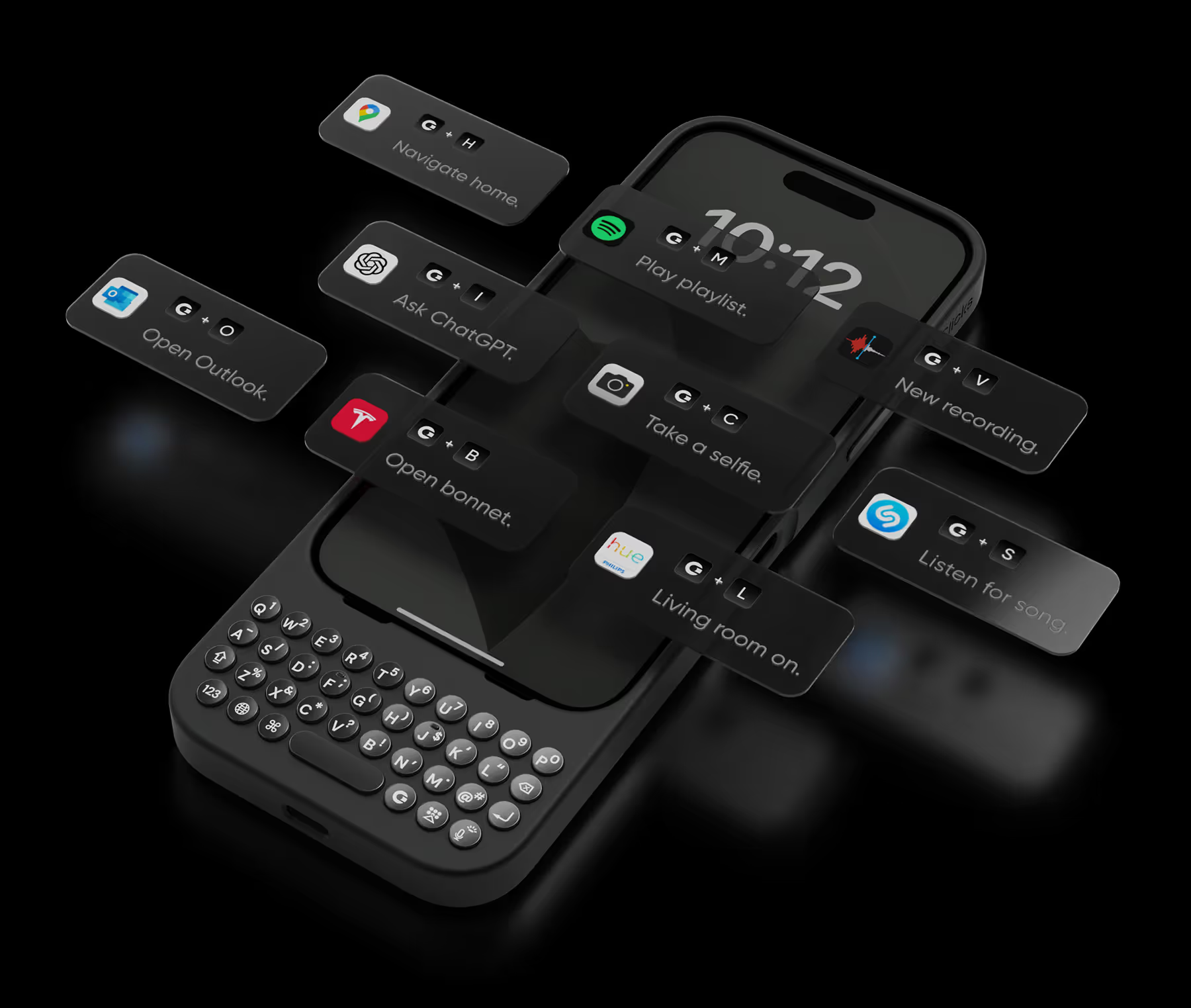


This keyboard not only makes typing on my iPhone a breeze, but it also looks fantastic. The sleek design complements my phone perfectly. The buttons have a nice, tactile feel that makes typing a joy. I highly recommend this to anyone looking for a stylish and functional keyboard.

I'm a student who relies heavily on my iPhone for note-taking and research. The Clicks Keyboard has been a revelation. Taking detailed notes in class is a breeze now, and researching complex topics feels so much more efficient. The ability to customize shortcuts for specific apps has been a huge time-saver. Highly recommend for anyone who wants to maximize their iPhone's potential.
I've always been a fan of physical keyboards on phones as I used to own a Blackberry and a Nokia many years ago. Now I can experience it all over again, thanks to Clicks!
I have so much nostalgia for my old BlackBerry Classic, so I didn't hesitate to pick up a Clicks Keyboard for my 16 Pro Max. And it didn't disappoint! The key feel is the best I've had on any mobile hardware keyboard, the backlight is very bright and consistent, and the customizability is great as well! My only gripes are that it gets really tall and a little top heavy on my Pro Max. But still highly recommended if you type a lot! :D
"A keyboard that is user-friendly and works well in Japanese. Sometimes, the predictive text does not stand out when the background color of the app is the same. Although the body may become larger, using MagSafe-compatible pop sockets can provide stable use. I hope for future updates to include MagSafe compatibility. I have already ordered a second one!"
This is the last Clicks keyboard case I will buy! But only because I have every color for my iPhone 15 Pro Max! I love how this really makes it easier for me in all my daily tasks. I haven’t even tricked out all of the shortcuts I can do, but it’s fun learning new things I can do with my case. It’s really an extension and brings back fond reminders of my BlackBerry days! If you’re on the fence about getting one, you should give yourself the opportunity and try one. It’s really breathed new life into my device.
Especially in the cold, typing on a touch screen for longer periods of time makes my input gradually less accurate. I have yearned for a BlackBerry revival, and Clicks for my Pixel 9 has been a close second. It took a few days getting used to the long phone form factor, but after that it was smooth sailing.
I gripe a lot about missing physical keyboards on phones. I took advantage of an open-box sale and finally got clicks. I am obsessed. I have actually been using my phone to stay organized and productive because the keyboard is easier for me to type on. I never much cared for doing anything that required a lot of typing on my phone but now I don’t mind it.
Love it.. was waiting to get my hands on this for a long time .


.avif)
.webp)
.avif)
.webp)
.avif)


