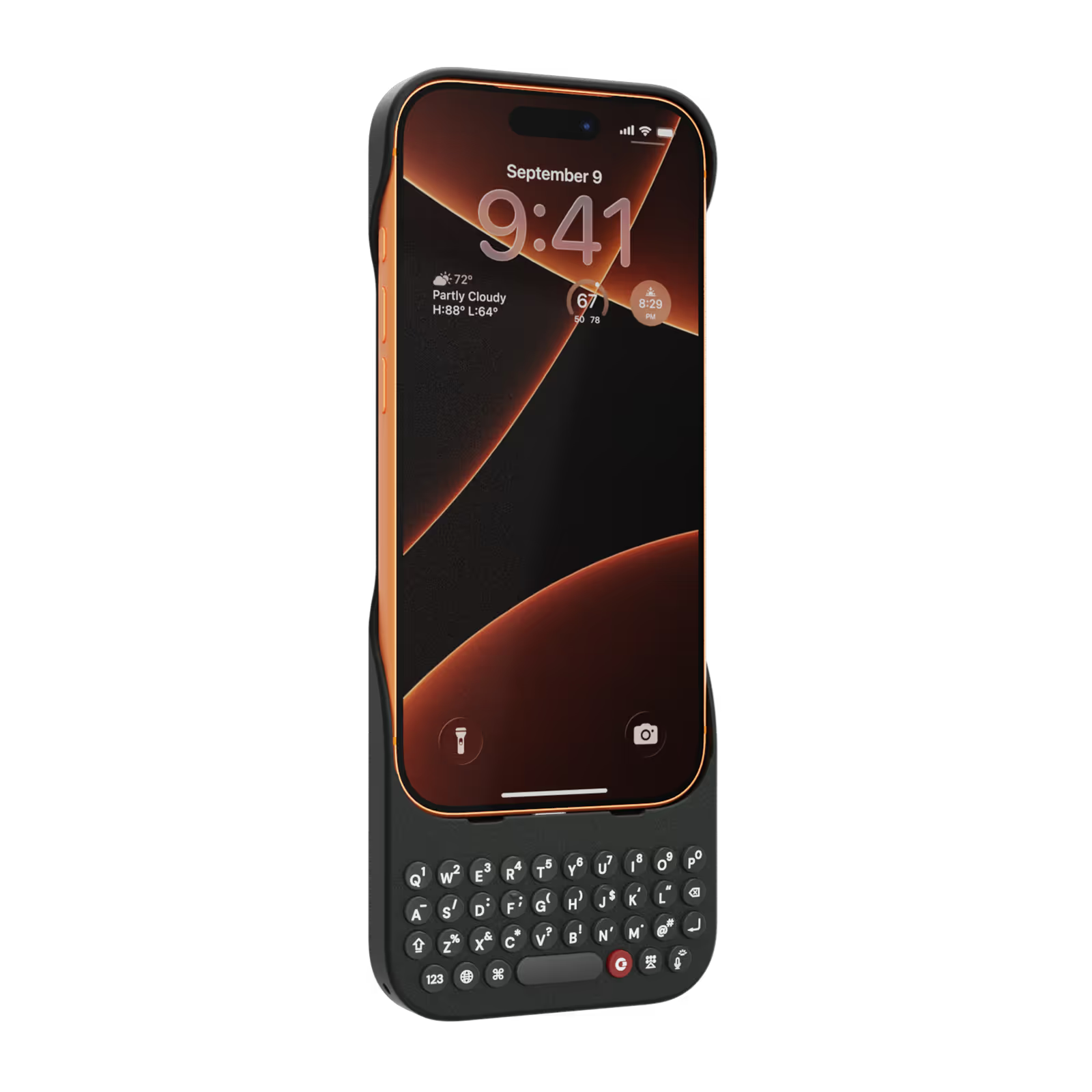
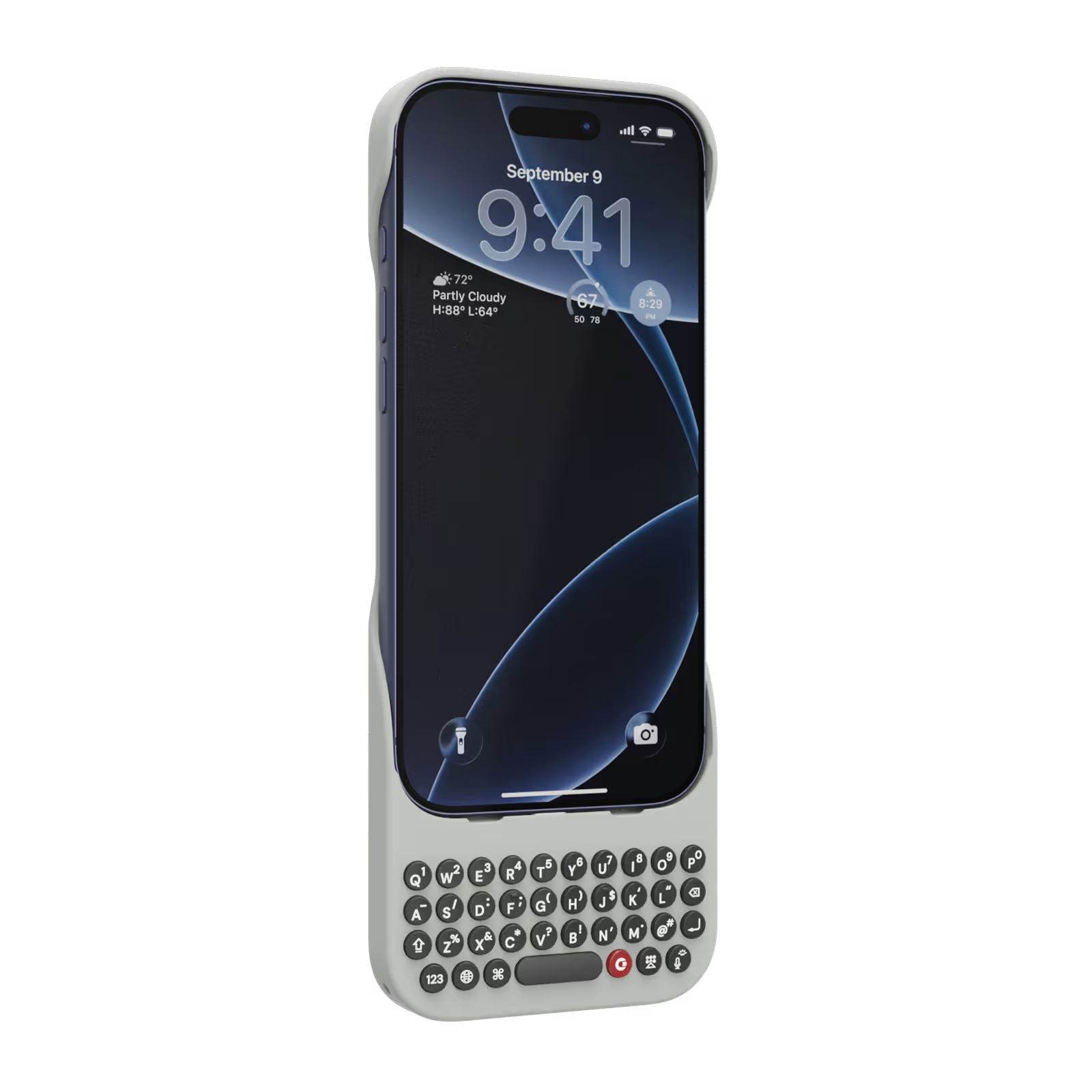
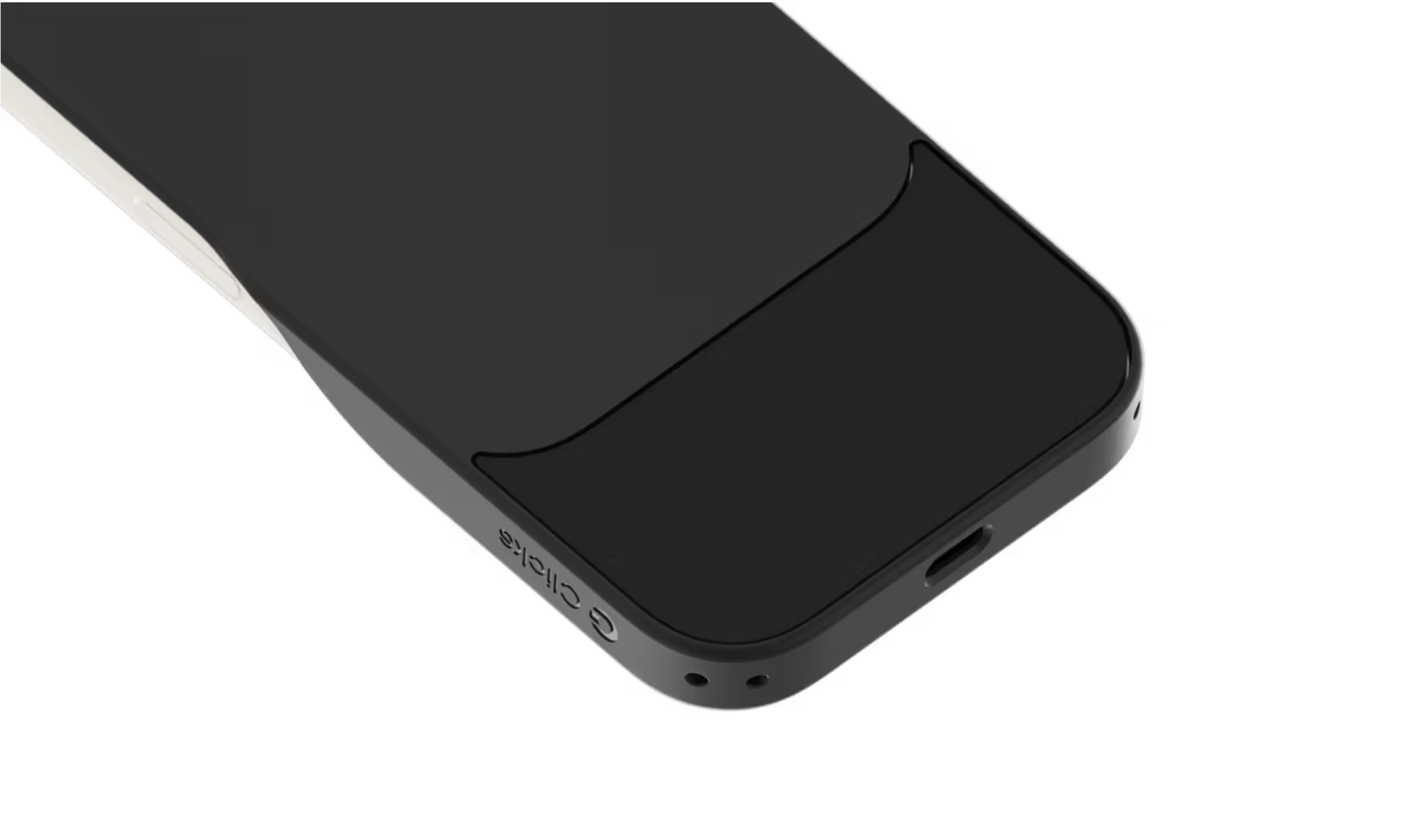
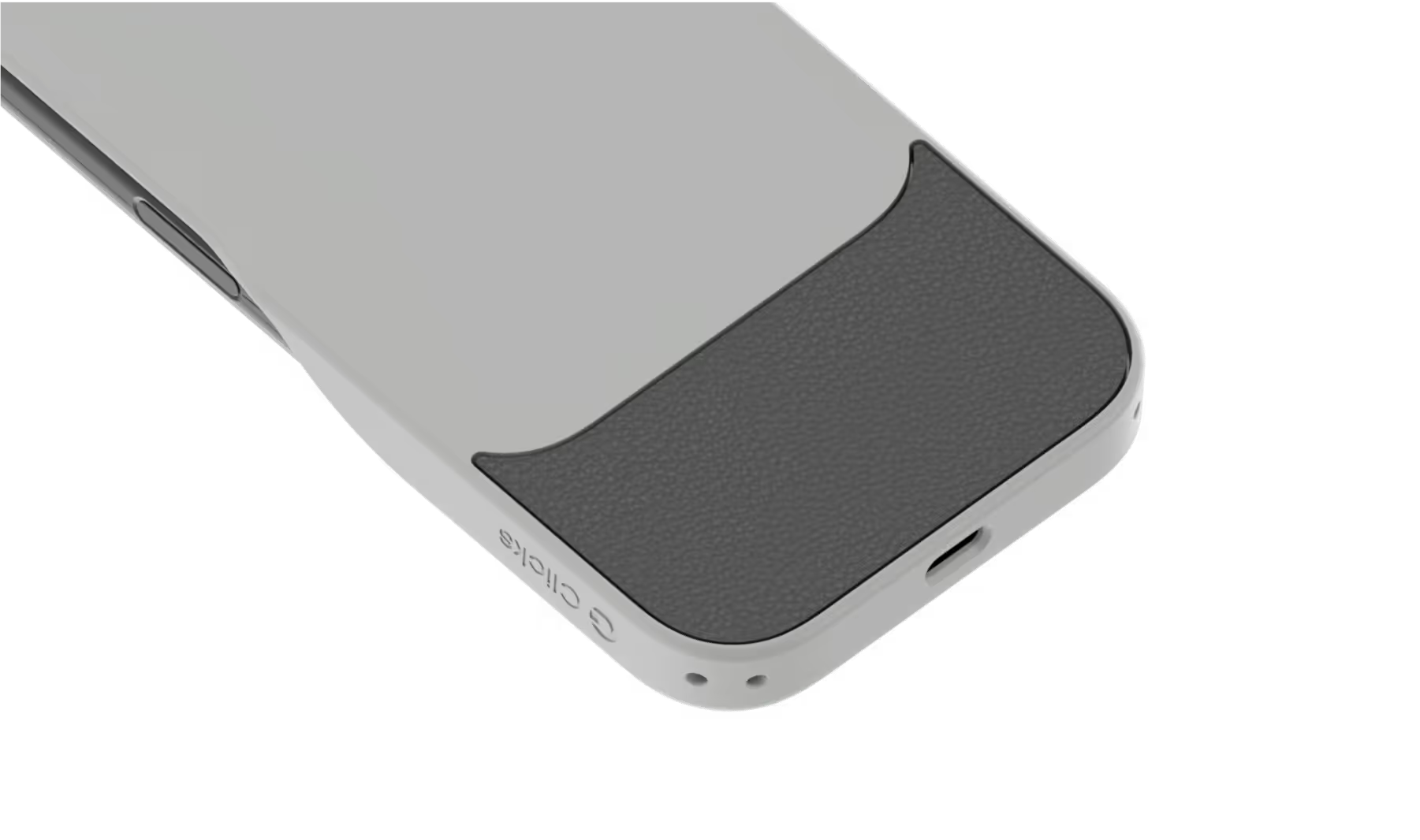
Select your iPhone 17 model.
Select iPhone model & color.
iPhone 17 Pro
$139
Price
iPhone 17 Pro Max
$139
Price
iPhone 17
$139
Price
Select your color.
Onyx
Smoke
$139
US$159
Shipping date metafield text.
Add to cart
Out of stock
Leave your email to be notified when it's back in stock.
We’ll email you when your selected model is back in stock.
Oops, something went wrong. Try again.
Fast & Free Shipping on orders $99+
No Extra Costs
30-Day Return Policy
Try Clicks Risk-Free
Over 100,000 Clicks Sold
In 100+ Countries

Highlights

40% thinner.
11% lighter.
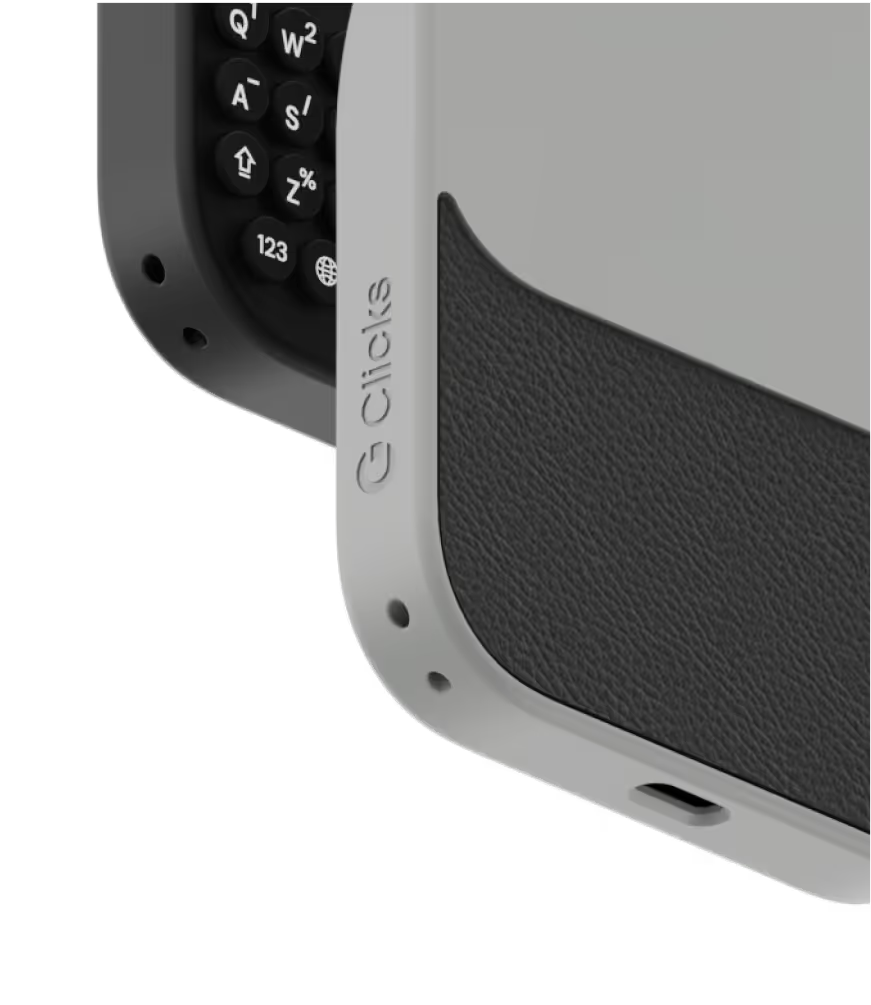
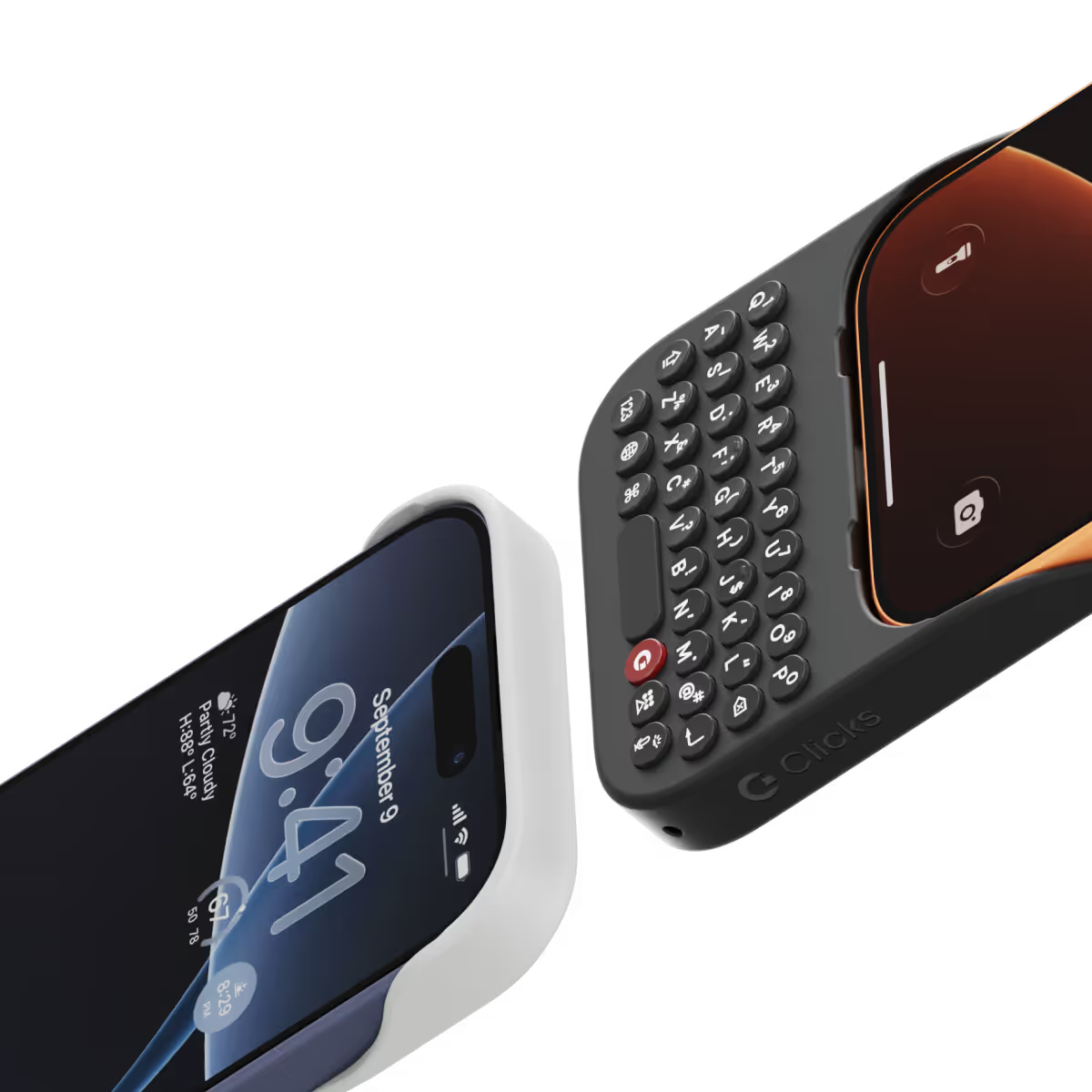
A refined design feels great in your hands and lets your iPhone’s personality shine.
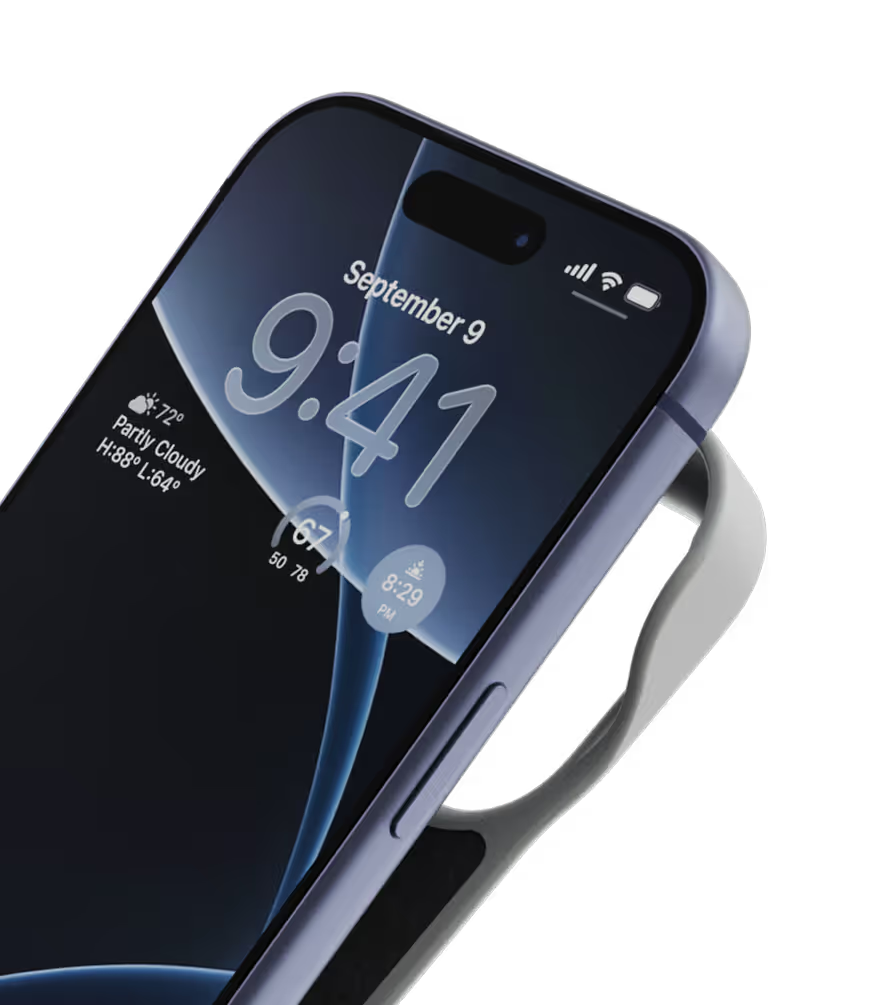
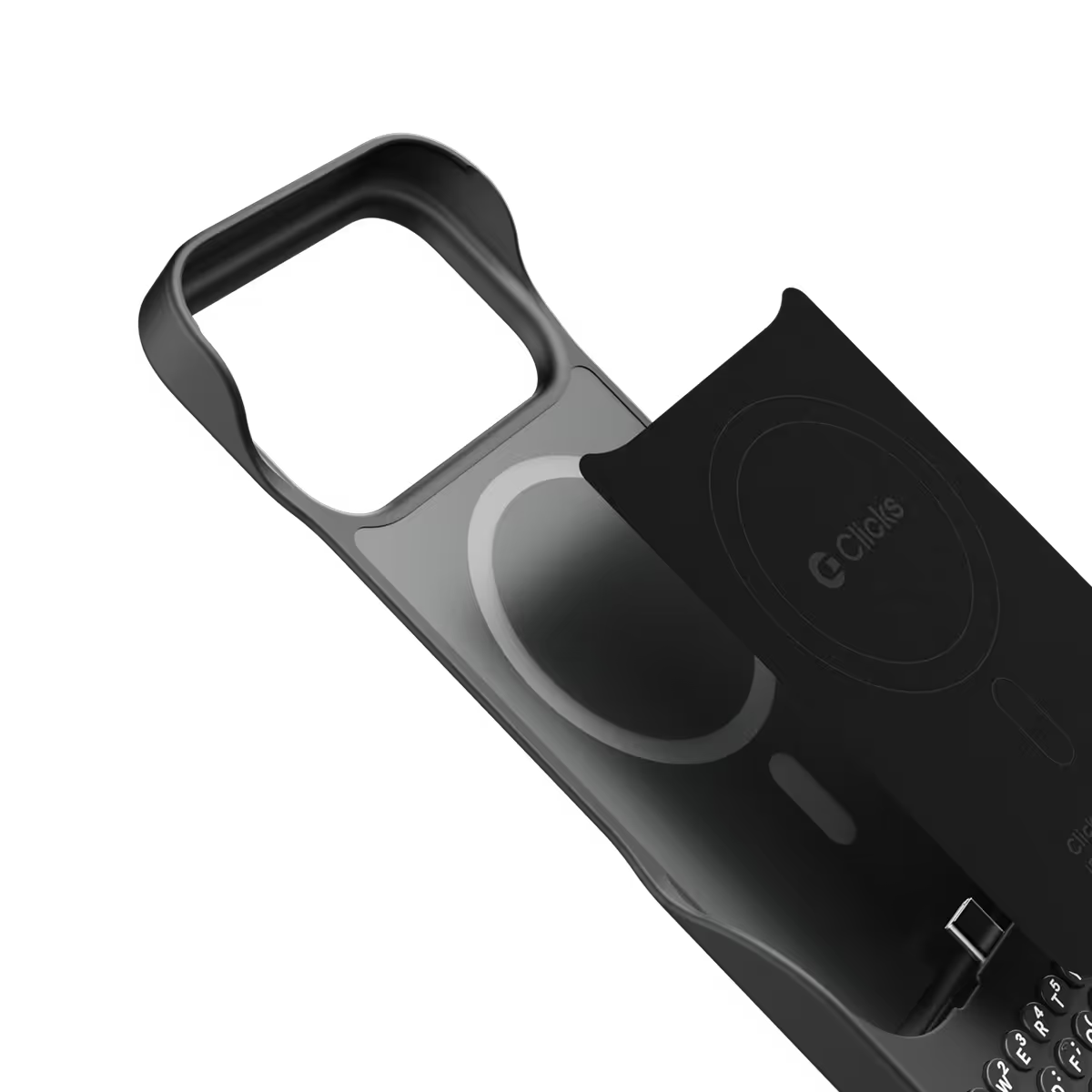
Snap-in
design.
Adding and removing Clicks to your iPhone just got faster and easier.
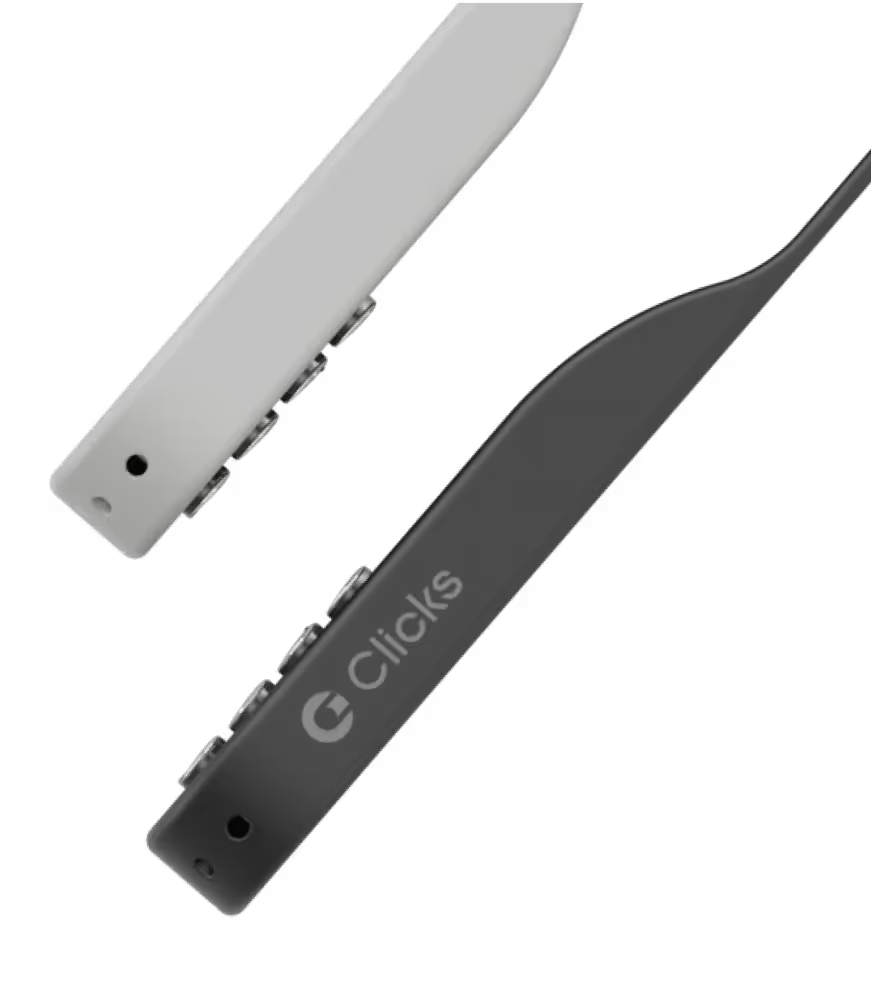
Lanyard-ready.
Dual lanyard attachment points make Clicks ready for a wrist strap or cross body.
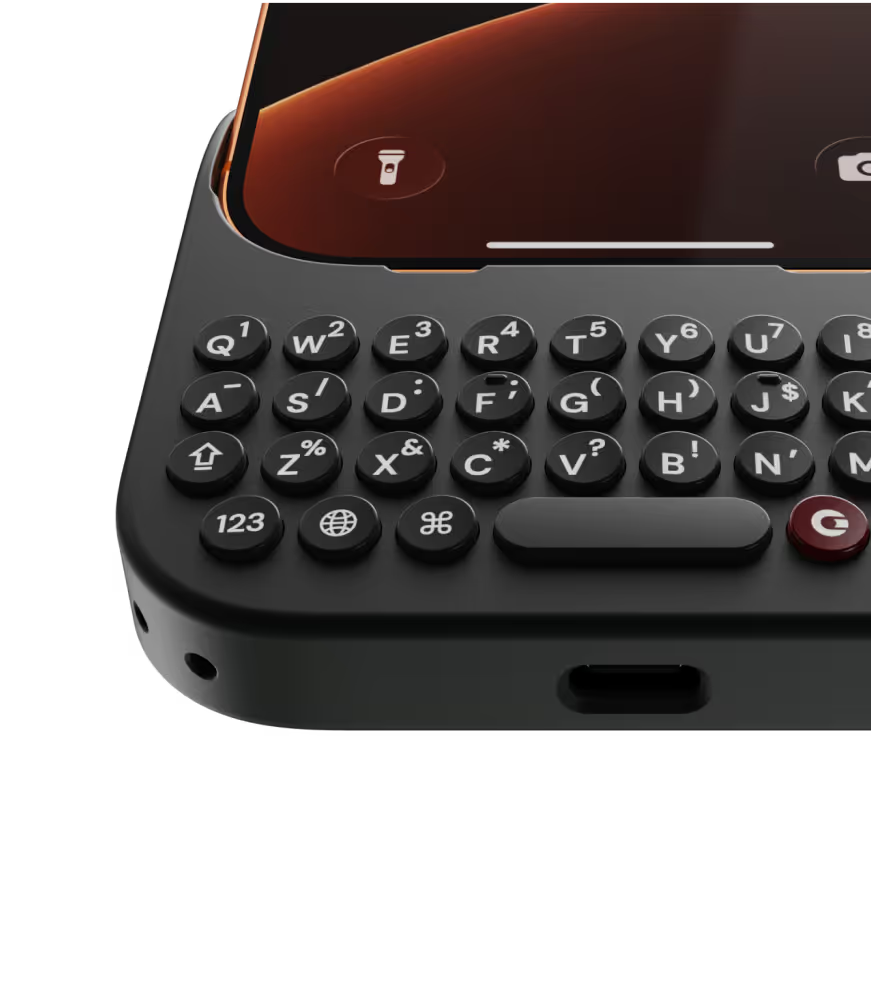
Premium typing
experience.
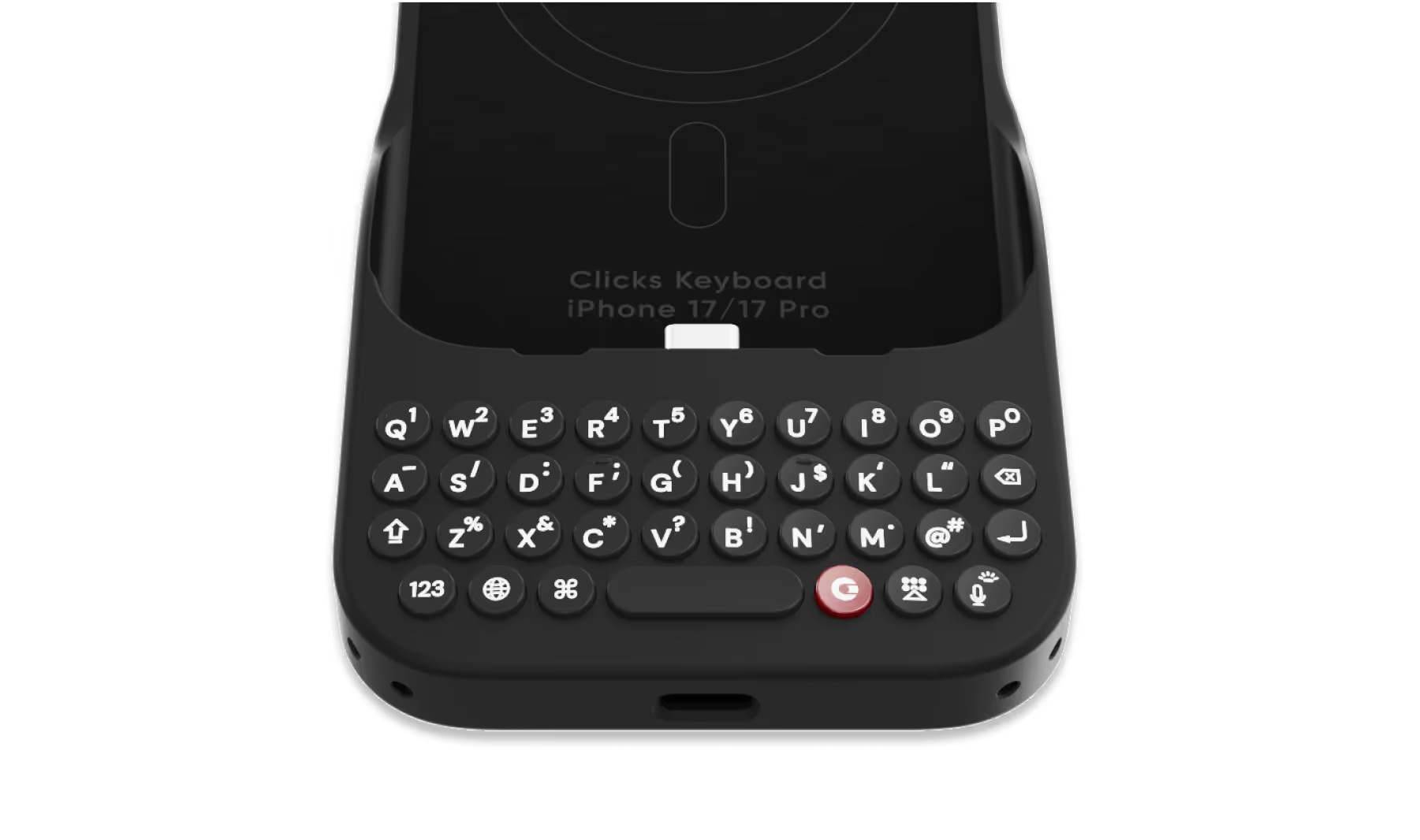
Type fast and accurately with ergonomic keys designed for comfort and confidence.
Patent-pending design

Take a closer look.

Why Clicks

More screen.
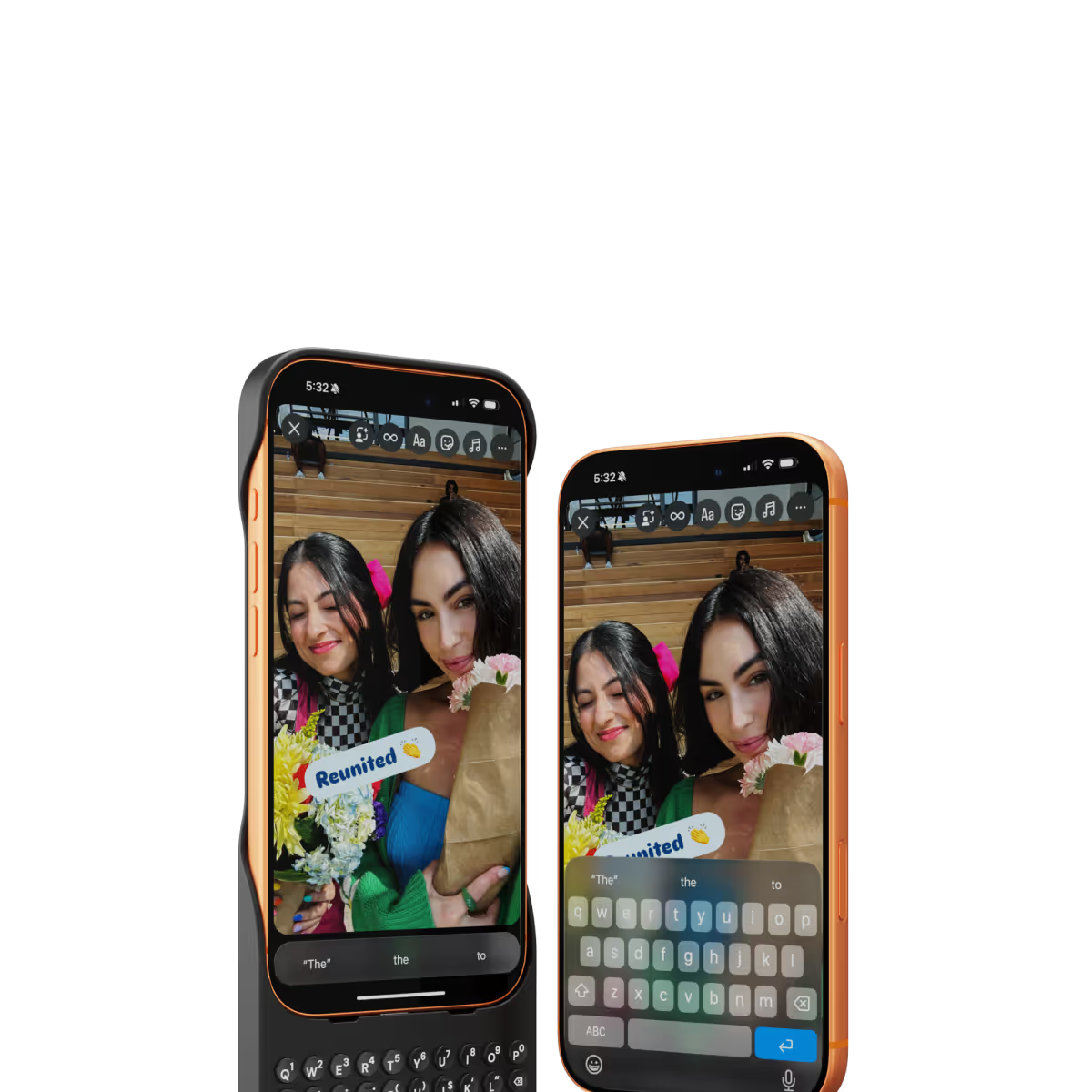
By moving the on-screen keyboard off your display you reclaim 50% more usable space.
MagSafe built-in.
Use wireless chargers, car mounts or magnetic accessories without removing your case.
Case meets keyboard.
Protect your phone from drops while powering up your productivity with the benefits of buttons.
Clicks app.
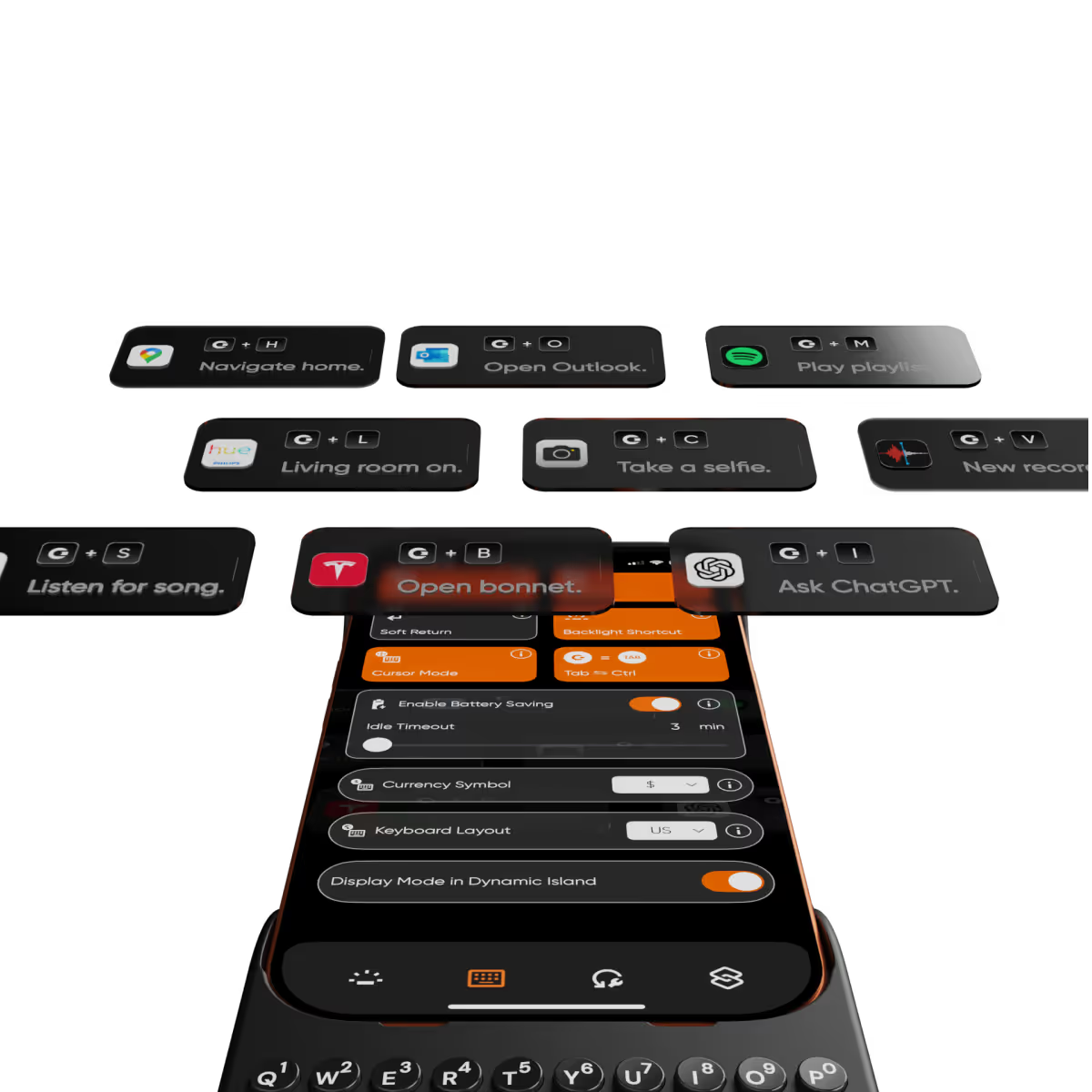
Customize typing preferences and install keyboard shortcuts to quickly launch apps.

Compare Clicks Keyboards

Thinner, lighter design
Snap-in design
Lanyard support
Premium Keyboard Experience
Backlit Keyboard
Clicks Mode
MagSafe Compatible
New Ergonomic Sculpted Keys
USB-C Data Mode
Models Supported
17 Pro Max
17 Pro
17
16 Pro Max
16 Pro
16 Plus
16
15 Pro Max
15 Pro
15 Plus
15
14 Pro Max
14 Pro
Connectivity
USB-C (Charging + Data)
USB-C (Charging)
Lightning (Charging + Data)
Colors

FAQs

Will Clicks be coming to iPhone Air?

As iPhone air is a brand new platform, we want to get it in our hands and test it before deciding whether it’s suited to Clicks. If you’re interested in Clicks for iPhone Air, please complete this survey to let us know. We’ll contact you as updates become available.

Does Clicks for iPhone 17 fit older iPhone models?

No, Clicks for the iPhone 17 series is not compatible with previous generation iPhones. Clicks for the iPhone 17 Pro and iPhone 17 are interchangeable, but Clicks for the iPhone 17 Pro Max will only fit that model.

Will Clicks for iPhone 17 features become available for other iPhone models?

The thinner, lighter enclosure, snap-in design and lanyard support will be exclusive to Clicks for iPhone 17 models.

What are the main differences between Clicks for iPhone 17 and past Clicks keyboard models?

Clicks for iPhone 17 introduces a new enclosure design that's 40% thinner and 11% lighter than Clicks for iPhone 16. The new contoured shape makes Clicks easy to hold and allows your iPhone’s natural colour to shine through while the new enclosure makes it easy to add and remove your iPhone. Plus, a dual attachment point lanyard system allows you to use Clicks with wrist loops and cross-body straps.

Can I update the model, colour or shipping address for my Clicks for 17 pre-order?

Yes, absolutely! Reach out to support@clicks.tech with your order number and required changes. A team member will help make the necessary updates.

Where can I buy Clicks for iPhone 17

Batch 1 orders will be exclusive to Clicks.tech in 2025. Clicks for iPhone 17 may come to other channels like Amazon and Best Buy in 2026.

What Clicks users are saying.

Based on 5,328 user reviews.
Pattanapun P.
Clicks for iPhone 15 Pro

Actually, it makes more convenient such as size of total set included Keyboard and useful. Secondly, keyboard is help for typing function. It is incredible designed.

Visit source
David A.
Clicks for iPhone 14 Pro

I was initially unsure about the price of this keyboard, but after using it for a while, I can definitely see the value. The quality of the materials is excellent, and the keyboard feels very sturdy. The buttons are also very responsive and accurate. Overall, I'm very happy with this purchase.

Visit source
David E.
Clicks for iPhone 15

Attention, tech enthusiasts and keyboard warriors! Remember the nostalgic days of tactile typing on your mobile phones? The satisfying clickety-clack that accompanied every text message, email, and hastily written note? Relive those moments with Clicks for iPhone, a resurrection of the lost art of physical keyboarding. As a seasoned veteran of the mobile phone scene, I've witnessed the rise and fall of countless trends, but few have intrigued me like Clicks. This ingenious little add-on empowers you to transform your sleek touchscreen iPhone into a pocket-sized productivity powerhouse, enhancing your efficiency on the go. The Clicks keyboard is a marvel of engineering, with well-spaced keys that provide just the right amount of tactile feedback. Typing on it is like typing on a miniature laptop, but without the bulk or the awkward stares from fellow commuters. Sure, it takes a bit of getting used to. My thumbs initially felt like a fish out of water, flopping around in search of their digital home. But after a few days of practice, I was zipping through emails and social media posts with newfound speed and accuracy. And let's remember the sheer joy of hearing that satisfying click with every keystroke. It's a symphony of productivity, a rhythmic reminder that you're getting things done. Of course, there are a few minor quibbles. The Clicks keyboard adds a bit of bulk to your iPhone and makes it longer. But for those of us who prioritize function over fashion, these are minor sacrifices. So, if you're tired of hunting and pecking on your touchscreen keyboard or simply yearning for the tactile typing experience of yesteryear, give Clicks for iPhone a try. Your thumbs will thank you.

Visit source
brittany B.
Clicks for iPhone 15

This Clicks Key Board Case Is A Blast,I Love It Everyone Always Ask About It And They Want To Hold It And Click !!!!! Next On My List Is Miami Clicks Get One For Yourself You Will Not Regret It.

Visit source
Christian Lopez
Clicks Keyboard for Razr+ (2024)

Fits perfectly in the smaller nature of the Moto Razr. I use my phone in both opened and closed and keep the keyboard attached for either! Keyboard shortcuts (with Android are nice and reprogrammable) change the way you use your phone and remind me why buttons are better than touch without losing any functionality of the modern smartphone experience. Having bought the Razr a few months ago just for this I had to wait till it shipped, but hardly ever take it off since.

Visit source
bobby montemayor
Clicks Keyboard for Razr+ (2024)

Such a nostalgic piece of equipment! I am in Love with this product! Everyone asks about, turns heads and is an ice breaker. My friends liked it so much they purchased their own for their Razor phones as well! Fantastic job guys y'all nailed it!

Visit source
Guy d.
Clicks for iPhone 15

I have been very pleased with the keyboard. Takes a bit of getting used to - but is worth the brain effort. Lots of comments from colleagues and friends, 95% positive.

Visit source
Nick T.
Clicks for iPhone 15

Excellent

Visit source
Rahul Mathur
Clicks Keyboard for iPhone 17

It has been awesome to use Clicks. It has given me the entire screen space back and improved the typing speed. Also, it gets me lot of attention from others.

Visit source
Heidi C.
Clicks for iPhone 16

I've had this almost an entire month by this point, and I love being able to touch type on my phone again <3 It's definitely worth every penny, in my opinion. I would absolutely purchase this again, and I would recommend this purchase to others. That being said, there are a couple of improvements that could be made, which is why I am leaving 4 stars instead of 5. 1 ) Sometimes the buttons on the left side (Q, A, Upper Case, 123) get stuck for a bit. I am unsure if this is a user error or a design error. 2) I do wish the case had a bit of weight behind the keyboard itself - it took a couple of weeks to get used to how top heavy the phone feels in this case. 3) I wish the keyboard was a full keyboard - I use the '+' symbol a lot, and it's annoying to have to remember to use the specific "keyboard up" key rather than the world "emoji" key to get the on screen keyboard. A full keyboard has a "+" sign already. I understand why Clicks doesn't have a full keyboard - the phone would be hella long with it, I suppose. 3.1) Alternatively, it would be awesome if I could create custom keystrokes using the clicks key + another key on the keyboard. This would allow the option of having/using additional special characters customized to each user.

Visit source