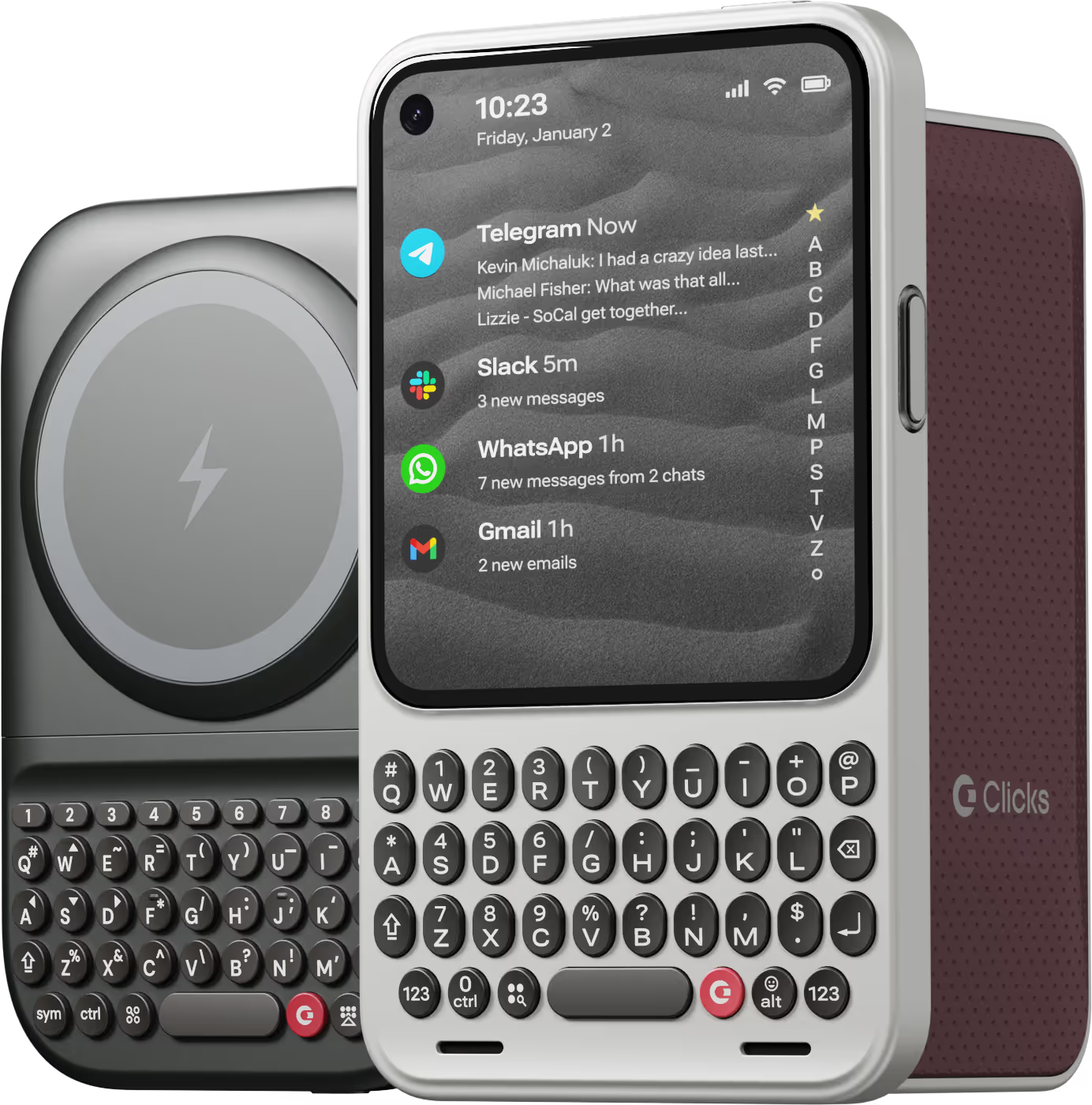
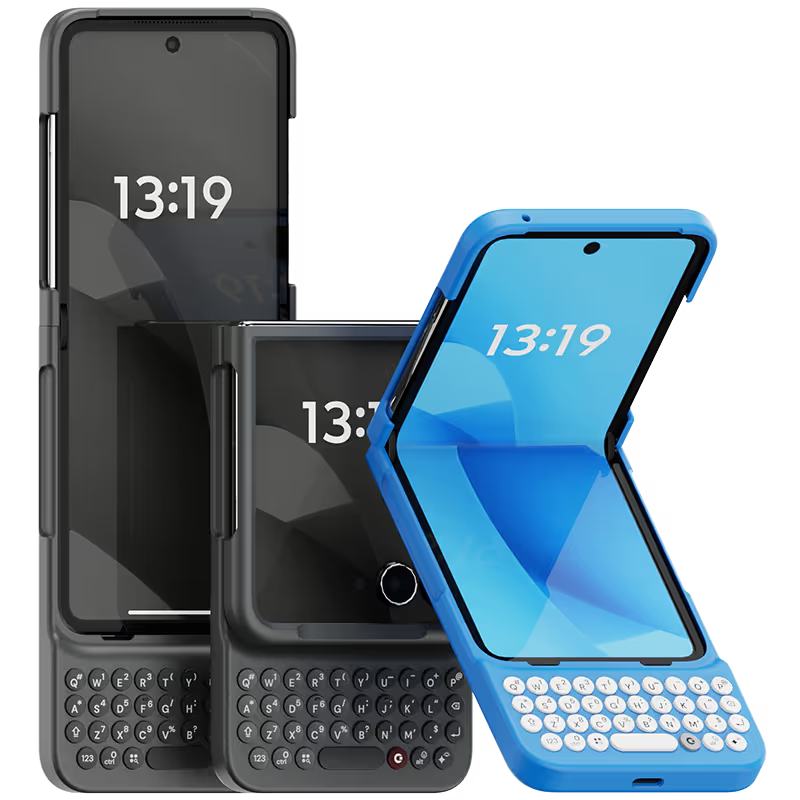
Why you'll love Clicks.

1
Feel satisfying real buttons
Pressing real buttons and hearing that little clicking sound feels more natural and rewarding.
Replay
2
Elevated premium protection
Brushed metal side keys, a microfibre lining, and a new enclosure that feels great while adding protection inside and out.
Replay
3
See more screen
Free your screen, with 50% more usable display to work, play, surf, chat and engage with your content.
Replay
4
Take action, faster
Launch customized shortcuts at the push of a button. Personalize your keyboard to control your home, launch apps, text or call contacts.
Replay
5
Keep your laptop at home
Make more happen right from your phone without needing to crack open your laptop.
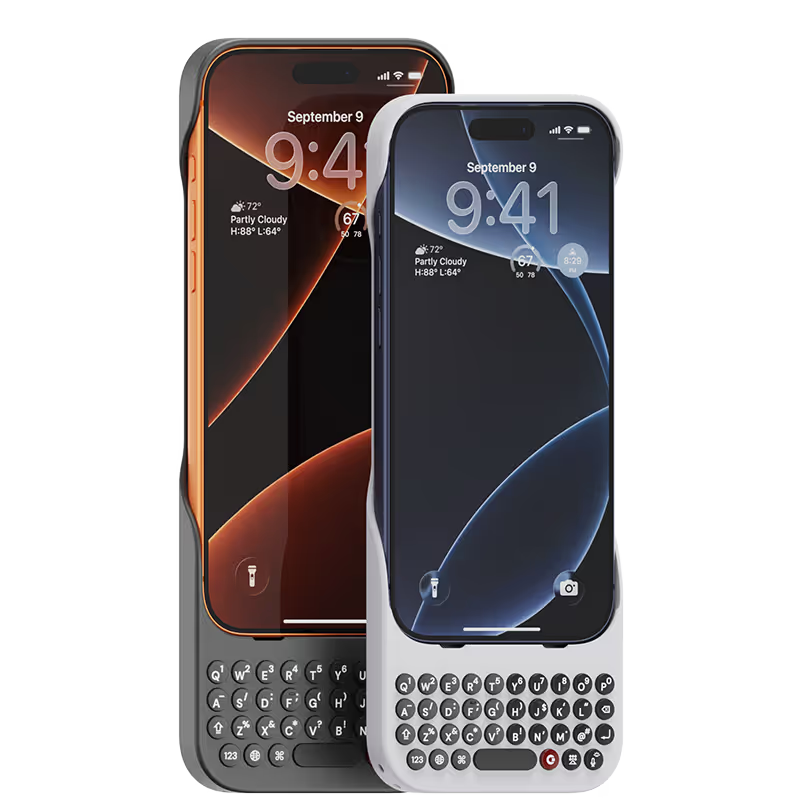
Clicks for iPhone
Available for iPhone 17, 16, 15 and 14.
In stock & shipping now.
Buy Now
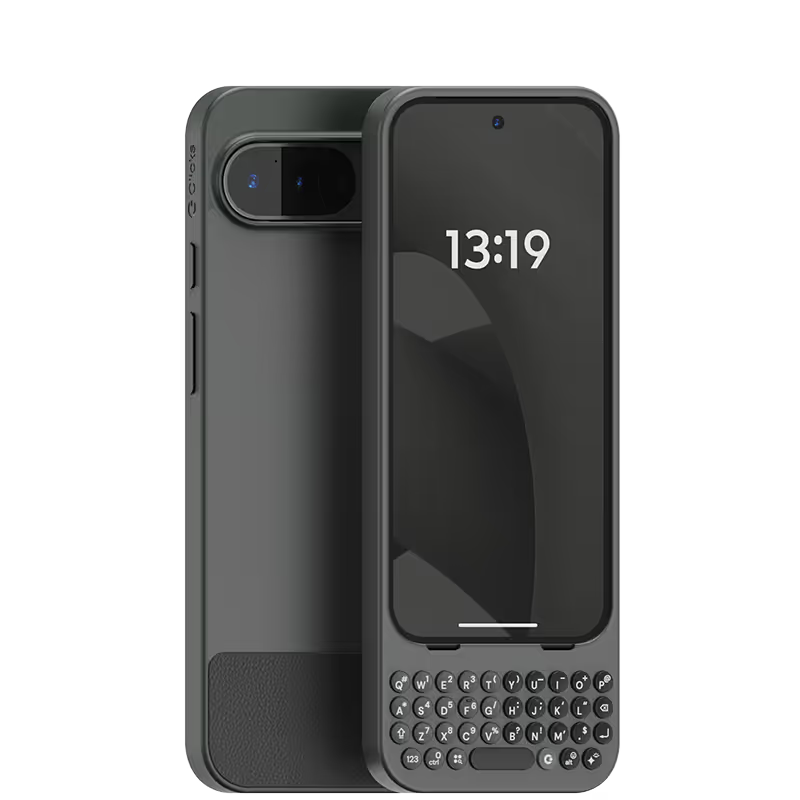
Clicks for Pixel
Pixel-perfect productivity.
Available now.
Buy Now
Clicks for Razr
Pocket-sized. Power-packed.
Available now.
Buy Now

Buttons with benefits.

More Screen

Get 50% more usable display to work, play, surf, chat and engage with your content.

Customizable Shortcuts

Launch custom actions at the push of a button.

Powerful Productivity

Real buttons that help you work smarter while away from your desk.

What Clicks users are saying.

Based on 5,328 user reviews.
siyu Z.
Clicks for iPhone 15 Pro

手机壳我很满意,打字有黑梅的感觉,现在没有加速我的打字,但是我相信我熟悉后会的

Visit source
Robert Coen
Clicks Keyboard for iPhone 17

I was a "founder" for the first generation Clicks Keyboard. As a former Blackberry enthusiast, it was an accessory that I searched high and low for. Now that iPhone 17 Pro Max was released, the first accessory I ordered was a new Clicks Keyboard. The experience is even better. I find the size of the keys and low weight of accessory is perfect for my needs. I even have a spare, just in case. So I highly recommend that any iPhone user purchase one ASAP.

Visit source
Alexandra M.
Clicks for iPhone 15 Pro

I can't express how much I love using the "Clicks" keyboard attachment for my iPhone! As someone who types a lot on my phone, the tactile feedback of physical keys has been a game-changer. The "Clicks" keyboard seamlessly integrates with my iPhone and it is ready to use. However, what sets "Clicks" apart is its convenience. It attaches effortlessly to my iPhone, and I can easily carry it with me wherever I go. Whether I'm typing emails, working on documents, or chatting with friends, the "Clicks" keyboard has significantly improved my productivity and typing experience. I also appreciate the thoughtful design of "Clicks". It looks sleek and modern, complementing the aesthetics of my iPhone and the battery life is impressive, lasting through long typing sessions without needing a charge Overall, "Clicks" has made my iPhone more versatile and enjoyable to use. It's a must-have accessory for anyone who values efficiency and comfort in their mobile typing experience. I wholeheartedly recommend "Clicks" to all iPhone users!

Visit source
Jimmy N.
Clicks for iPhone 15 Pro

Absolutely worth the price ! Case feels great, holds phone really well and brings nostalgia back typing again

Visit source
brittany B.
Clicks for iPhone 15

This Clicks Key Board Case Is A Blast,I Love It Everyone Always Ask About It And They Want To Hold It And Click !!!!! Next On My List Is Miami Clicks Get One For Yourself You Will Not Regret It.

Visit source
Czarina R.
Clicks for iPhone 15 Pro

As a practicing professional who is always on-the-go, getting this case made me more efficient as I can now work with a bigger screen using my phone. Writing my notes and viewing files are now more efficient due to the availability of a bigger screen. It's really a very good investment for those who are always working on their phones.

Visit source
Tahir K.
Clicks for iPhone 15 Pro

Love this product. I have always wanted a keyboard for my iphone. Great tactile feedback. You can still pull up the phone keyboard if you want. The shortcuts are insanely useful. It does make the phone really big to carry in pockets. No magsafe support is disappointing but they have fixed it in the newer model. Hope they bring down the price soon.

Visit source
Alejandro O.
Clicks for iPhone 15

At first it takes a while to get used to the keys. But then you gain speed and comfort when writing emails or social networks or, in my case, programming.

Visit source
OKAMOTO M.
Clicks for iPhone 15

It's faster to type than flick input. Since there is no MagSafe, I use a MagSafe ring sticker in the center of the inside of the case.

Visit source
Henry Kreske
Clicks Keyboard for iPhone 16

i was a long time blackberry user and over the past decade have had to endure virtual keyboards. I wish clicks was available sooner! It took me two weeks to get my thumbs back in action but i am totally sold. Clicks makes my workday so much easier and efficient Thank you

Visit source

Clicks has you covered.
Try for 30 days.

It takes a week or two to get used to typing on real buttons –  you’ll need a little bit of patience and perseverance. Trust our tens of thousands of customers, it’s so worth it!

If it’s just not for you, we’ll give you your money back, no questions asked.