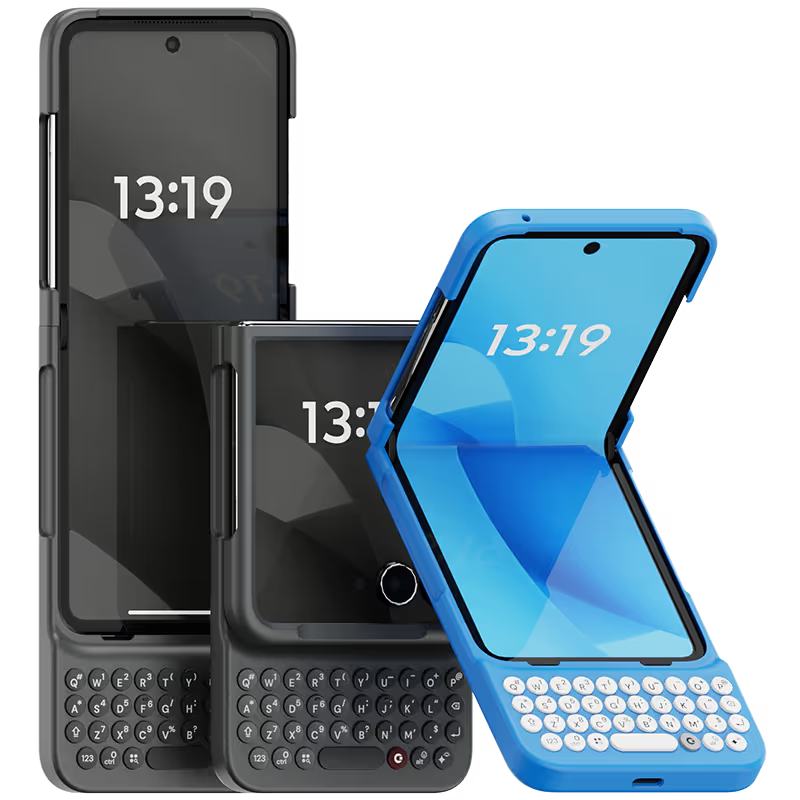
Why you'll love Clicks.

1
Feel satisfying real buttons
Pressing real buttons and hearing that little clicking sound feels more natural and rewarding.
Replay
2
Elevated premium protection
Brushed metal side keys, a microfibre lining, and a new enclosure that feels great while adding protection inside and out.
Replay
3
See more screen
Free your screen, with 50% more usable display to work, play, surf, chat and engage with your content.
Replay
4
Take action, faster
Launch customized shortcuts at the push of a button. Personalize your keyboard to control your home, launch apps, text or call contacts.
Replay
5
Keep your laptop at home
Make more happen right from your phone without needing to crack open your laptop.
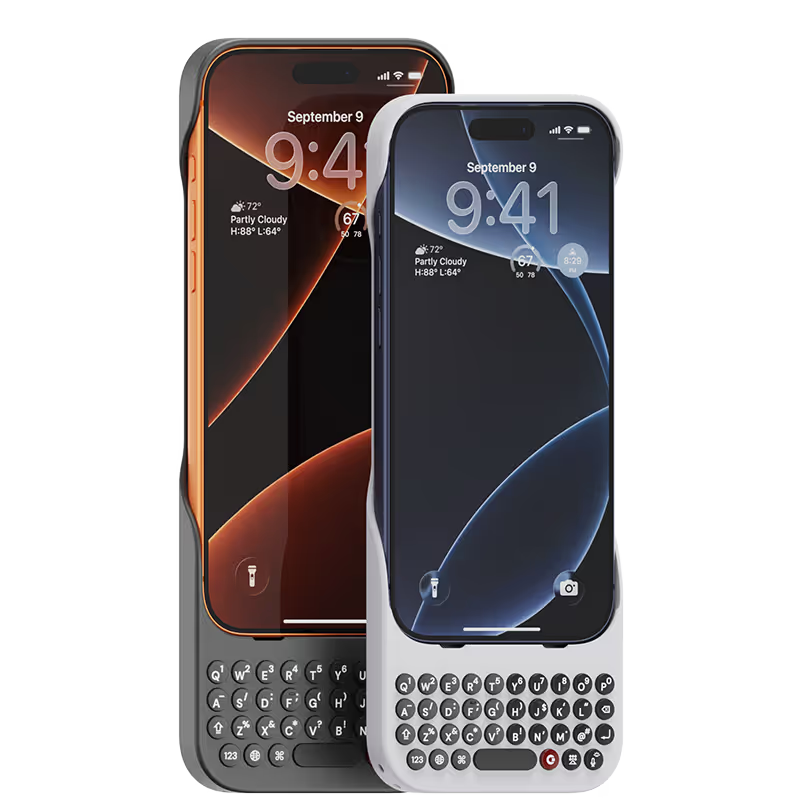
Clicks for iPhone
Available for iPhone 17, 16, 15 and 14.
In stock & shipping now.
Buy Now
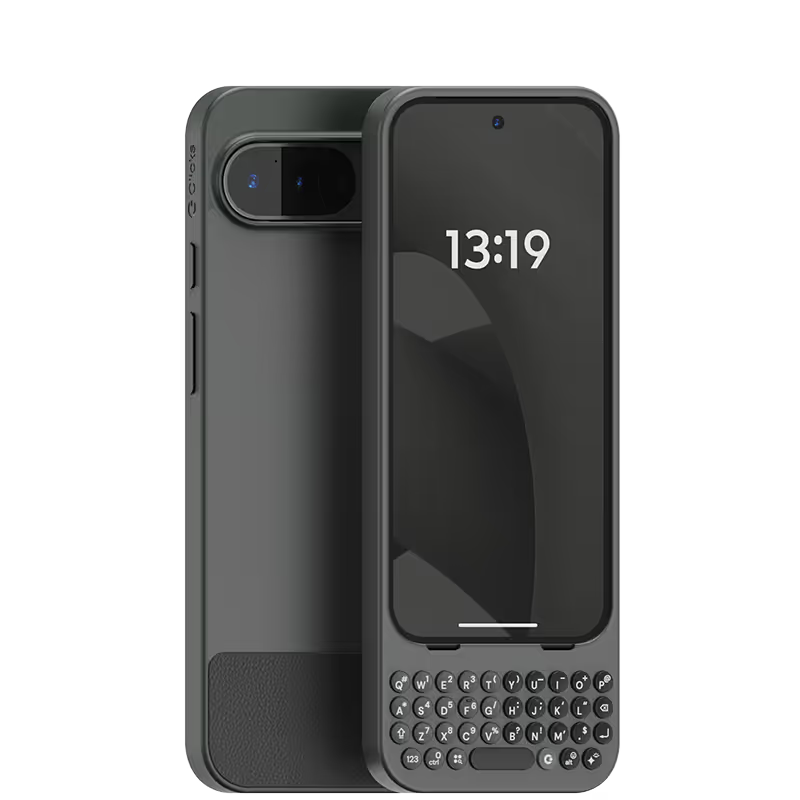
Clicks for Pixel
Pixel-perfect productivity.
Available now.
Buy Now
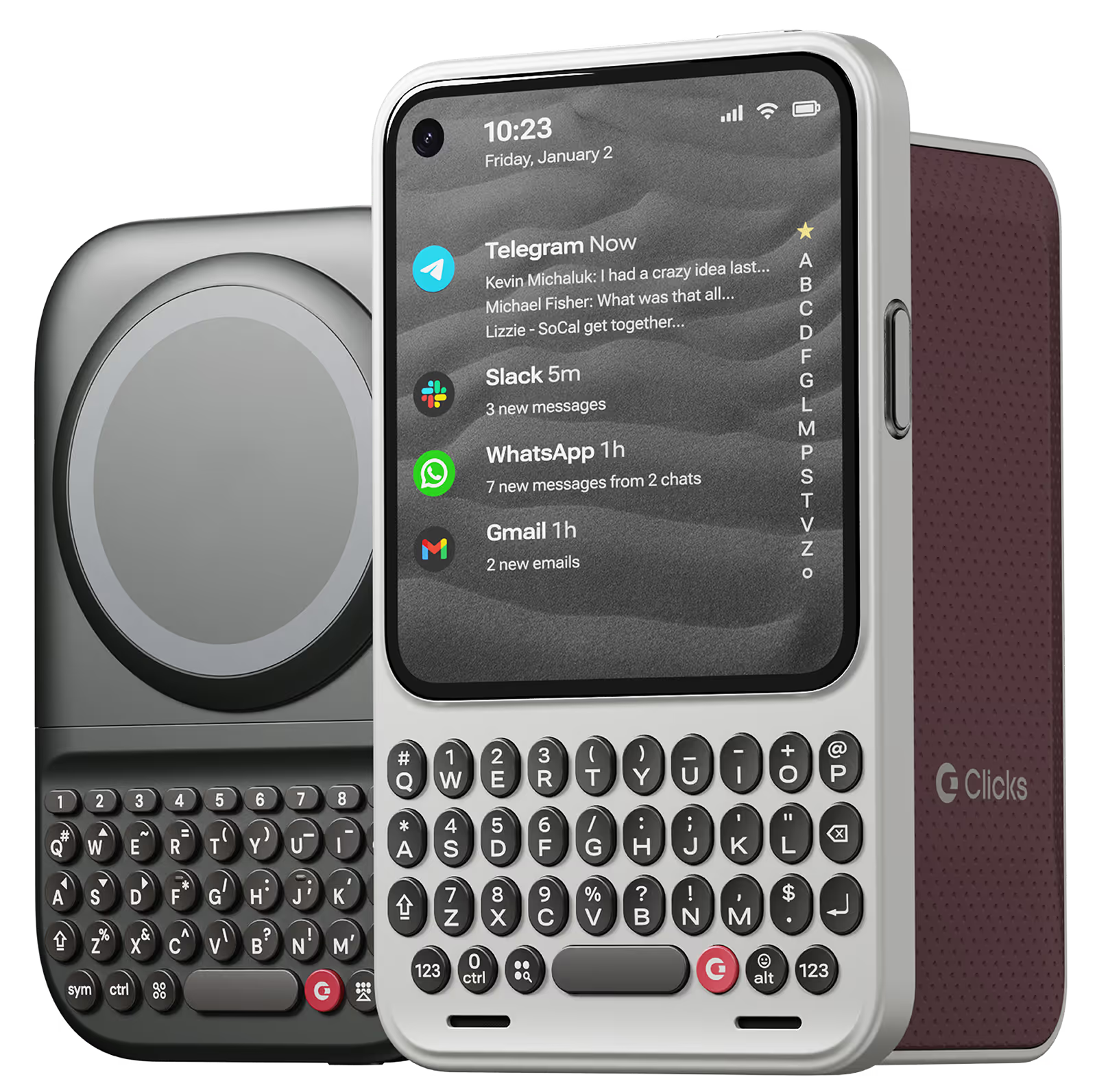
Clicks for Razr
Pocket-sized. Power-packed.
Available now.
Buy Now

Buttons with benefits.

More Screen

Get 50% more usable display to work, play, surf, chat and engage with your content.

Customizable Shortcuts

Launch custom actions at the push of a button.

Powerful Productivity

Real buttons that help you work smarter while away from your desk.

What Clicks users are saying.

Based on 5,328 user reviews.
Jamie Anderson
Clicks Keyboard for iPhone 15

Love it.. was waiting to get my hands on this for a long time .

Visit source
Robbie
Clicks for iPhone 15

I have to say, as much as I was looking forward to this case, it still surprised me. I was blown away in the first hour. The keys feel great. The placement it borderline perfect. Honestly, I was worried that my 15 Pro Max would feel top heavy but I really having seen an issue with weight distribution. The whole package is really solid. I am not in love with the fact that I will have to put an magnet ring on it in order to get mag-safe to work but heck, nothing is perfect. Good Job Clicks.

Visit source
JISOO PARK
Clicks Keyboard for iPhone 14

good good good nice good good

Visit source
Aimee Walker
Clicks Keyboard for iPhone 17

Absolutely loving my clicks case, I have used one before 16pro and loved it straight away so much better typing on proper keys and love that I have a lot more screen space. I can’t see me using my phone without this case. I also like the new design and that I can have a strap now 🙂 I would definitely recommend this case and have been doing with the amount of people asking where I got it from.

Visit source
Claude-Jacques Vladimir Limontas
Clicks Keyboard for iPhone 16

I really love it

Visit source
Li D.
Clicks for iPhone 15

Just very good

Visit source
David E.
Clicks for iPhone 16 Pro

Attention, tech enthusiasts and keyboard warriors! Remember the nostalgic days of tactile typing on your mobile phones? The satisfying clickety-clack that accompanied every text message, email, and hastily written note? Relive those moments with Clicks for iPhone, a resurrection of the lost art of physical keyboarding. As a seasoned veteran of the mobile phone scene, I've witnessed the rise and fall of countless trends, but few have intrigued me like Clicks. This ingenious little add-on empowers you to transform your sleek touchscreen iPhone into a pocket-sized productivity powerhouse, enhancing your efficiency on the go. The Clicks keyboard is a marvel of engineering, with well-spaced keys that provide just the right amount of tactile feedback. Typing on it is like typing on a miniature laptop, but without the bulk or the awkward stares from fellow commuters. Sure, it takes a bit of getting used to. My thumbs initially felt like a fish out of water, flopping around in search of their digital home. But after a few days of practice, I was zipping through emails and social media posts with newfound speed and accuracy. And let's remember the sheer joy of hearing that satisfying click with every keystroke. It's a symphony of productivity, a rhythmic reminder that you're getting things done. Of course, there are a few minor quibbles. The Clicks keyboard adds a bit of bulk to your iPhone and makes it longer. But for those of us who prioritize function over fashion, these are minor sacrifices. So, if you're tired of hunting and pecking on your touchscreen keyboard or simply yearning for the tactile typing experience of yesteryear, give Clicks for iPhone a try. Your thumbs will thank you.

Visit source
Ammar B
Clicks Keyboard for iPhone 15

Typing on my phone is very enjoyable now and Clicks made me more productive on my iPhone 15 overall. My only concern is now I feel l can’t live without it, so hopefully I can get Clicks on future phones as well!

Visit source
Sarah W.
Clicks for iPhone 15 Pro

I'm a writer, and I do a lot of typing on my iPhone. This Clicks keyboard has made a huge difference in my productivity. It's so much faster and more accurate than the on-screen keyboard, and it's really comfortable to type on. I also love that it's so lightweight and portable. I can take it with me wherever I go and get some work done.

Visit source
Emily Allen
Clicks Keyboard for iPhone 16

I honestly can’t speak enough about how great it is having a full keyboard. I sent my phone down at a bar or a counter. Somebody’s always asking me what new phone I have. My literal only comment is it is very long as I do have an iPhone 16+. I feel I type faster more accurately and I almost don’t even want to type on my phone anyway else.

Visit source

Clicks has you covered.
Try for 30 days.

It takes a week or two to get used to typing on real buttons –  you’ll need a little bit of patience and perseverance. Trust our tens of thousands of customers, it’s so worth it!

If it’s just not for you, we’ll give you your money back, no questions asked.