Select your iPhone 17 model.
Select iPhone model & color.
iPhone 17 Pro
$139
Price
iPhone 17 Pro Max
$139
Price
iPhone 17
$139
Price
Select your color.
Onyx
Smoke
$139
US$159
Shipping date metafield text.
Add to cart
Out of stock
Leave your email to be notified when it's back in stock.
We’ll email you when your selected model is back in stock.
Oops, something went wrong. Try again.
スピーディーな無料配送
追加料金なし
30日間返品保証
リスクなしでClicksをお試しください
80,000台以上を
100ヶ国地域で販売

Highlights

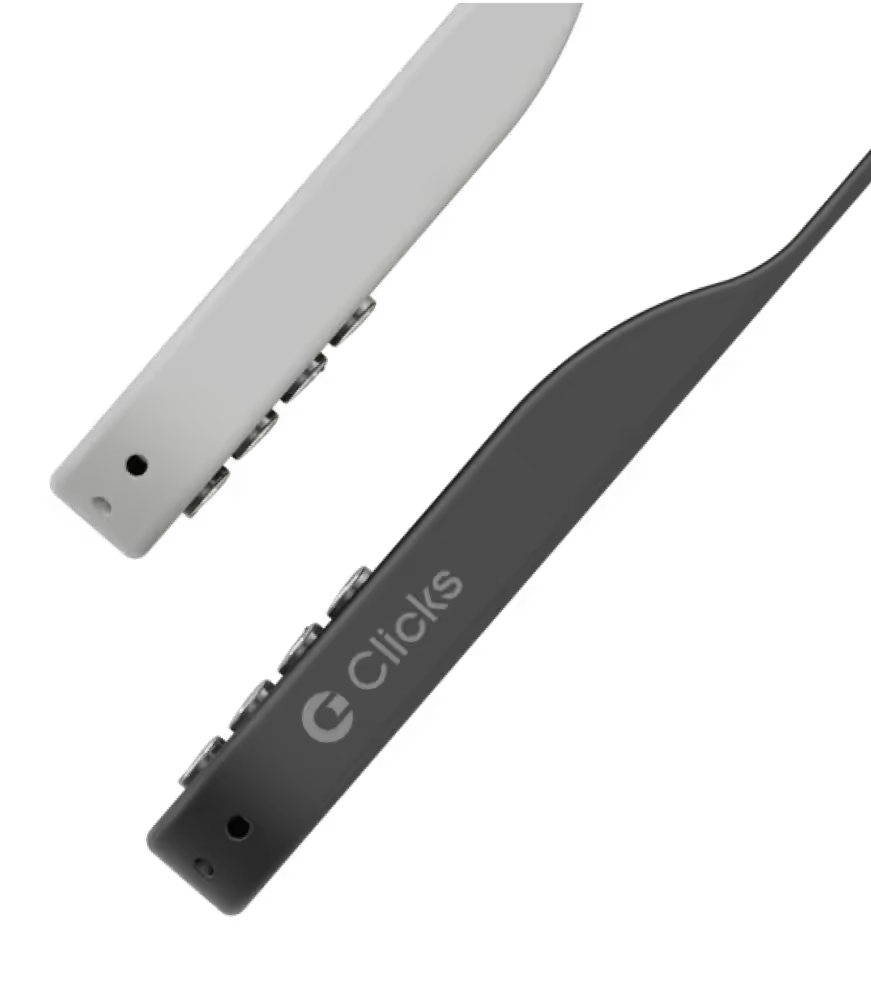
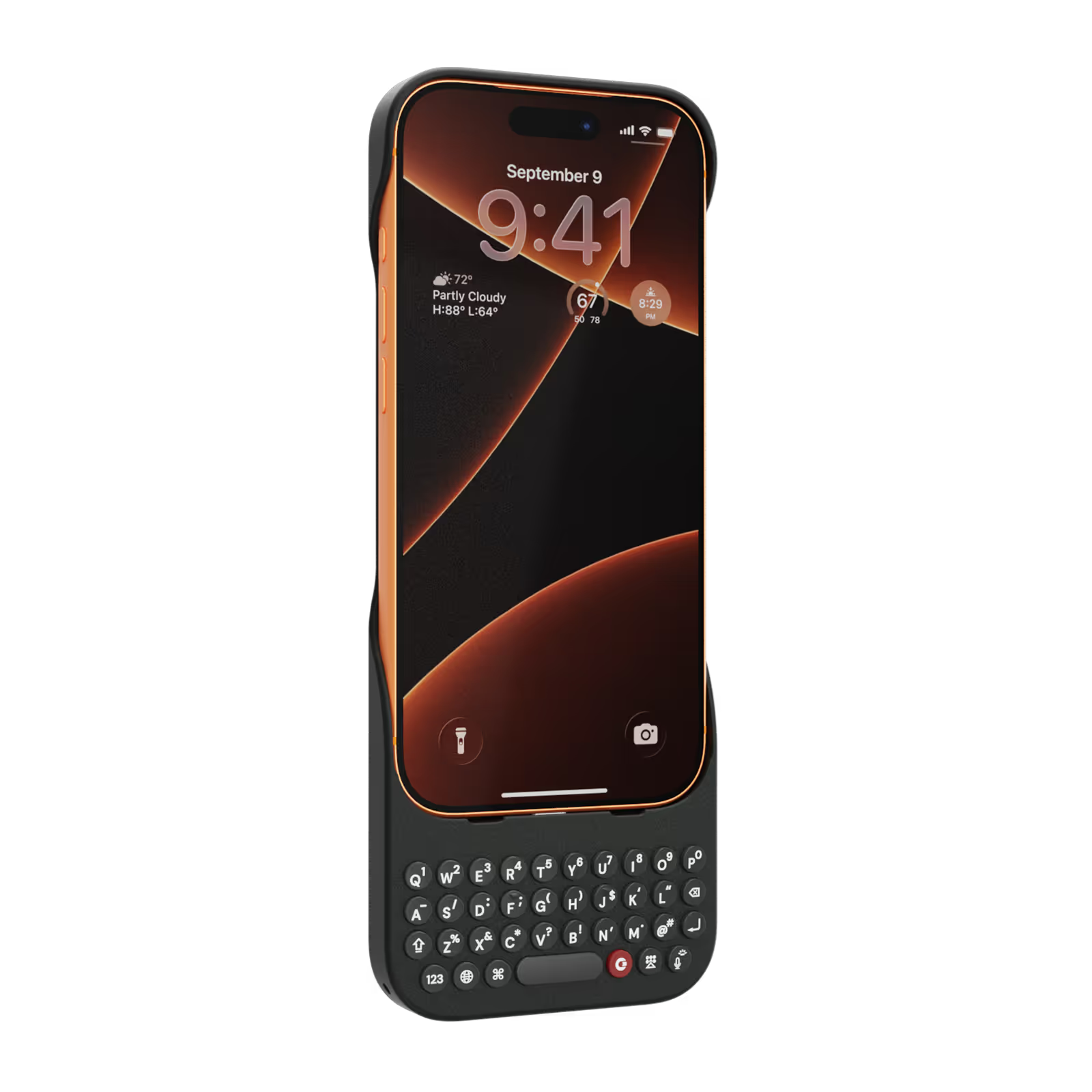
40% thinner.
11% lighter.
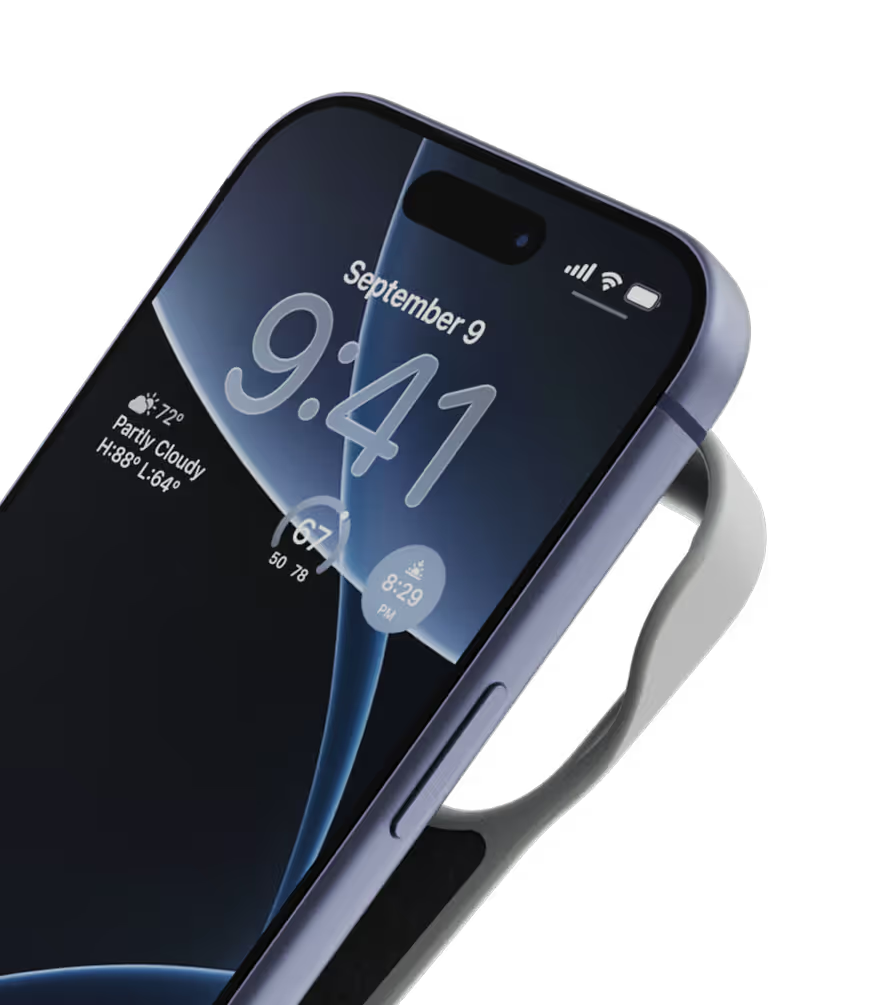
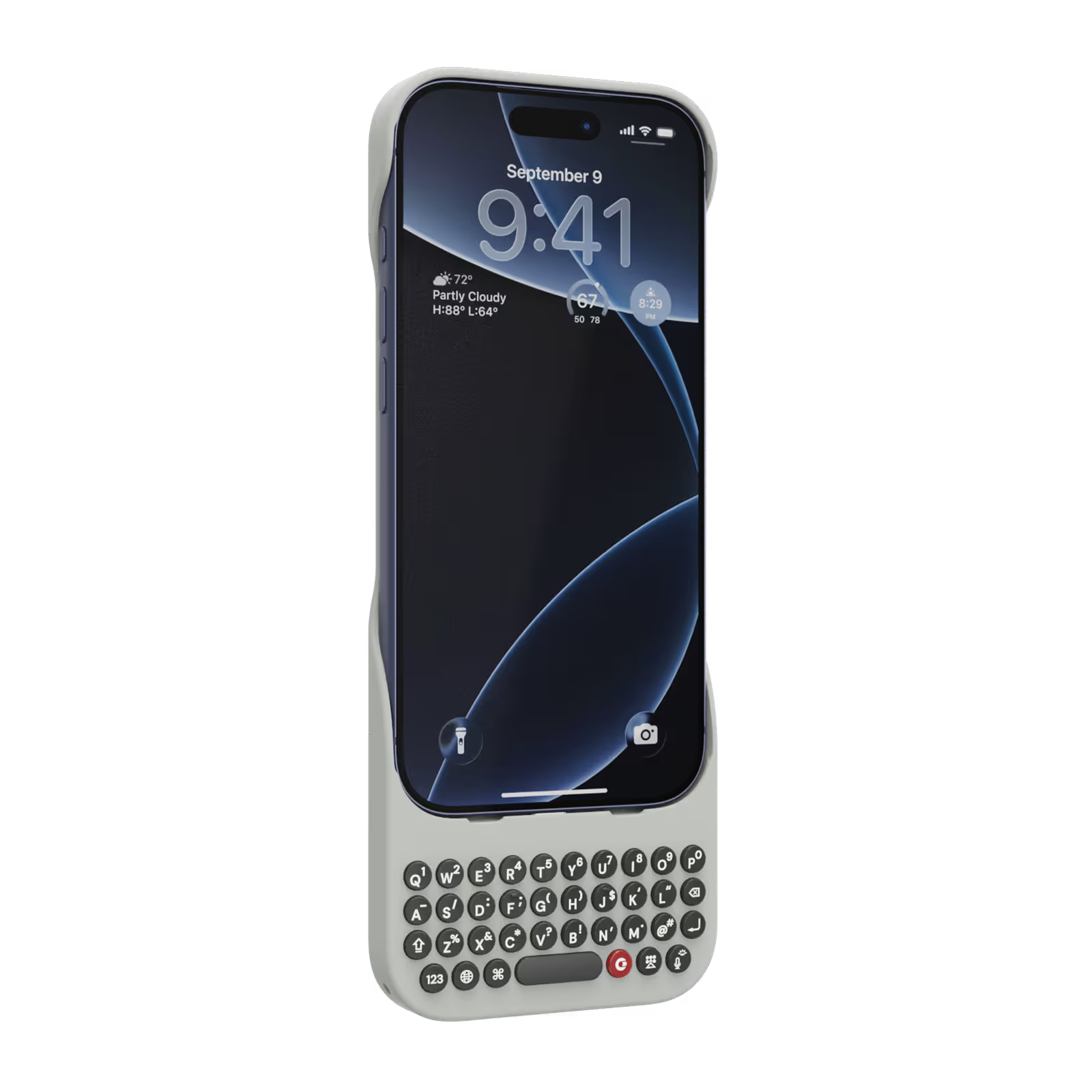
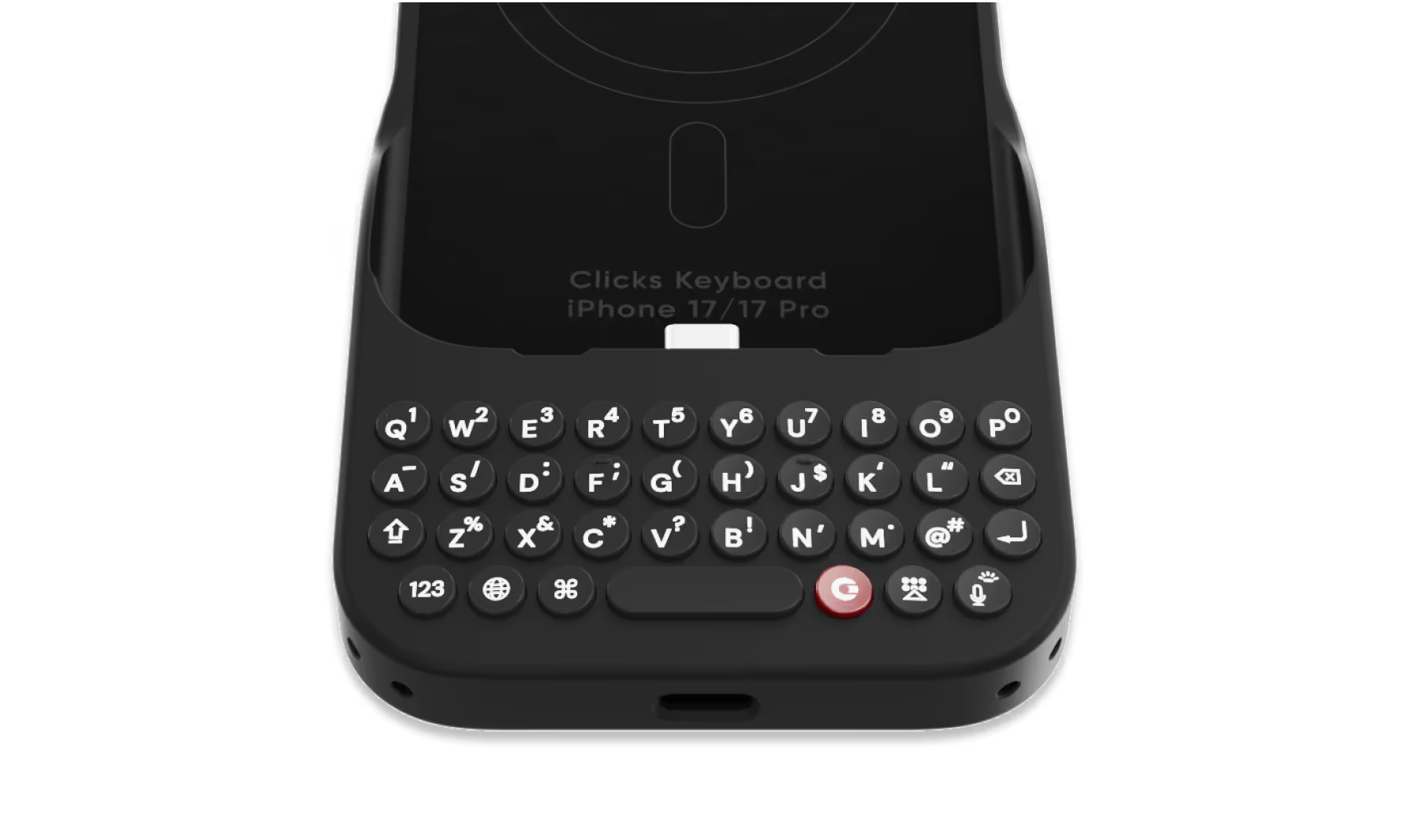
A refined design feels great in your hands and lets your iPhone’s personality shine.
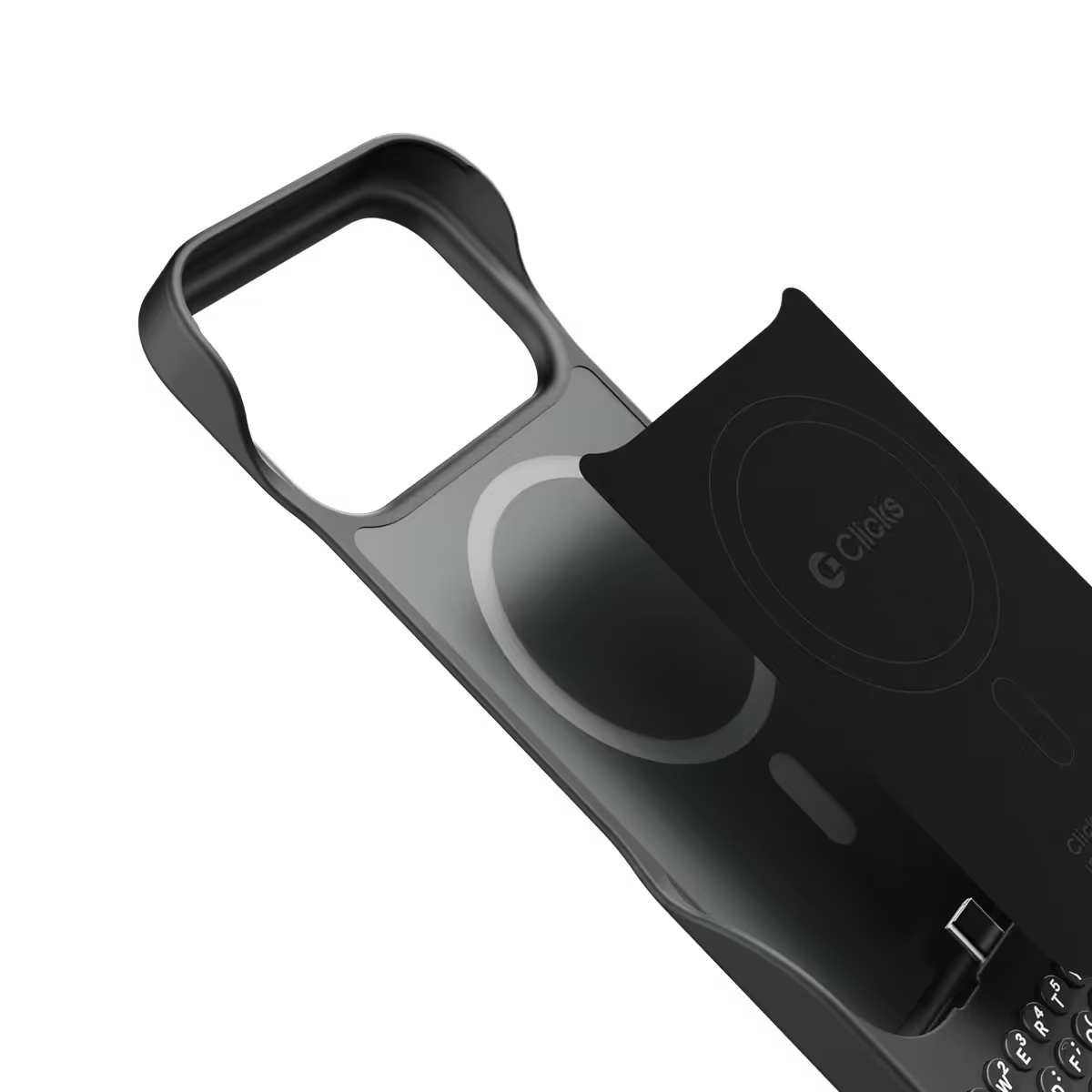
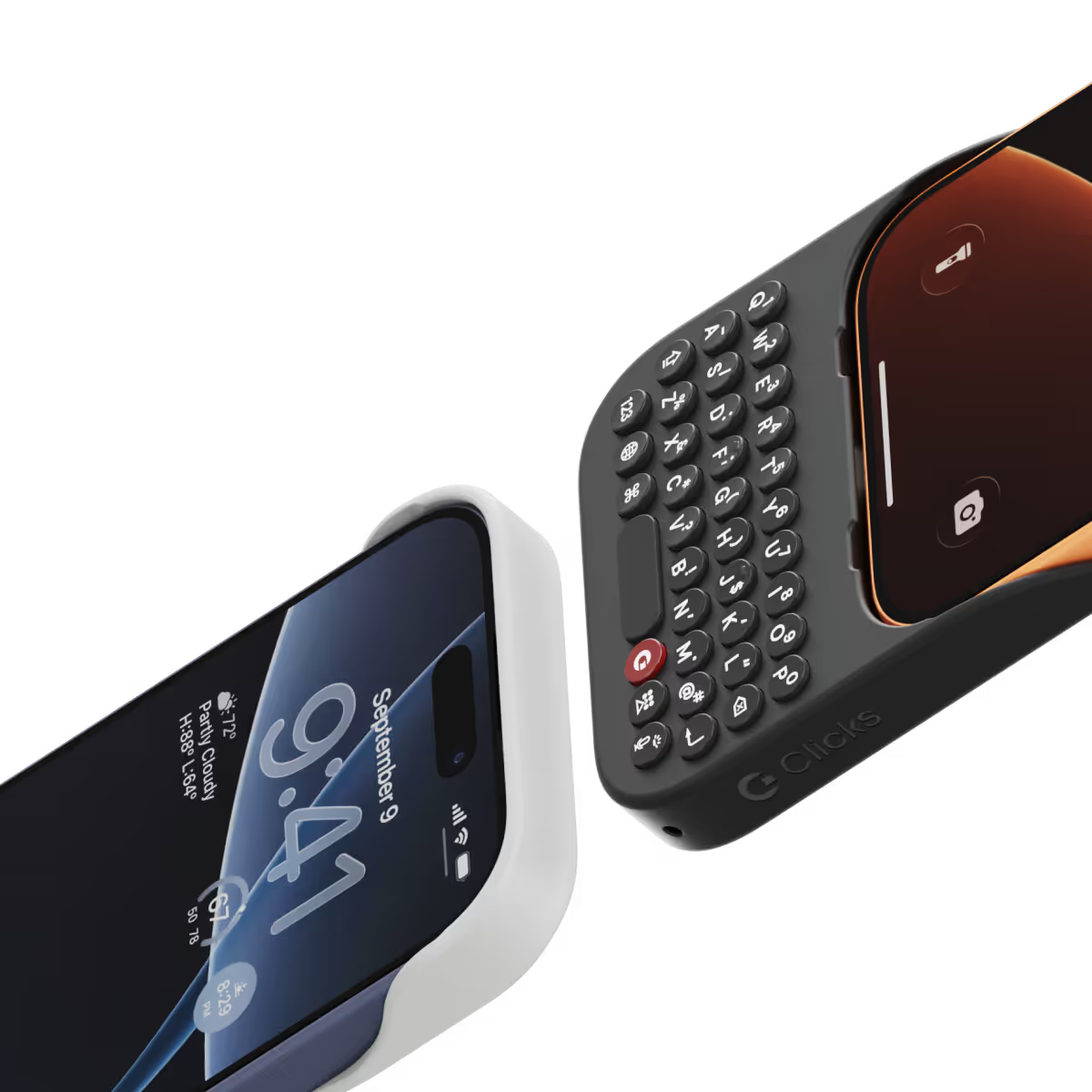
Snap-in
design.
Adding and removing Clicks to your iPhone just got faster and easier.
Lanyard-ready.
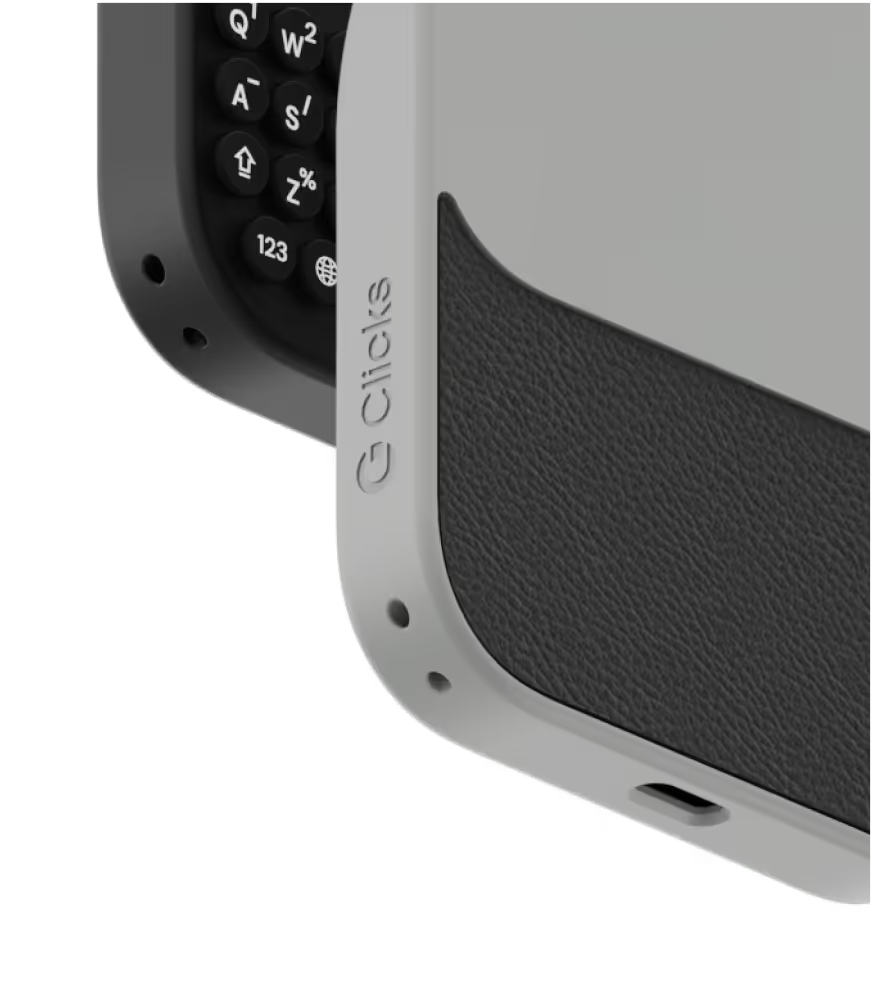
Dual lanyard attachment points make Clicks ready for a wrist strap or cross body.
Premium typing
experience.
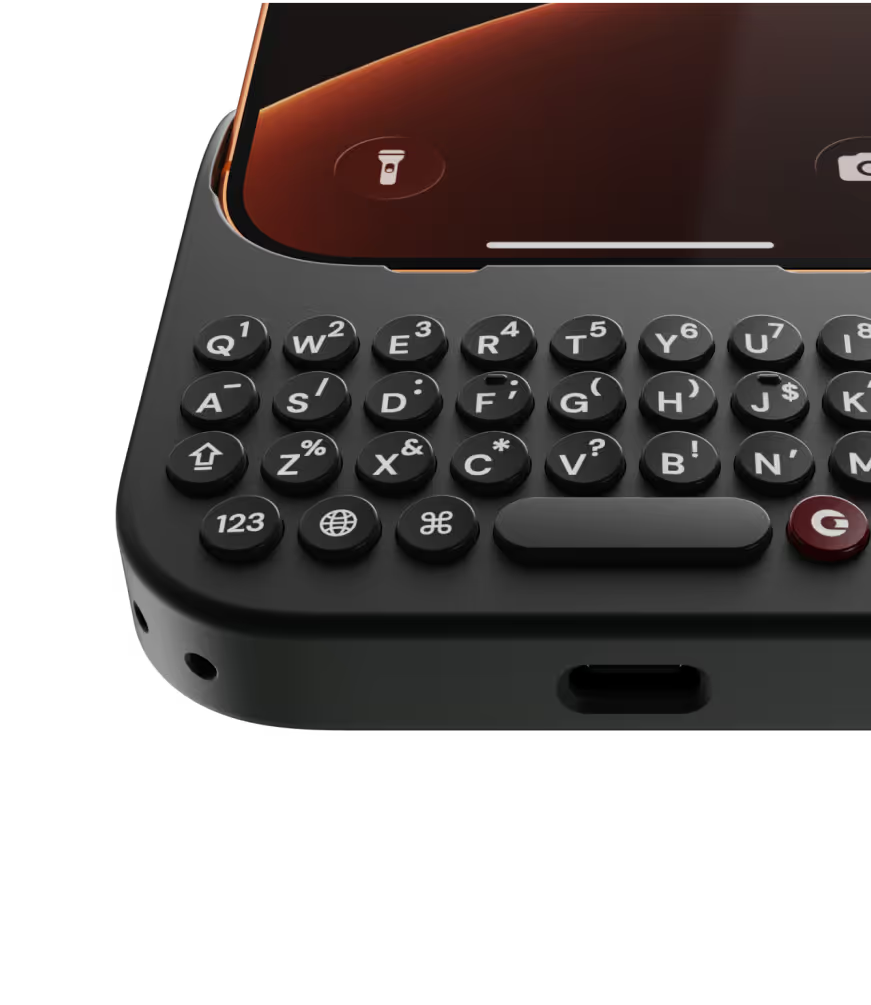
Type fast and accurately with ergonomic keys designed for comfort and confidence.
Patent-pending design

Take a closer look.

Why Clicks

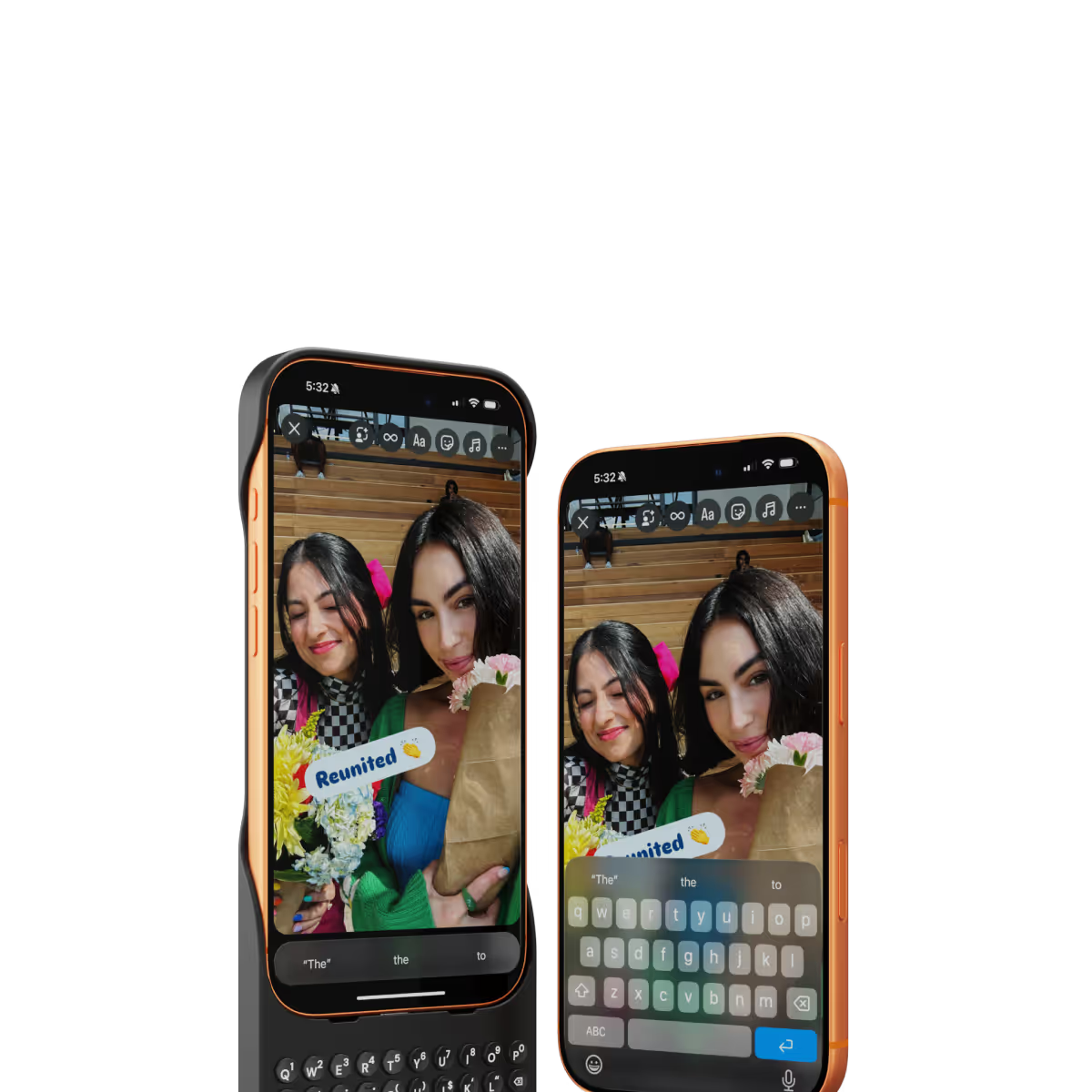
More screen.
By moving the on-screen keyboard off your display you reclaim 50% more usable space.
MagSafe built-in.
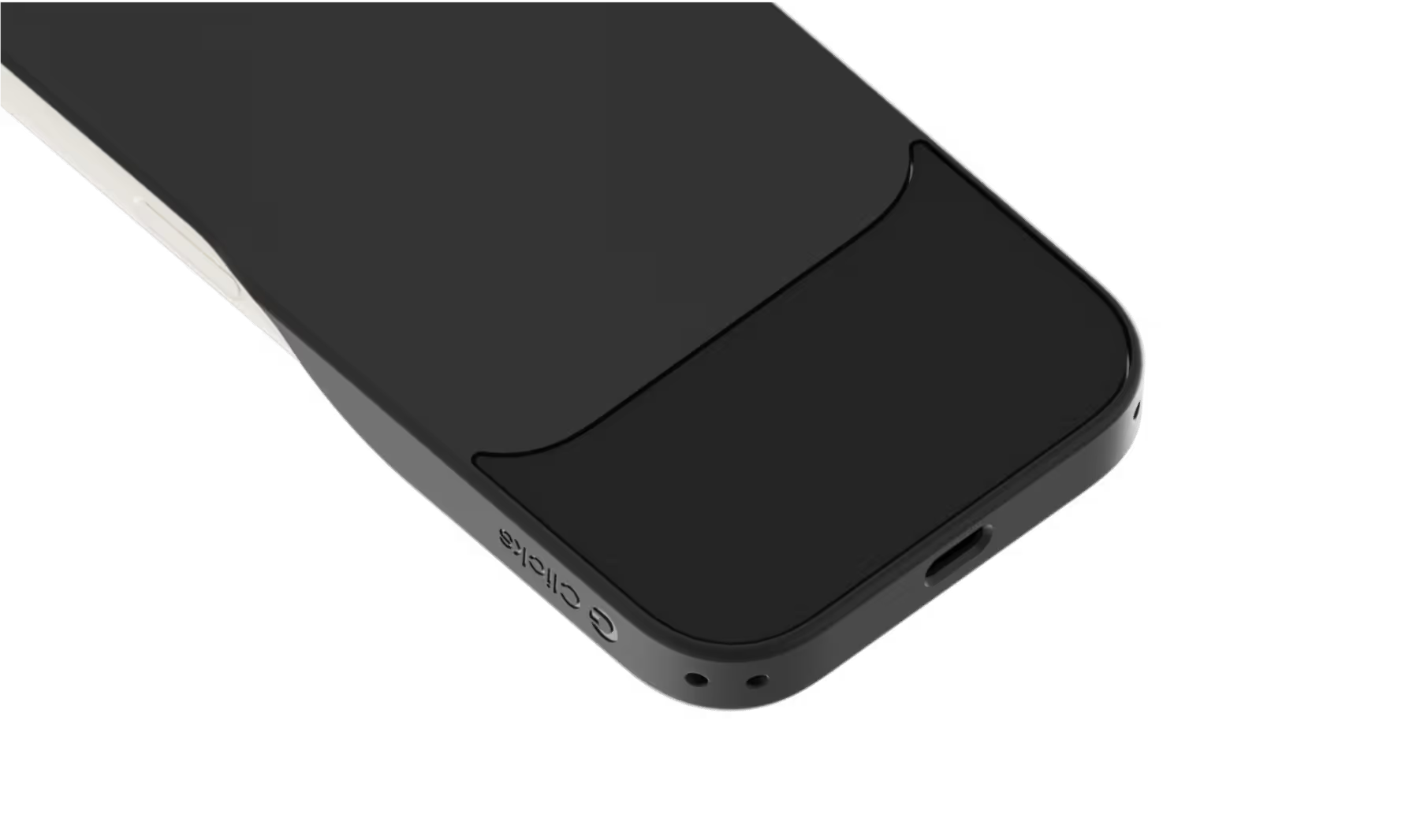
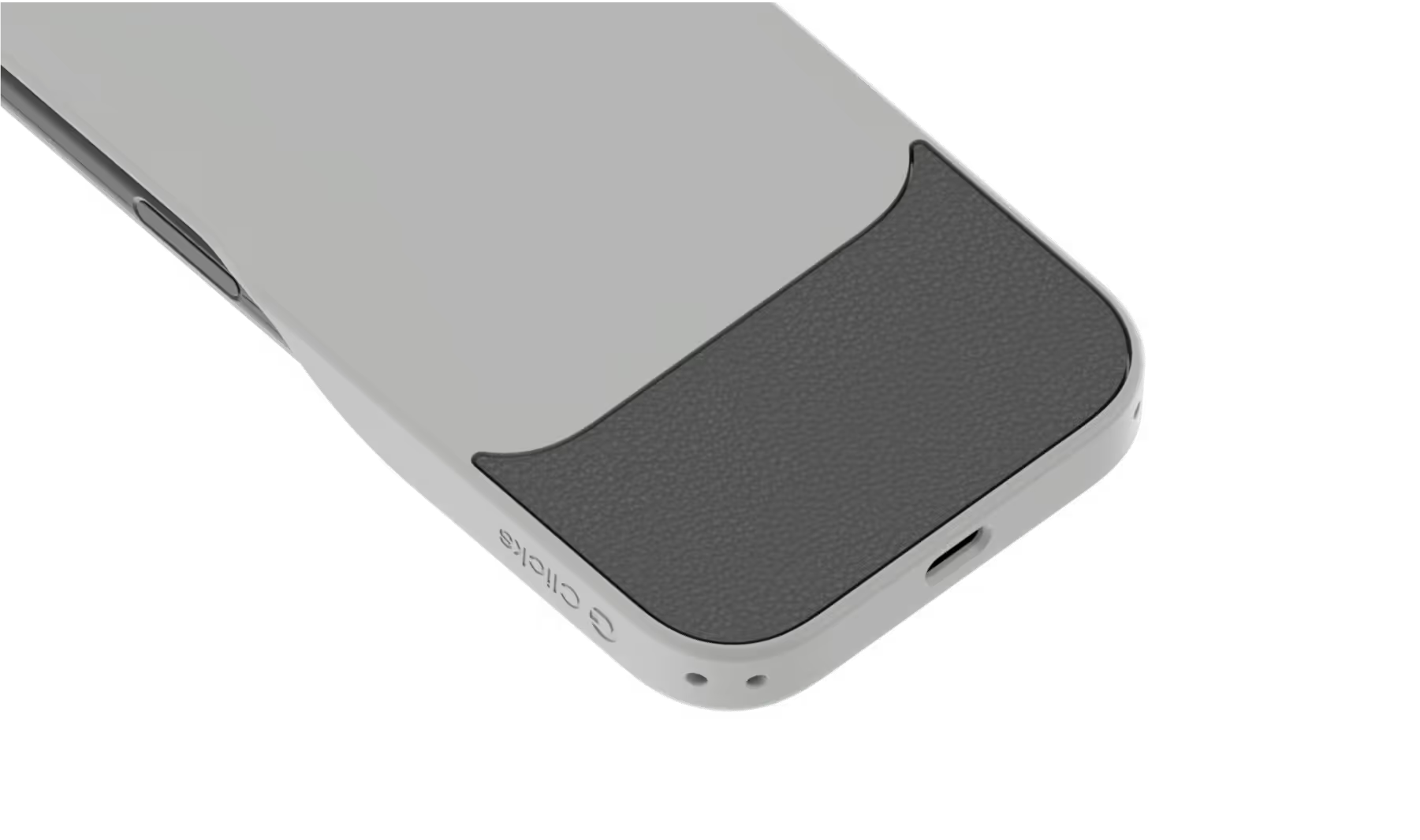
Use wireless chargers, car mounts or magnetic accessories without removing your case.
Case meets keyboard.
Protect your phone from drops while powering up your productivity with the benefits of buttons.
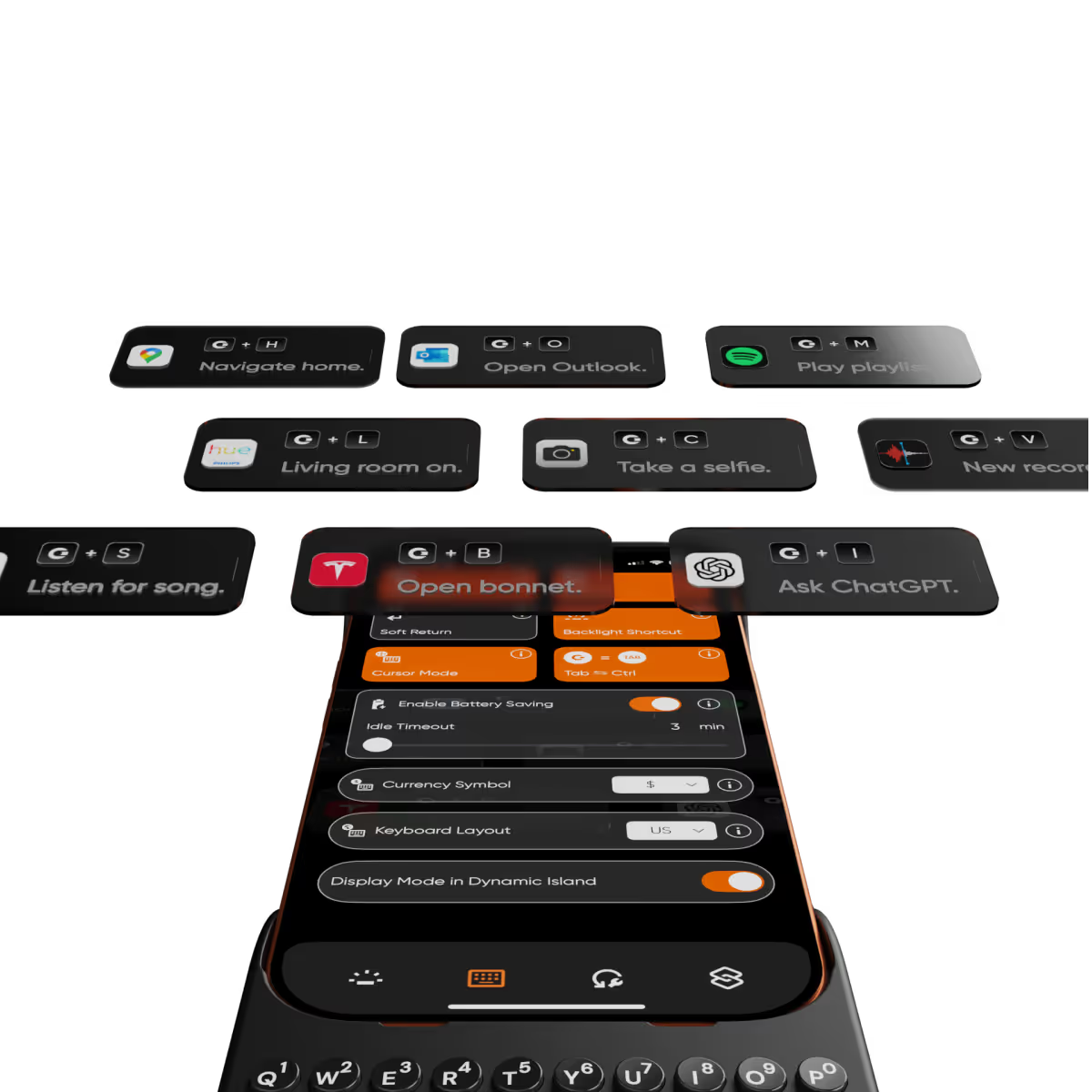
Clicks app.
Customize typing preferences and install keyboard shortcuts to quickly launch apps.

Compare Clicks Keyboards

Thinner, lighter design
Snap-in design
Lanyard support
Premium Keyboard Experience
Backlit Keyboard
Clicks Mode
MagSafe Compatible
New Ergonomic Sculpted Keys
USB-C Data Mode
Models Supported
17 Pro Max
17 Pro
17
16 Pro Max
16 Pro
16 Plus
16
15 Pro Max
15 Pro
15 Plus
15
14 Pro Max
14 Pro
Connectivity
USB-C (Charging + Data)
USB-C (Charging)
Lightning (Charging + Data)
Colors

FAQs

Will Clicks be coming to iPhone Air?

As iPhone air is a brand new platform, we want to get it in our hands and test it before deciding whether it’s suited to Clicks. If you’re interested in Clicks for iPhone Air, please complete this survey to let us know. We’ll contact you as updates become available.

Does Clicks for iPhone 17 fit older iPhone models?

No, Clicks for the iPhone 17 series is not compatible with previous generation iPhones. Clicks for the iPhone 17 Pro and iPhone 17 are interchangeable, but Clicks for the iPhone 17 Pro Max will only fit that model.

Will Clicks for iPhone 17 features become available for other iPhone models?

The thinner, lighter enclosure, snap-in design and lanyard support will be exclusive to Clicks for iPhone 17 models.

What are the main differences between Clicks for iPhone 17 and past Clicks keyboard models?

Clicks for iPhone 17 introduces a new enclosure design that's 40% thinner and 11% lighter than Clicks for iPhone 16. The new contoured shape makes Clicks easy to hold and allows your iPhone’s natural colour to shine through while the new enclosure makes it easy to add and remove your iPhone. Plus, a dual attachment point lanyard system allows you to use Clicks with wrist loops and cross-body straps.

Can I update the model, colour or shipping address for my Clicks for 17 pre-order?

Yes, absolutely! Reach out to support@clicks.tech with your order number and required changes. A team member will help make the necessary updates.

Where can I buy Clicks for iPhone 17

Batch 1 orders will be exclusive to Clicks.tech in 2025. Clicks for iPhone 17 may come to other channels like Amazon and Best Buy in 2026.

What Clicks users are saying.

Based on 5,328 user reviews.
Alexandre I.
Clicks for iPhone 15 Pro

Loved the case once used to it, i became addicted

Visit source
Olivia N.
Clicks for iPhone 15 Pro

I'm a freelance writer, and this keyboard has been a game-changer for my mobile productivity. No more typos or struggling with the tiny on-screen keyboard. The Clicks keyboard lets me write long emails and documents with ease. It's a lifesaver!

Visit source
Kenneth R.
Clicks for iPhone 15 Pro

I love my clicks keyboard. However, coming from Android (gboard), and BlackBerry previous to that, I really miss long press for alternate input. It would be amazing if you could add long press to input the symbols that are noted on the keys. I'm aware that this is difficult with iOS, but there are keyboard apps which do it so it should be doable with clicks.

Visit source
sine C.
Clicks for iPhone 14 Pro

Love it

Visit source
Sarah B.
Clicks for iPhone 14 Pro

I was hesitant about a clip-on keyboard for phones, but this Clicks Keyboard has completely changed my mind. The buttons have a great feel to them, just like a real keyboard, and they make typing so much faster and more accurate. The design is also very sleek and professional-looking. I don't regret this purchase at all!

Visit source
Edward King
Clicks Keyboard for iPhone 16

This is far more than I expected. I reviewed the website in detail, but once I got my product, I found there were many things that I could do that had never been mentioned. I’m sold and already signing up to get the release for the iPhone 17. Great, great job.

Visit source
Mokhzani Yusoff
Clicks Keyboard for Razr+ (2024)

Absolutely love Clicks !! As someone who appreciates tactile feels, the joy of having physical keys on my phone brings me back to the happy innocent days . Combining it with Razr gives me the best of bothworlds. The convenience of a flip phone and having a physical keyboard. I really hope that Gen 2 will have move customisable buttons and include home and back button so the only time I touch my phone screen will be to have a closer look at that weird thing on my skin ! Thanks Clicks for the creation Special thanks and credit to Amber from Support who sorted out the delivery issues faced.

Visit source
明梨 藪.
Clicks for iPhone 15

カチカチと言うタイピング音が癖になります

Visit source
Li D.
Clicks for iPhone 15

Just very good

Visit source
Theodore S.
Clicks for iPhone 15

This review was created on my iPhone with clicks and the tools available to proof my text. --- There’s always been a gap between what I can easily do on my phone and what requires my laptop. **Clicks** has significantly narrowed that gap. Tasks I used to avoid on my phone—like juggling multiple apps, working with spreadsheets, or doing in-depth research with detailed document annotations—are now much easier. Clicks has reduced my frustrations by removing the on-screen keyboard that often blocked important parts of my work. It expanded my screen space, making my phone much more efficient. I now feel more confident using spreadsheets without worrying about accidentally messing up a cell. With the ability to create custom shortcuts and increased proficiency with the keyboard, I wouldn’t want to go back to life without Clicks. It has truly transformed my phone into a more powerful mobile office.

Visit source